











KoLite · Pantallas y funciones
Using your system: dashboard, menu and guide
What a KoLite system screen looks like and where to find help on each page.
Este artículo aún no está traducido a su idioma: se muestra la versión en English.
En esta página
Every KoLite system works the same way, adapted to its industry.
What is on the screen
- Left menu: the system’s sections — daily operations, records (customers, services, products, staff), reports and settings.
- Dashboard (home): today’s numbers, alerts and lists of what needs attention.
- Language: buttons at the top (for example JP / PT) switch the language.
- “?” guide: opens help for the page you are on.
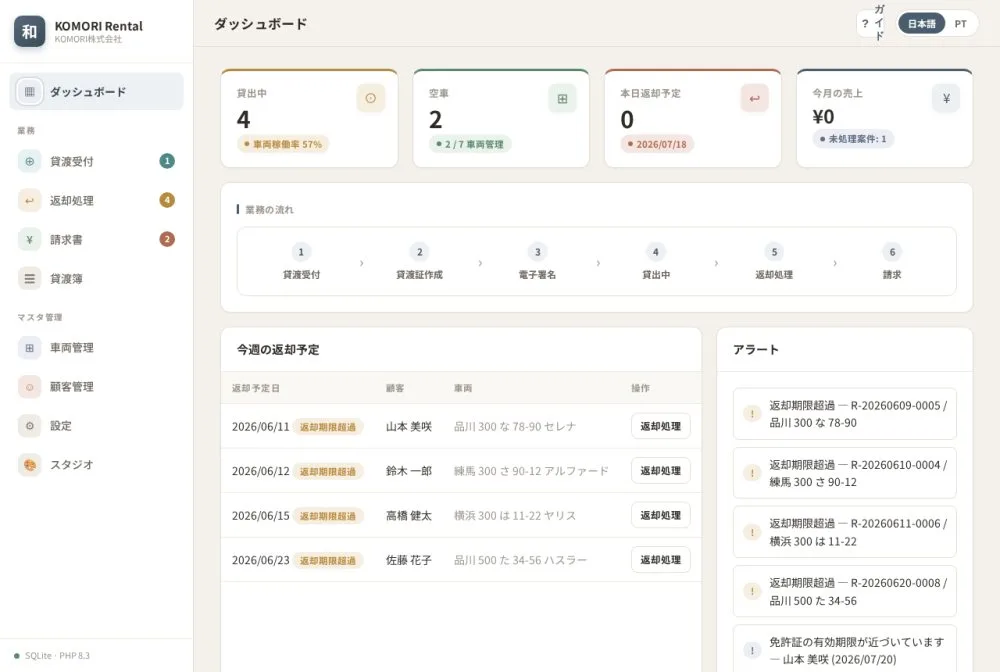
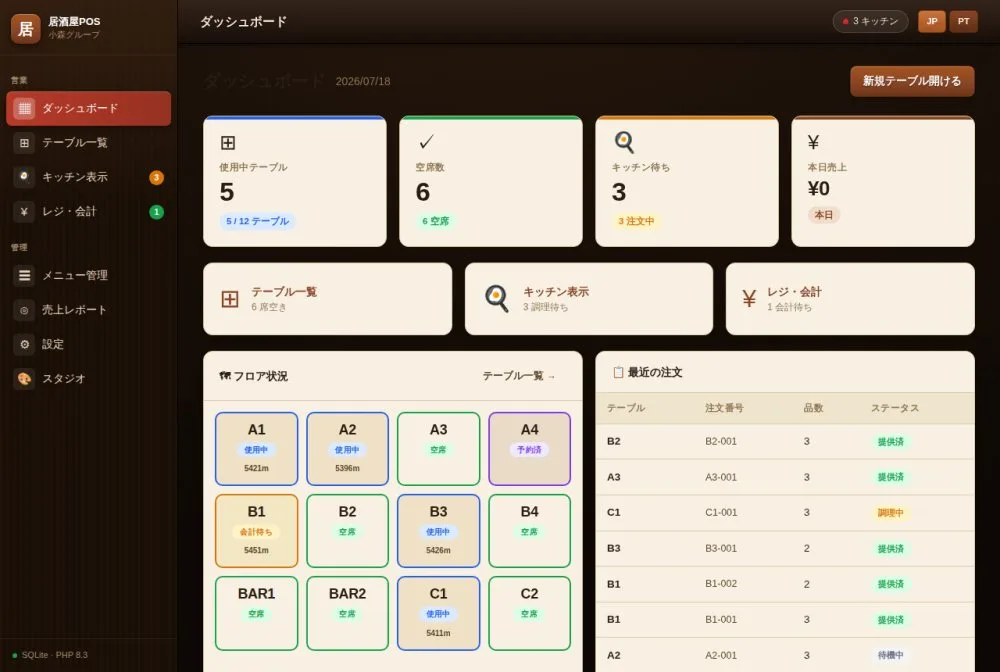
Examples by industry
Restaurant: tables in use and free, kitchen orders and checkout.
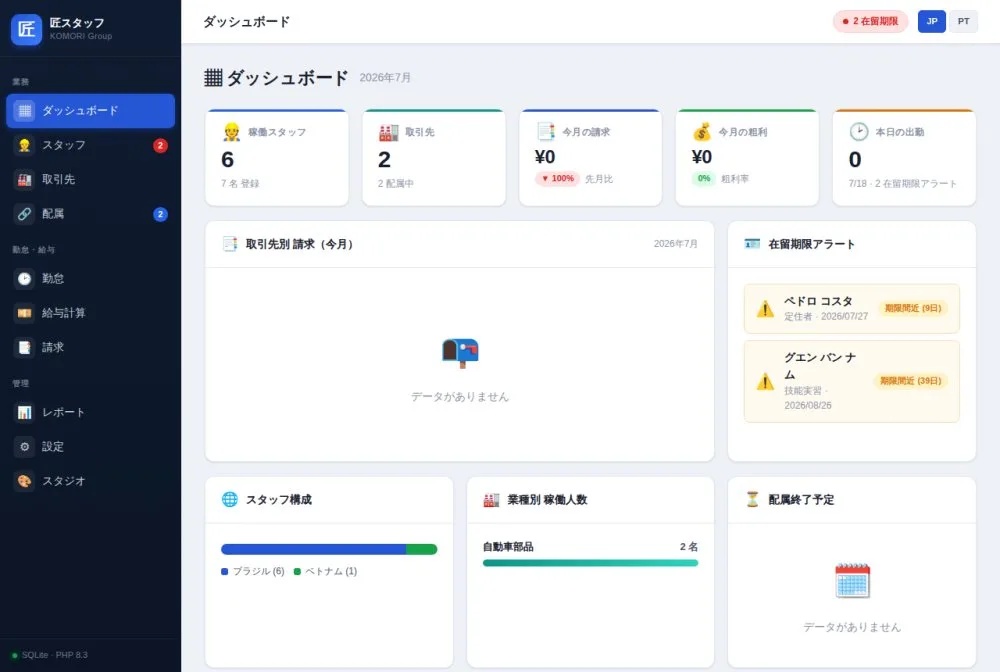
Staffing agency: staff, clients, assignments, attendance, payroll and billing, with visa expiry alerts.
Use the page guide
- On any screen, tap the ? (guide) button.
- Read the explanation of that page’s items.
- Close the guide and carry on.