











KOCHAT · Pantallas y funciones
Manage a group: members, photo, invite link and leaving
From the group gear: change name and photo, add or remove members, create the guest invite link, leave or delete the group. Who can do what.
Este artículo aún no está traducido a su idioma: se muestra la versión en English.
En esta página
What it is for
The Manage group screen keeps the group in shape: name, photo, who is in and who from outside may join. Regular members see the list; the group's Owner and Admins can edit.
Who uses it and where it is
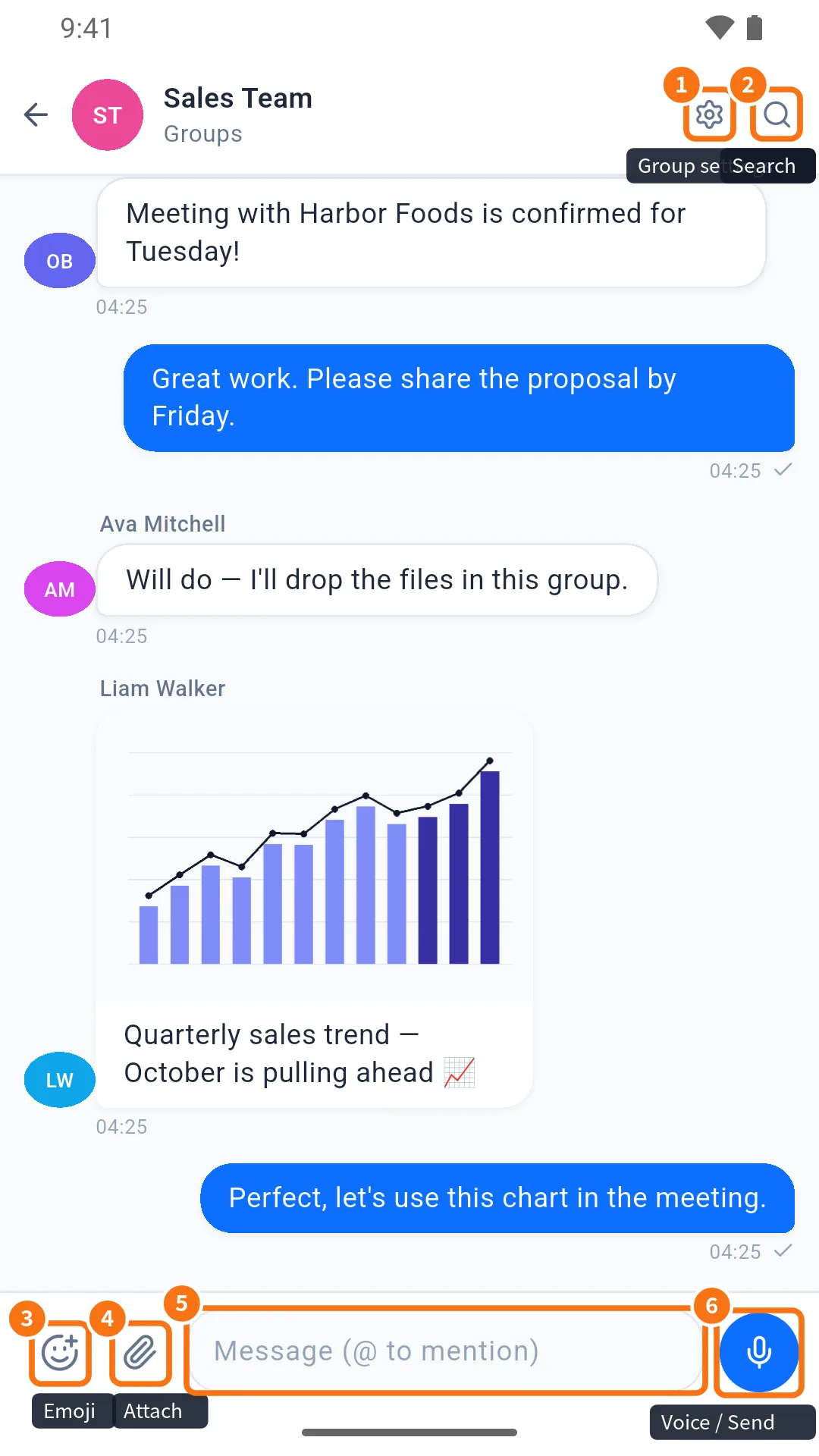
Open the group and tap the gear at the top (① in the image). You can also go through Group info → Manage.
What is on the screen
- Photo with a camera icon: Change photo.
- Group name (e.g. “Production Team”).
- Members: list with search (Search person…). Each row has a selection circle; labels Owner, Admin and guest.
- Invite link (when the plan allows external guests).
- Leave group and, for admins, Delete group.
Step by step: add or remove people
- On the gear screen, use Search person… to find the colleague.
- Tap the row to select (joins) or unselect (leaves).
- Tap Save. “Group saved” appears.
Step by step: invite someone from outside
- On the gear screen, tap Invite link. “Generating…” and then the link appear.
- Tap Copy or Share and send it.
- Anyone who opens it joins as an external guest in this group only.
Leave or delete
- Leave group: confirm “Are you sure you want to leave this group?”. Old messages remain for the others.
- Delete group: admins only. The group disappears for everyone — use with care.
Common problems and what to do
- Fields are locked: you are not the owner or an admin of this group.
- No “Invite link”: the company plan has no external guests, or you are a guest.
- “Select at least one member besides yourself.”: a group needs at least two people.
- Corporate group: members come from the company; changes may be redone at the next sync.
Related questions
- Groups tab and group chats
- How to create a group and bring people in
- Chat info: media, files, links and search