











KoCAD
Lightweight 2D/3D manufacturing CAD linked to KOREOS cases.
Bắt đầu
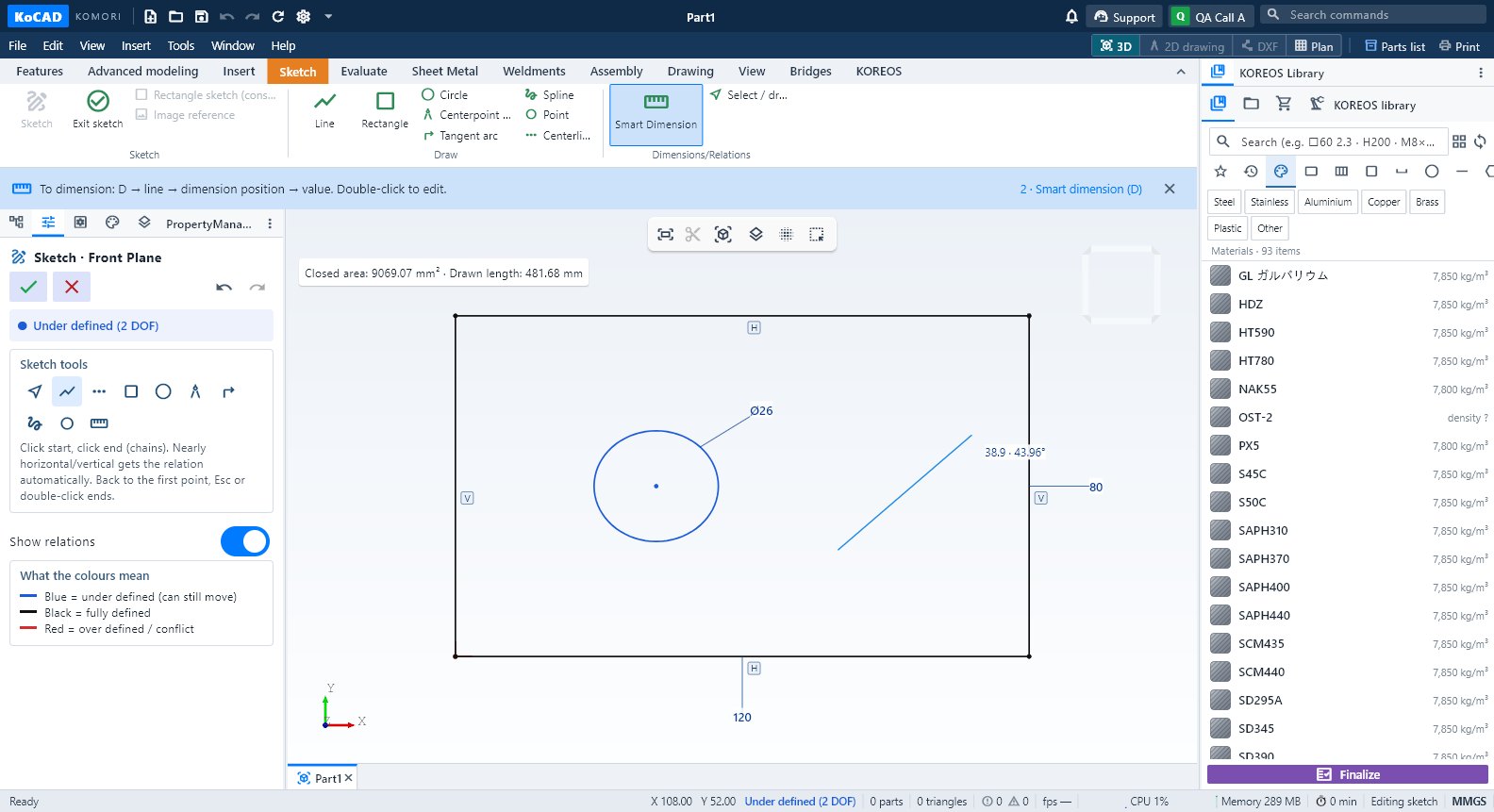 Getting started: your first part in 4 stepsSketch, Smart Dimension (D), extrude with depth and a 2D drawing — the shortest path from a new part to the shop drawing.English
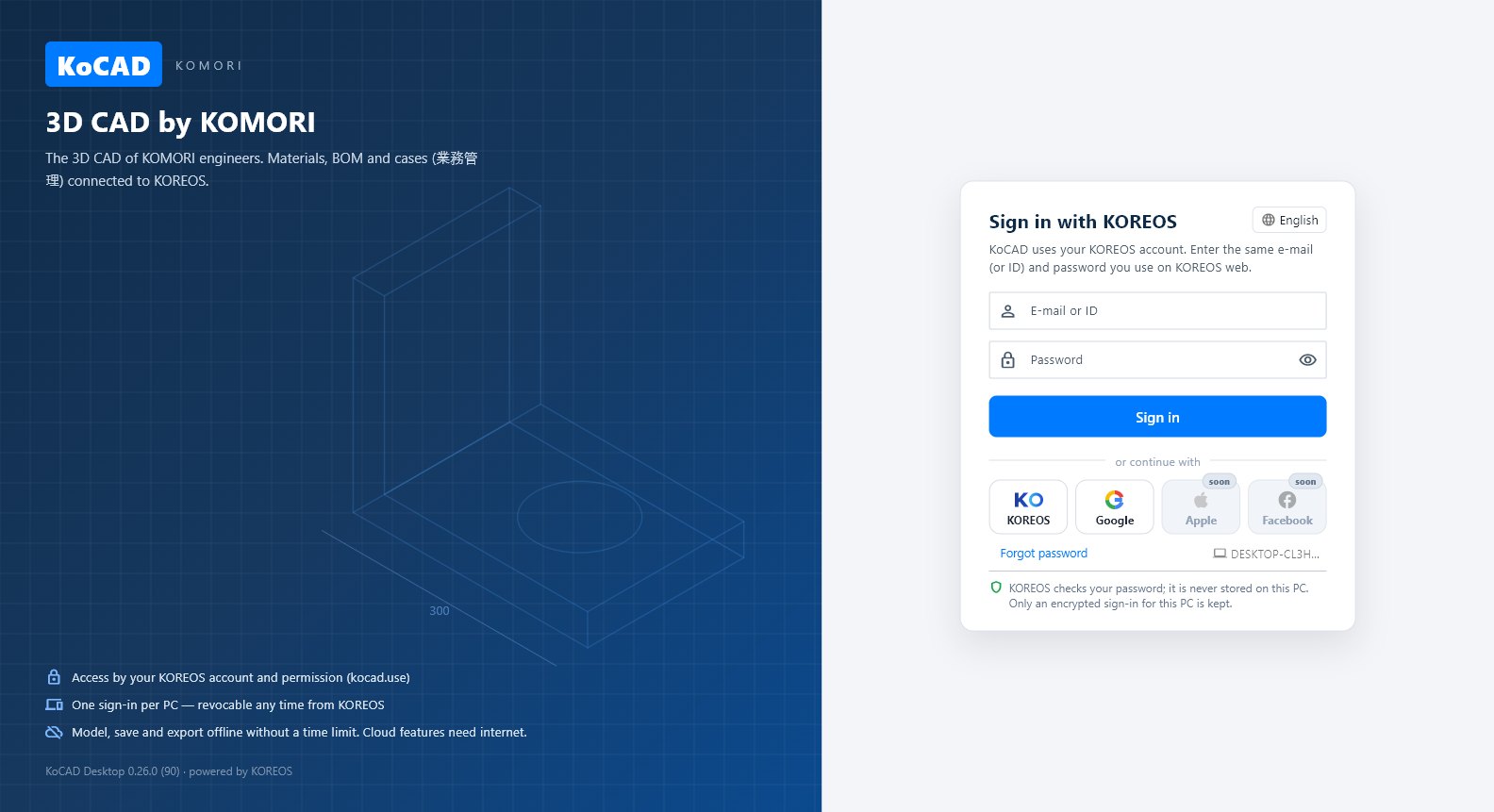 Install, sign in and work offlineWhere to download, how to sign in with your KOREOS account (ID/password, or KOREOS/Google in the browser), what works offline and how to see your PCs.English
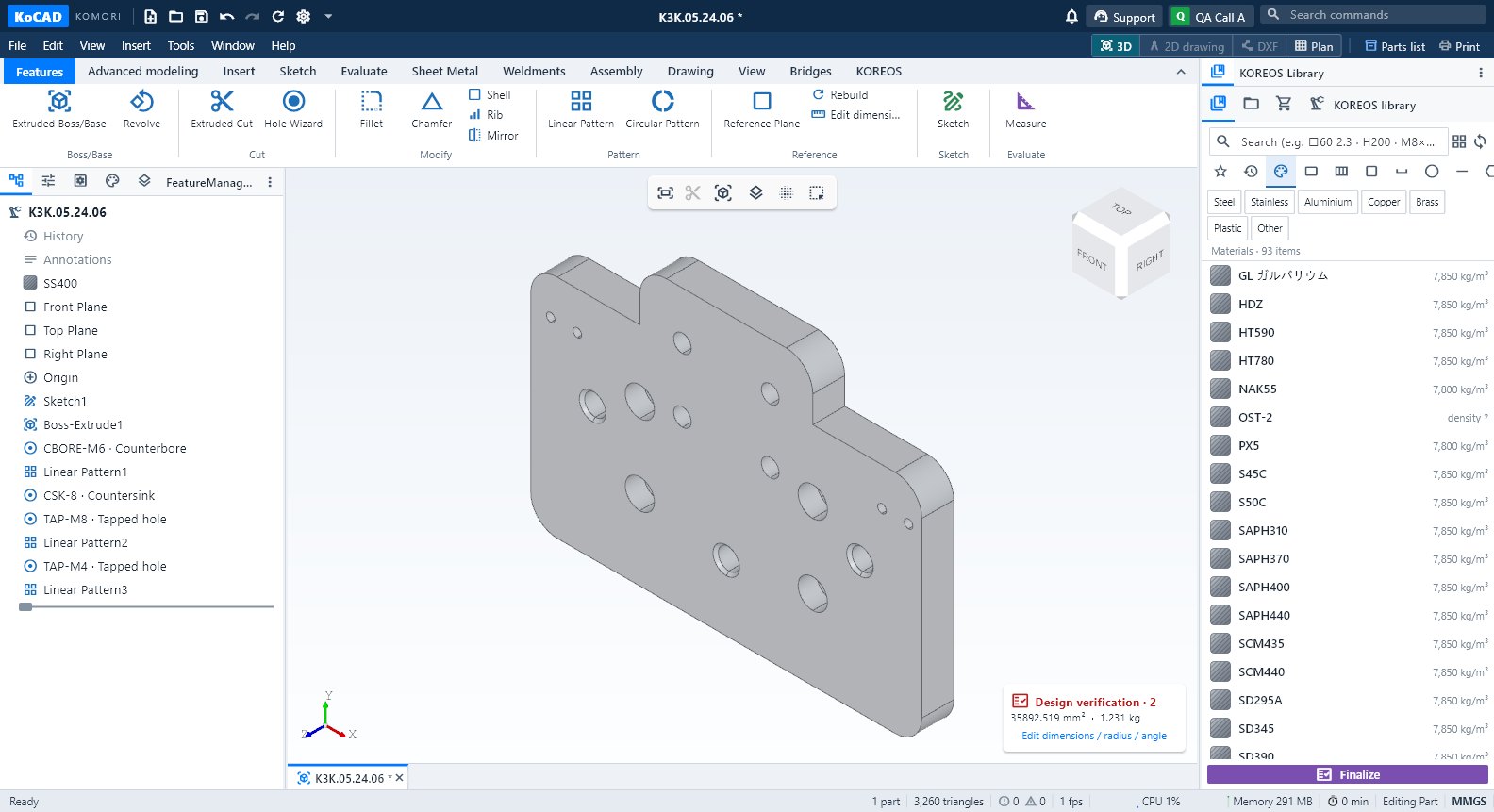 A tour of the KoCAD windowTitle bar, menus, the 12-tab command ribbon, left and right panels, 3D view and status bar — where everything is.English
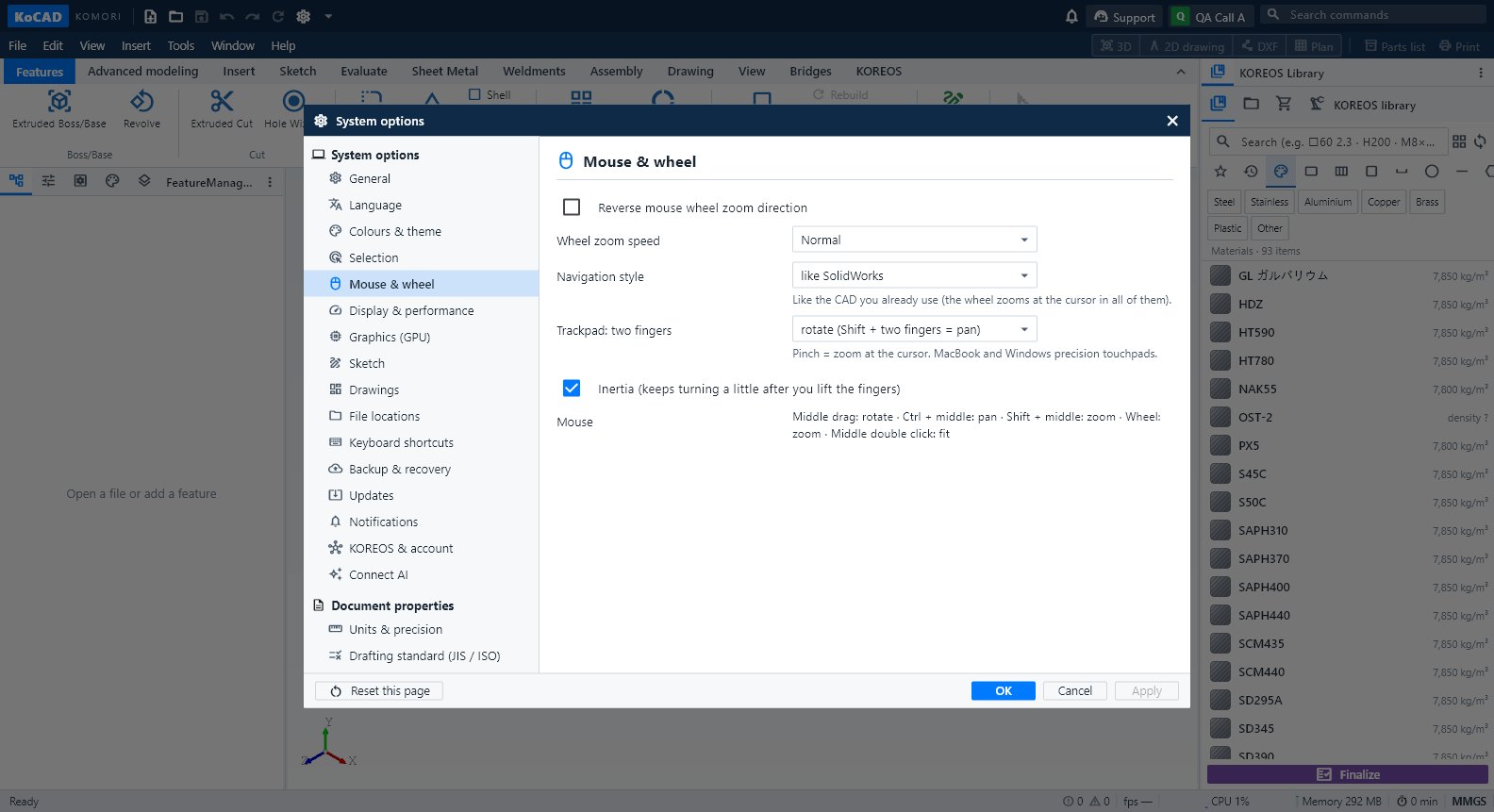 Mouse, trackpad and keyboard shortcutsOrbit, pan and zoom like SolidWorks, Fusion or Blender; factory shortcuts and how to change any of them.English