











团队与运营
KMR
组织团队并跟踪推广活动运营。
界面与功能
全部Home 1Work (clock-in) 3Shifts 2Messages 1My page 3Payment statements 1Settings and support 2Free account 2Manager — Home and Today 2Manager — Dashboard 1Manager — Shifts 2Manager — Messages 1Manager — Team and accounts 2Manager — Records and setup 3Manager — Payment statements 1On the web (browser) 2How to — staff 5How to — manager 5Plans and limits 1
How to — manager
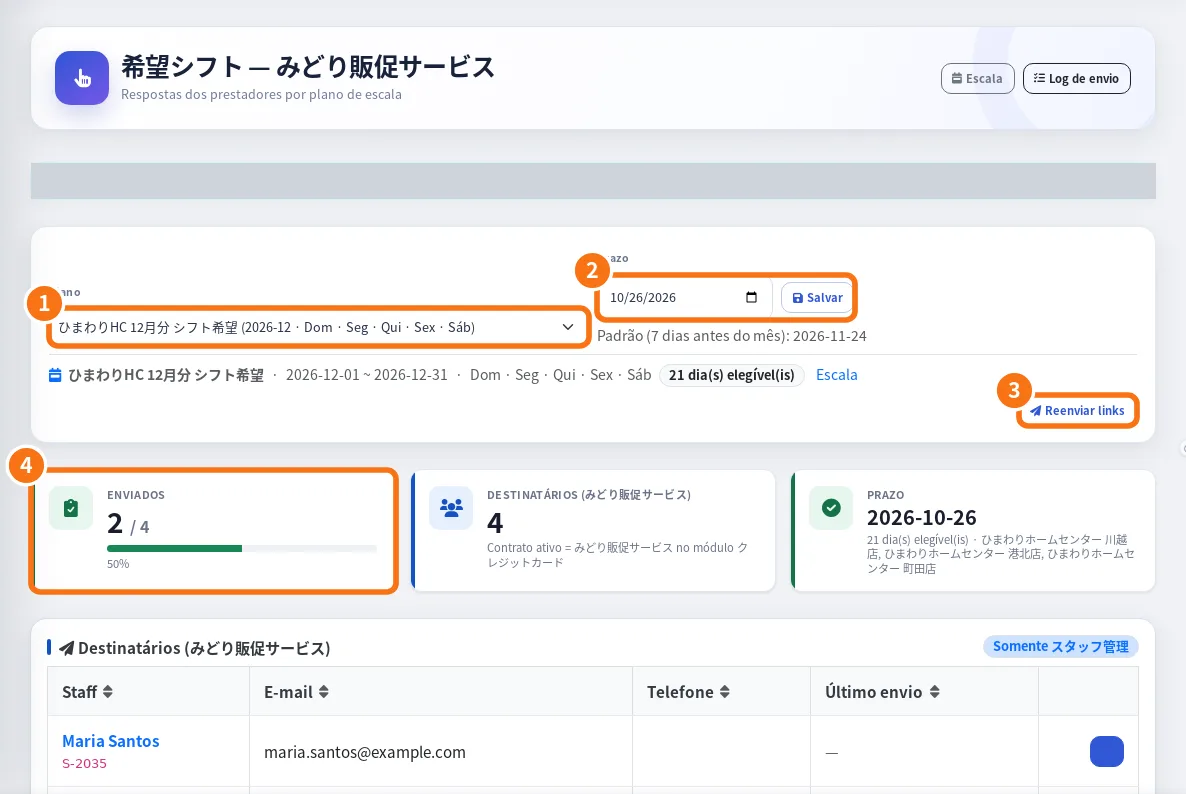 How to build the month's schedule from the team's preferencesManager walkthrough: open the preference request, follow answers, generate the draft, apply it and follow confirmations.English
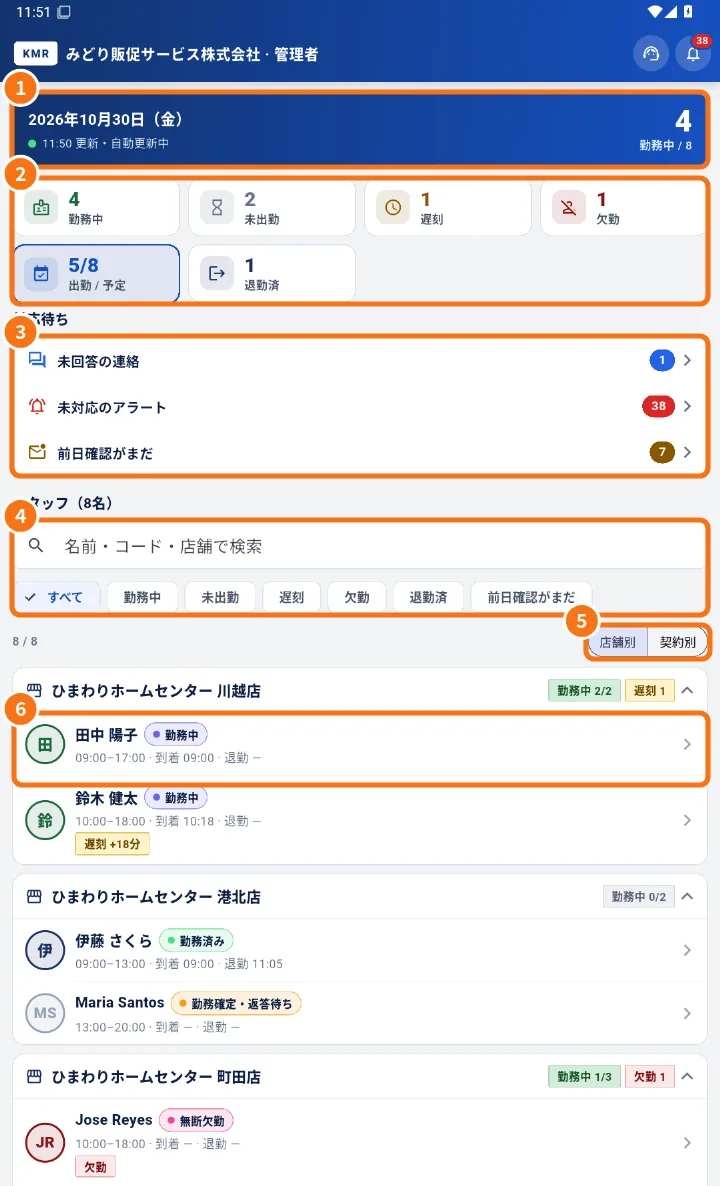 How to follow the team's day on your phoneA manager's daily routine: check who is in, act on lateness and absence, clear to-dos and see the team on the map.English
- How to close the month's paymentsManager routine at month end: check attendance, generate statements, approve, send for signature and mark payment.English
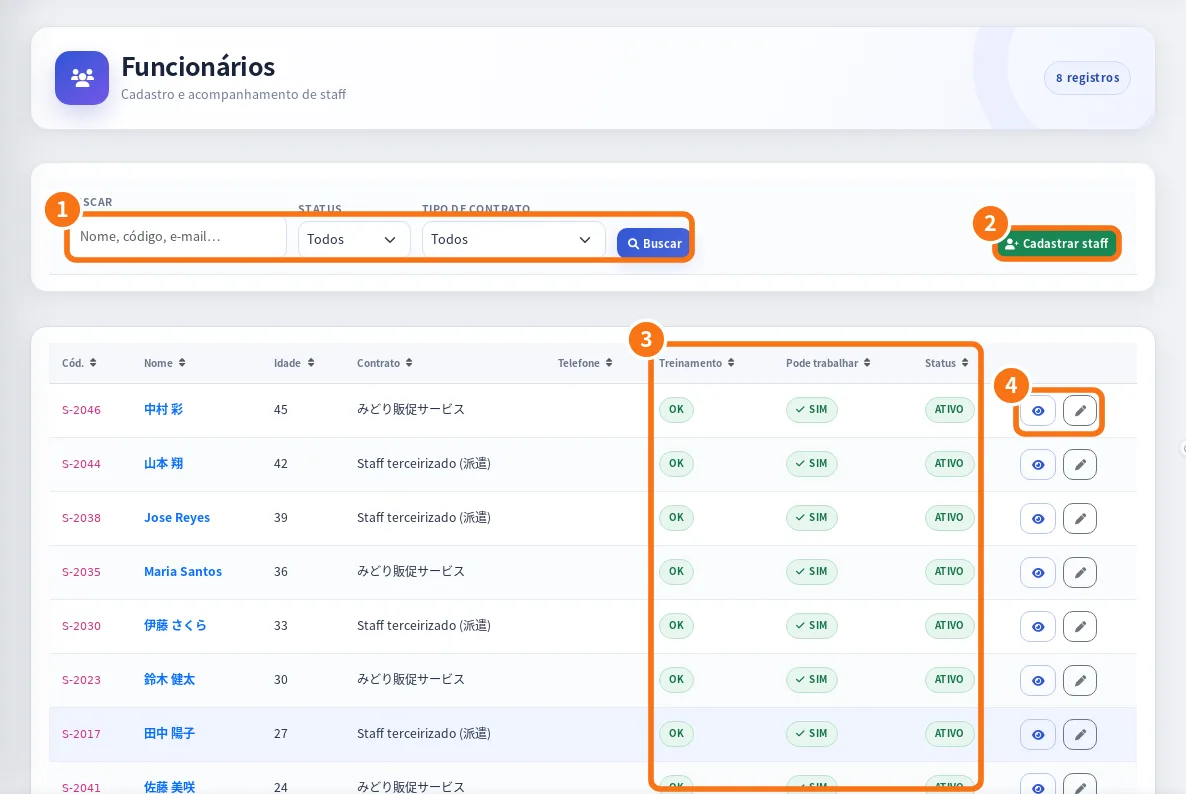 How to bring a new person into the teamTwo ways: register the staff member and send access, or invite by e-mail someone who has (or will create) a free account.English
- How to fix a staff member's attendanceWhen and how managers fix arrival, lunch and check-out in Attendance, and how it reaches the payment statement.English