










- NewBusiness plan: Open Draw on map from Home, then choose an inspection or create a new one. Move and erase marks, undo changes and use the zoom buttons. Drawings save automatically; failed saves show the reason and keep a draft on the device.
- NewSettings in tabs: System settings now splits everything into General · Language · Account & privacy · About. On phones the tabs are at the top (swipe to switch); on tablets, on the side. No option was removed — they just moved (Delete my account is under Account & privacy).
- New7 languages: besides Japanese, Portuguese, English and Filipino, Kenten now speaks Simplified Chinese (简体中文), Vietnamese (Tiếng Việt) and Spanish (Español). Pick it in Settings › Language or with the globe on the sign-in screen; "Same as device" recognizes these languages too.
- NewOpen Draw on map from Home, then choose an inspection or create a new one. Move and erase marks, undo changes and use the zoom buttons. Drawings save automatically; failed saves show the reason and keep a draft on the device.
- FixedFixed: the app no longer opens twice after an update or when coming back from the browser (sign-in or payment).

Inspections and checklists
Kenten
Record inspections, photos and procedures. Keep each equipment history close at hand.
What’s new
- NewSettings in tabs: System settings now splits everything into General · Language · Account & privacy · About. On phones the tabs are at the top (swipe to switch); on tablets, on the side. No option was removed — they just moved (Delete my account is under Account & privacy).
- New7 languages: besides Japanese, Portuguese, English and Filipino, Kenten now speaks Simplified Chinese (简体中文), Vietnamese (Tiếng Việt) and Spanish (Español). Pick it in Settings › Language or with the globe on the sign-in screen; "Same as device" recognizes these languages too.
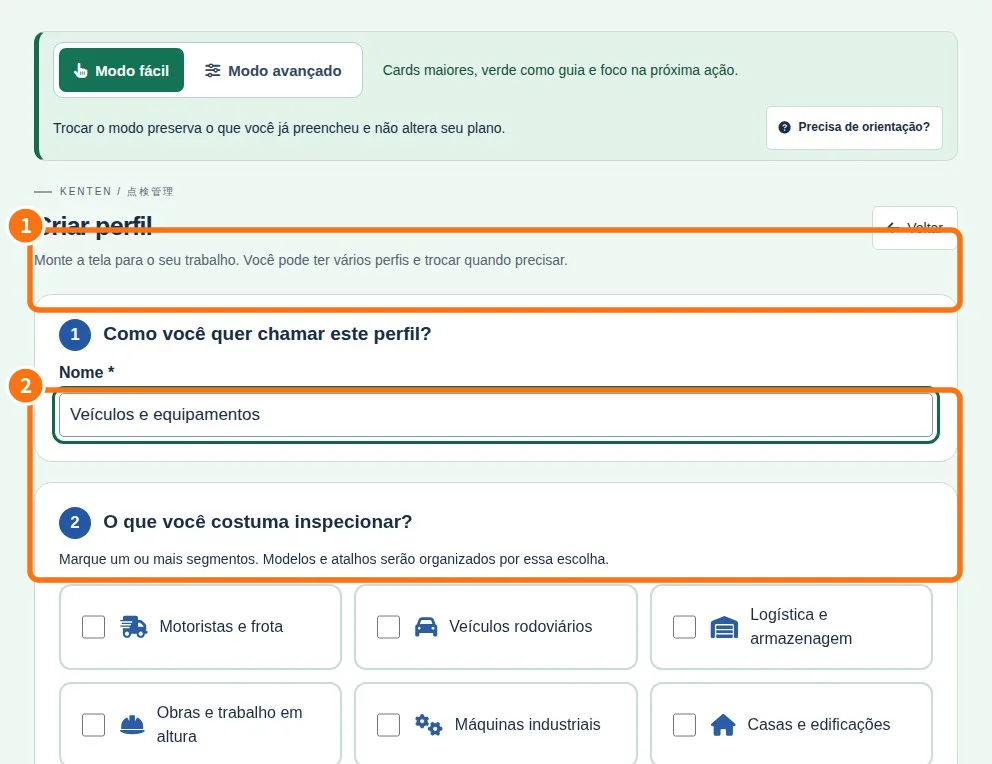
- NewUsage profiles: shape the screen around your work (segments, routine, larger text) and switch any time. Your access does not change.
- NewDaily tenken in the app: responsible person, colour-coded answers and, for Attention or Not OK, the problem and what was done. Works offline too.
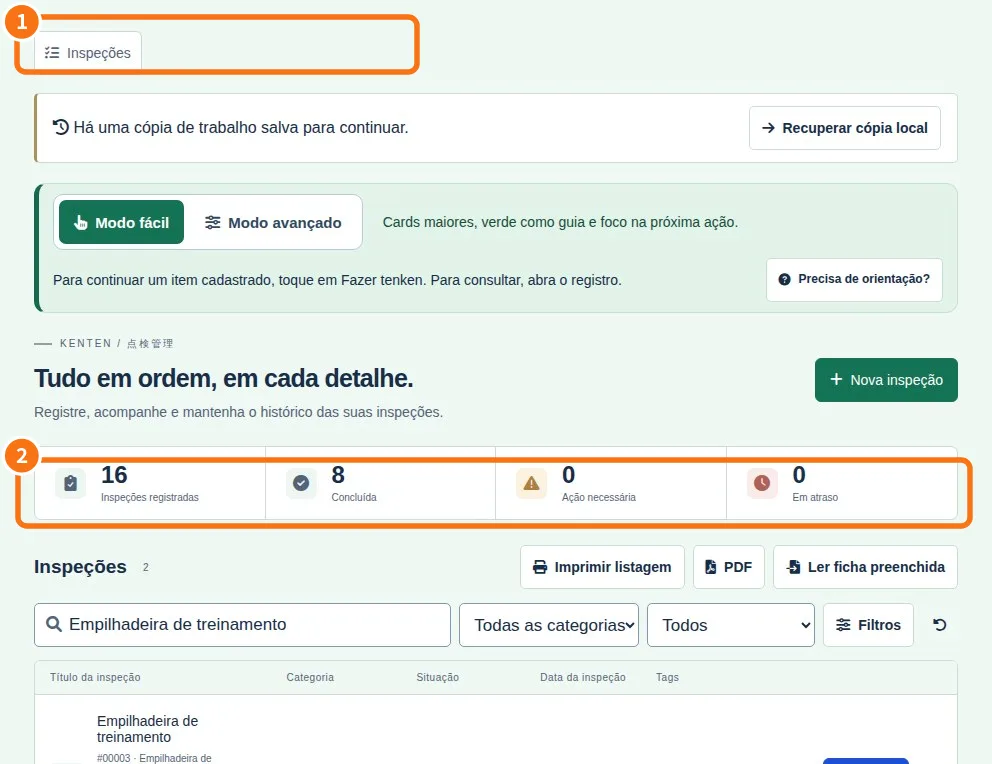
- ImprovedClearer record page: Edit, Continue tenken and Share with team up front, other actions under More options, and signatures collected on the device.
- ImprovedEdit items, details and notes directly. Add tasks and deadlines, complete plan tables and multiple-choice fields, and preserve existing information when correcting records.
- Improved• The app now tells you when a new version is available. • Stability improvements.
- ImprovedNew drivers and vehicles area with registration, history, pre-drive safety checks and daily vehicle inspections. The driver questionnaire covers alcohol, health, sleepiness and medication.
- ImprovedStart and Business plans can now be subscribed to through the App Store on iPhone and iPad. Improved subscription management and restoration.
- ImprovedFixed the maps tab on iPhone so it shows plan requirements without opening web billing. Browser checkout remains available on Android. Stability improvements.
- ImprovedYou can now register your company right in the app: fill in the details, confirm the email and come back — you are signed in automatically. On Android, subscribing or changing plans opens the secure payment page and returns to the app with the plan updated. An owner who is the workspace's only member can now also delete the account in the app.
- ImprovedBug fixes: tags (name and color) now display correctly on inspections, the list refreshes automatically after an offline-queue item sends, and iOS camera/photo permissions.
- ImprovedFirst release of the native Kenten app: field inspections with photos, offline use with an upload queue, reports and A4 PDF export.
Recently updated
 Start here: learn KentenA path for each person, with the right articles in the right order.
- Path — Inspector: the daily tenkenThe articles for who performs the inspection, in the right order.
 Path — Manager: set up the routine and review the monthThe articles for who creates forms and reviews them, in the right order.
- Kenten simple glossaryThe words you see in the app, explained in one line.
- Questions from Kenten beginnersThe most common first-day questions, answered briefly.
- Common beginner mistakes in KentenWhat usually goes wrong in the first weeks and how to fix it.