KOREOS HOME · Bắt đầu
Path — Family member: your week in HOME
The articles for the person who uses it day to day, in the right order.
Bài viết này chưa được dịch sang ngôn ngữ của bạn: đang hiển thị bản English.
Follow in order. Each step names the manual article that explains it in detail — search the title in the Wiki.
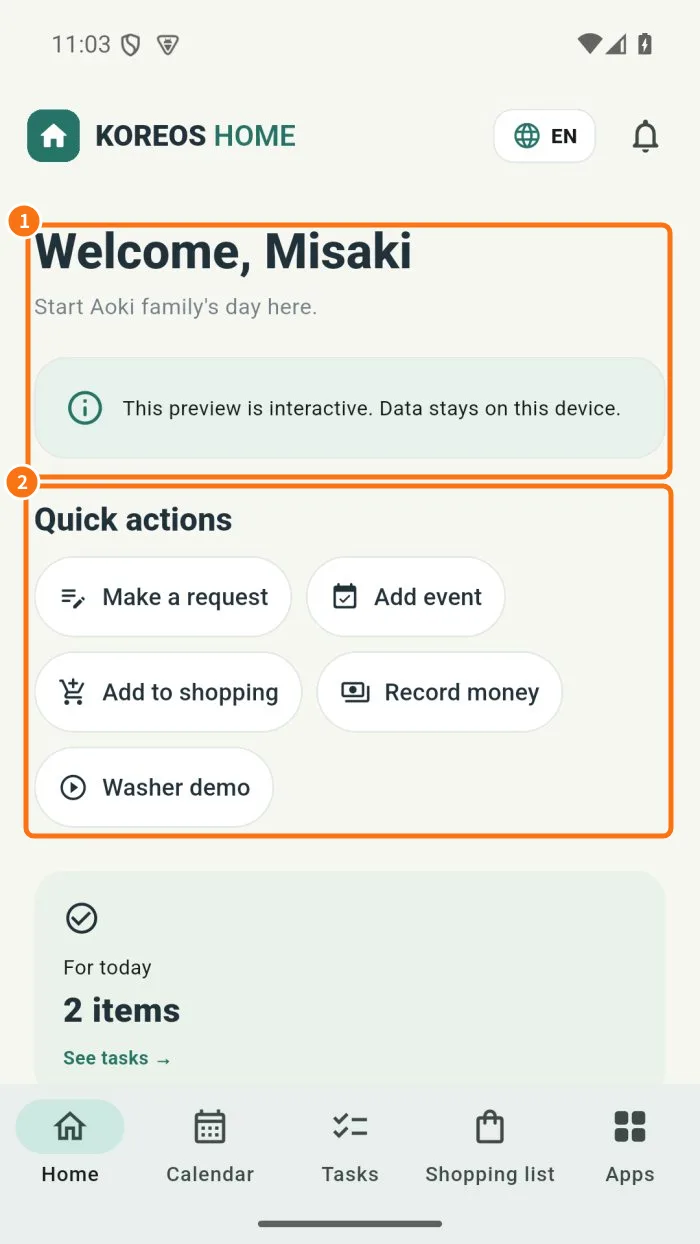
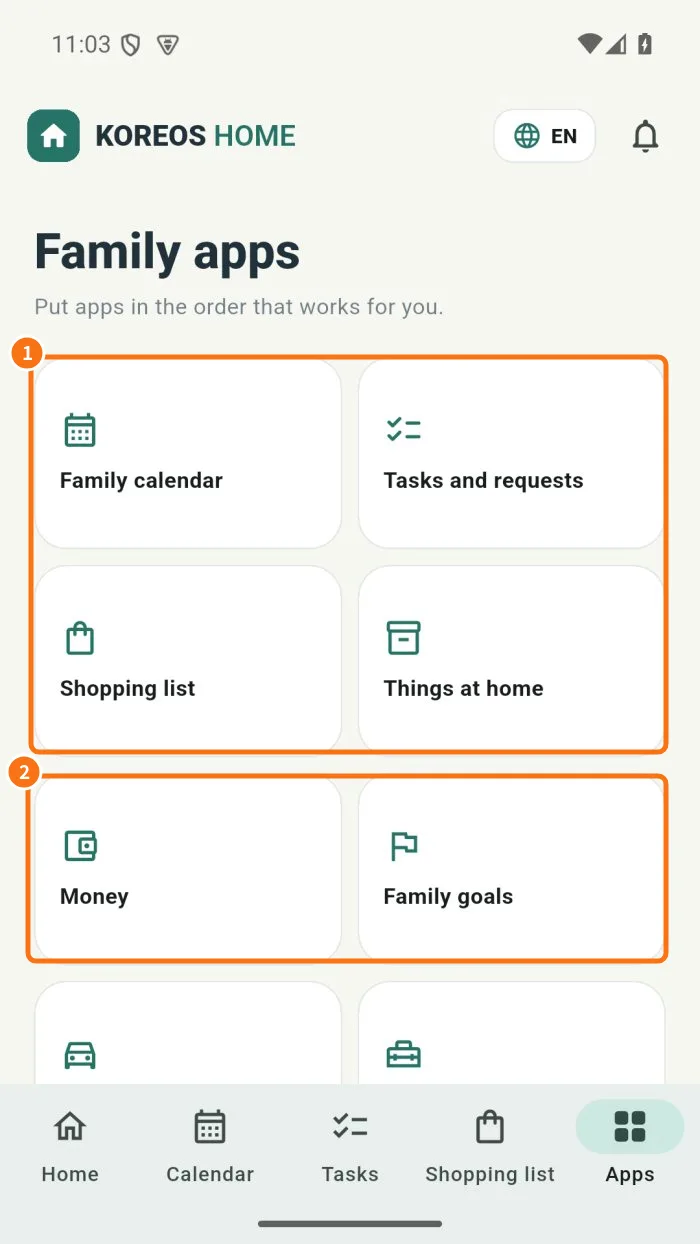
- Home, member filters and app order — Home shows today’s routine and shortcuts; Family apps lists calendar, tasks, shopping and entitled modules.
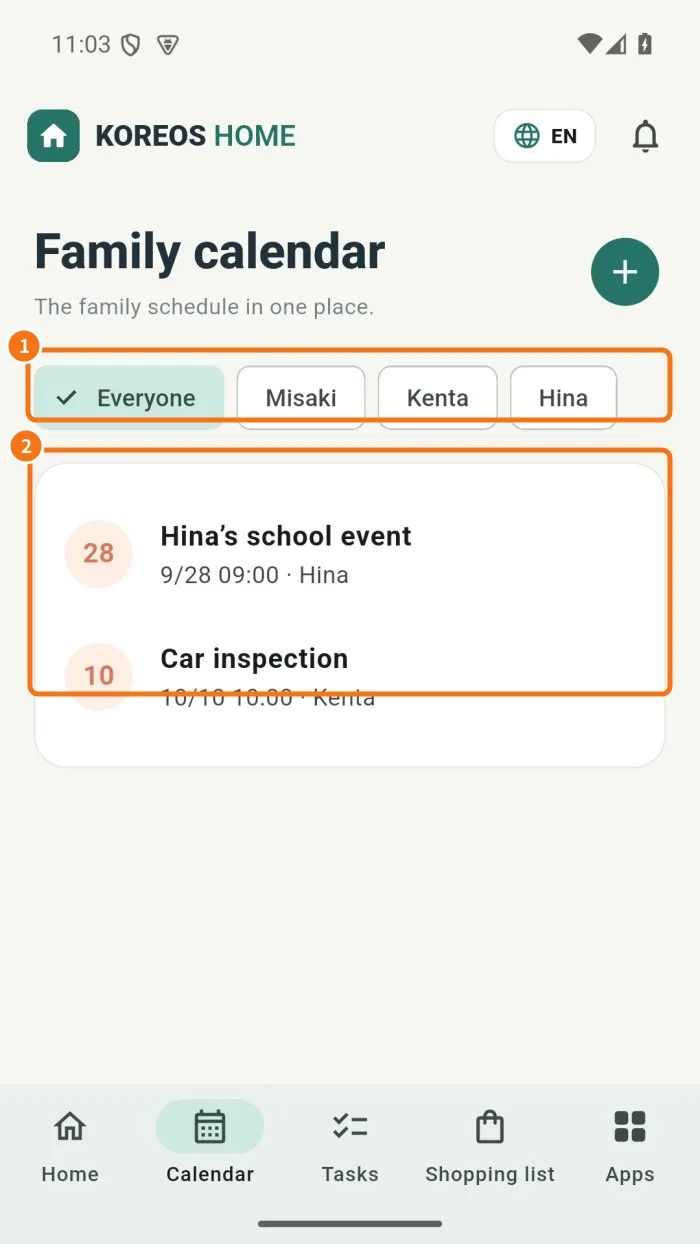
- Create and repeat calendar events — The calendar organizes family commitments with dates, members and repeat options.
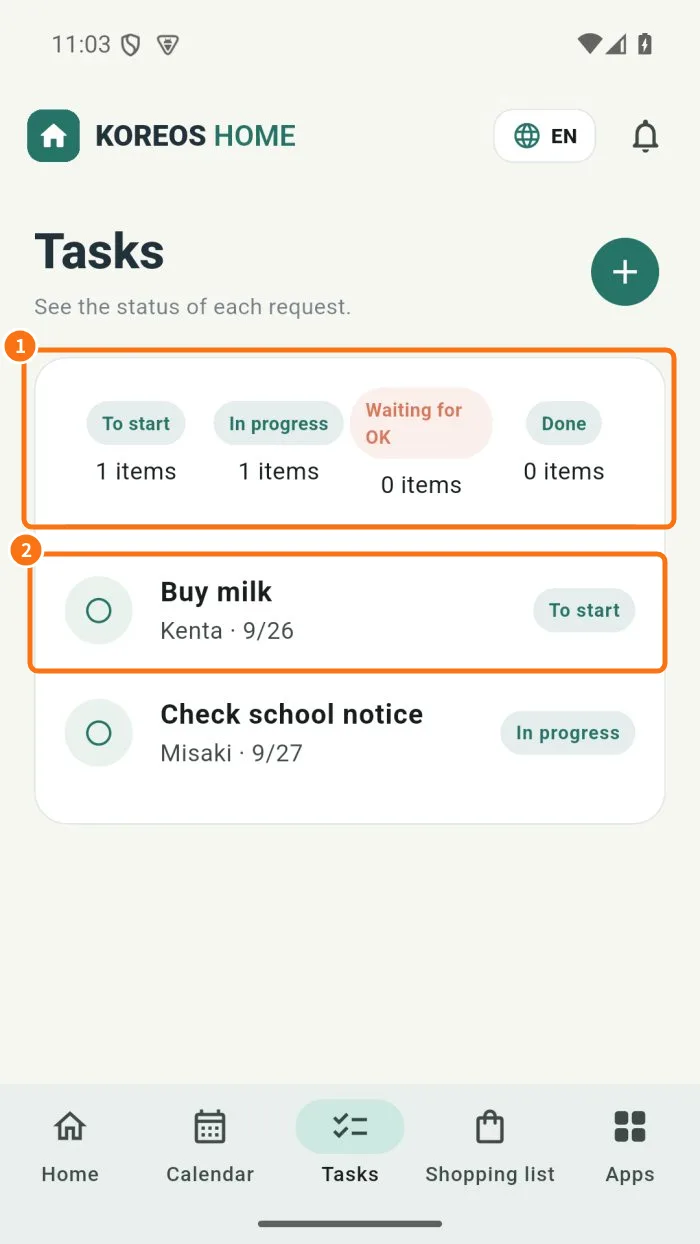
- Request a task and track completion — Tasks show the request, responsible person, deadline and current stage, with details and completion records.
- Shopping lists linked to household items — The list shares needed and purchased items and can link purchases to household belongings or a budget.
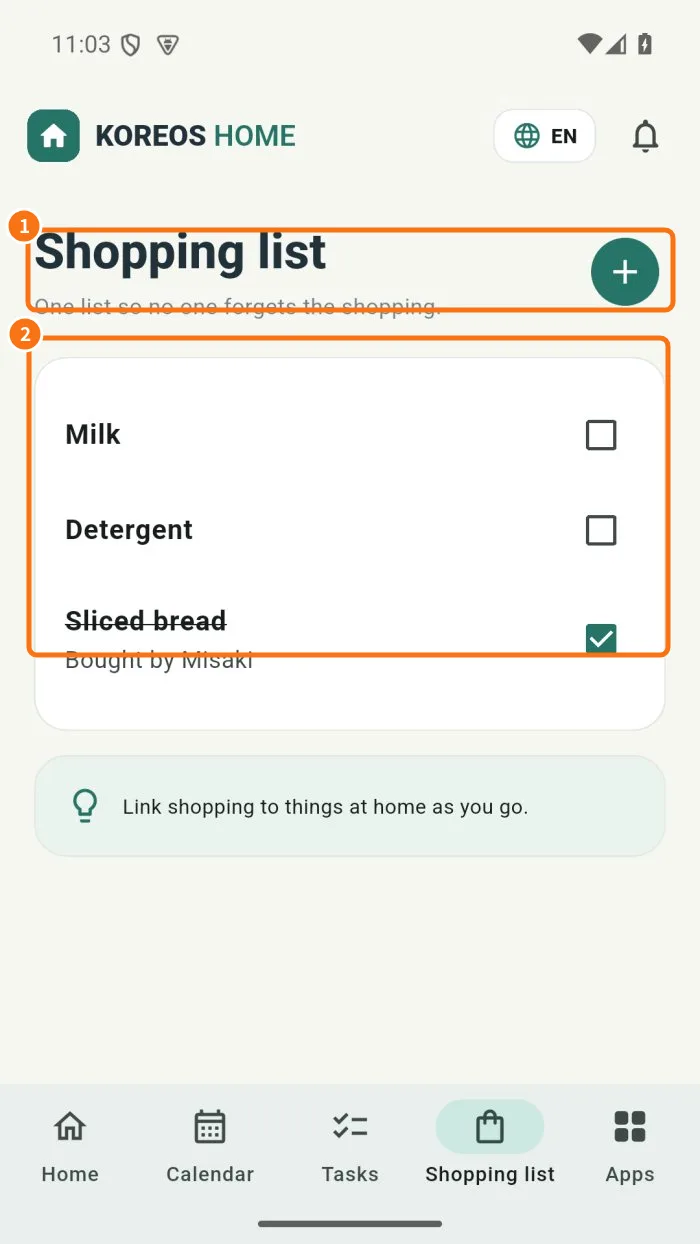
- Attach photos to tasks and events — Attachments keep context or work evidence with a task or event, following local or cloud mode.
- Family member: running the week in HOME — How each person in the household uses HOME during the week: see the day on Home, add appointments, take and complete tasks, fill the shopping list and attach a photo when it helps. It works in the cloud and in device mode, except that in device mode data is not shared.