











KoMail · Pantallas y funciones
Search messages and organize folders
Search finds messages by text; folder controls organize the active mailbox archive.
Este artículo aún no está traducido a su idioma: se muestra la versión en English.
En esta página
What this is for
Search finds messages by text; folder controls organize the active mailbox archive.
Step by step
- Search using a subject, sender or word from the body.
- Check the mailbox and search options before widening the query.
- Verify sender and date when opening a result.
- Use folder creation, rename or move on the web or Folders screen where offered.
- Review messages before deleting a folder or emptying Trash.
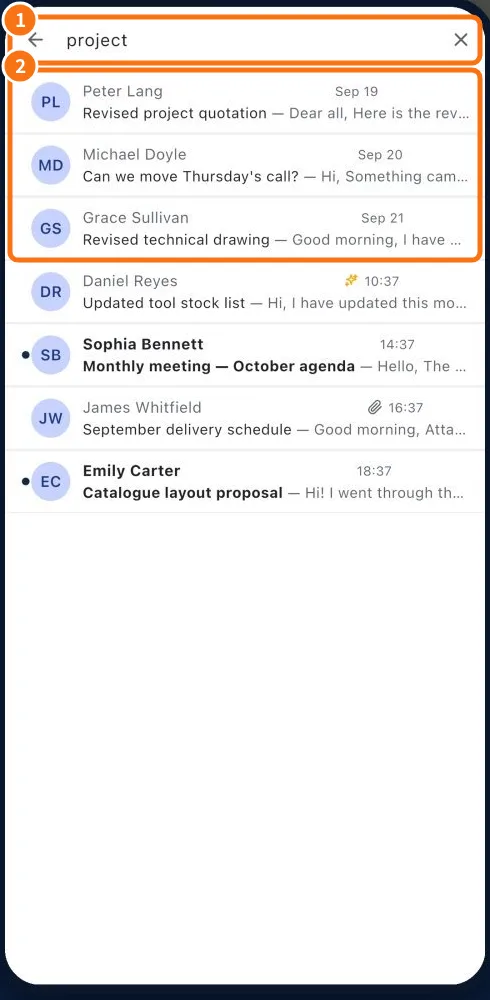
Demo screen. Numbered highlights mark the controls discussed; the image language may differ from yours.
Tip
If something goes wrong
If search fails, check the folder and active account. Rename failures may involve a provider-managed special folder.
Related articles
- FAQ: 20 answers