











KOREOS HOME · Primeros pasos
Path — Admin: set up the family
The articles for the person who creates the home and invites the family, in the right order.
Este artículo aún no está traducido a su idioma: se muestra la versión en English.
Follow in order. Each step names the manual article that explains it in detail — search the title in the Wiki.
- Choose device or cloud storage — HOME organizes family life. Local mode stores data on this device; cloud mode shares a household across devices.
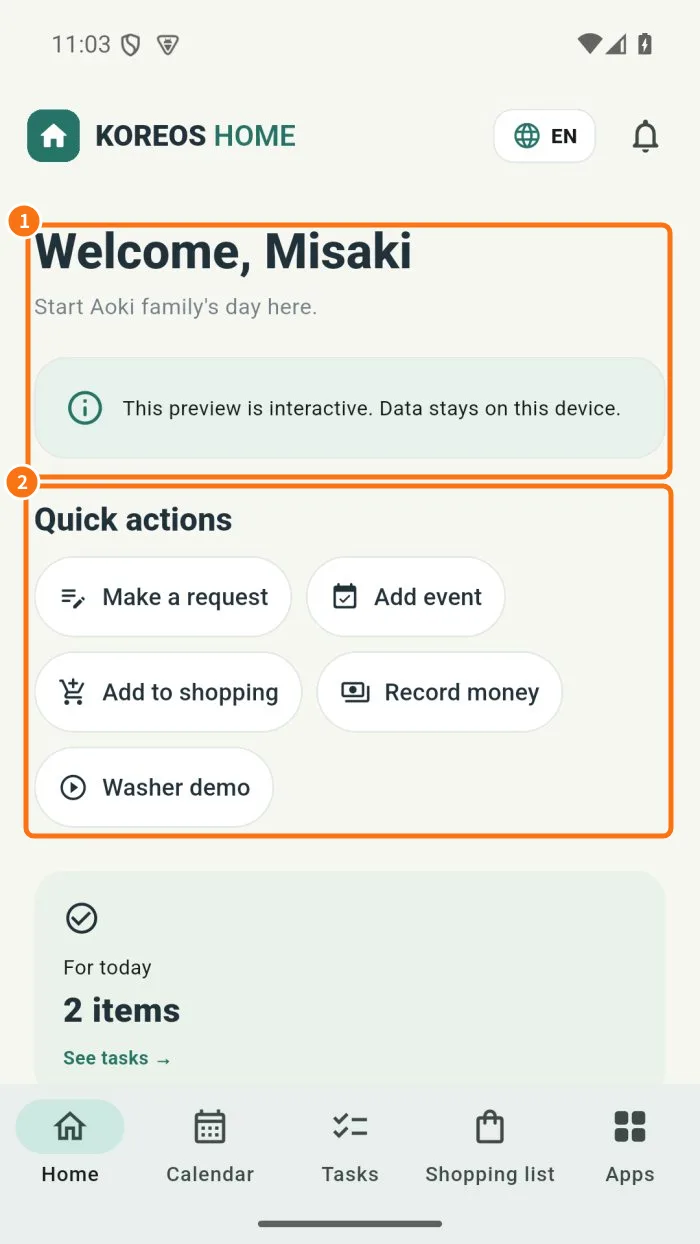
- Create an account, verify email and invite family — A free cloud account shares calendar, tasks and shopping, with each person using their own access.
- Owner, administrator and member — Roles control who may manage household members and the subscription.
- Owner: set up the family in the cloud in one afternoon — For the person who creates the family space. You create the free account, confirm the email, invite each person with their own access, decide who can administer and adjust Home for the household routine. At the end, everyone sees the same calendar, tasks and shopping list.
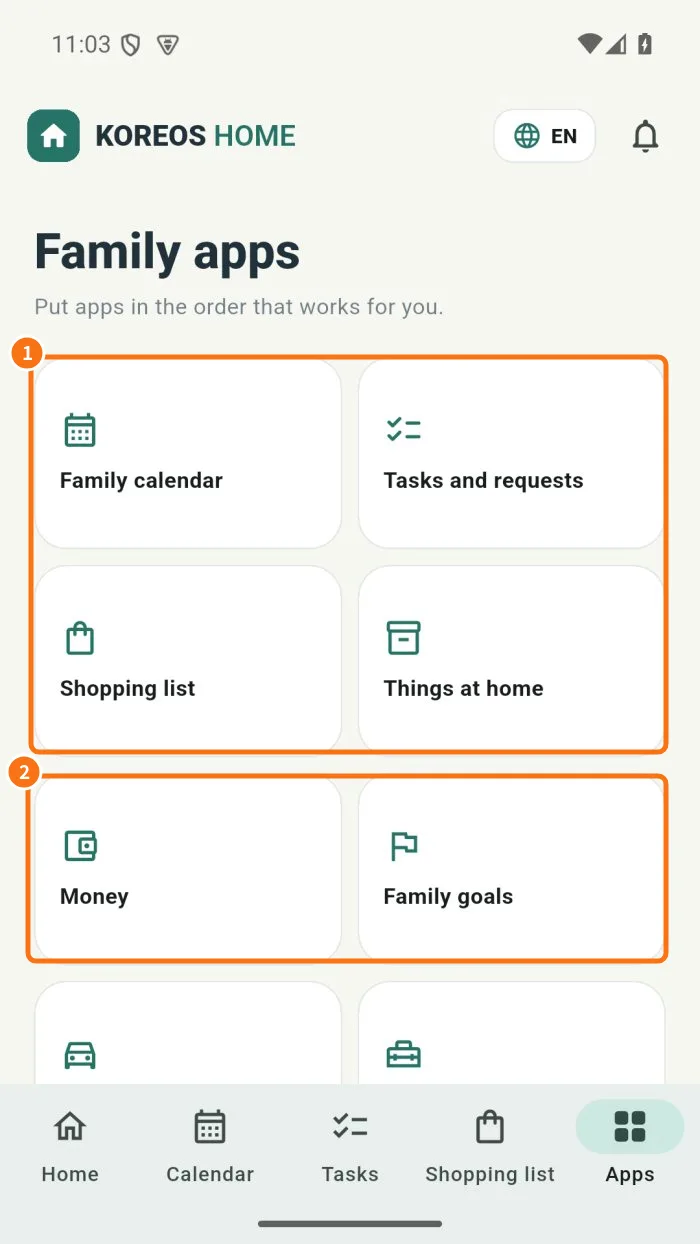
- Money: actual, planned, budget and privacy — Money separates actual records from planned payments and tracks the month’s available amount.
- Free, Family Plus and Family Pro — The cloud plan defines shared modules and household member capacity.