KoMail · Bắt đầu
Path — User: everyday email
The articles for who reads and replies to emails, in the right order.
Bài viết này chưa được dịch sang ngôn ngữ của bạn: đang hiển thị bản English.
Follow in order. Each step names the manual article that explains it in detail — search the title in the Wiki.
- Sign in with a mailbox, Free or company account — KoMail opens your mailbox. Its password may differ from your KOREOS account password.
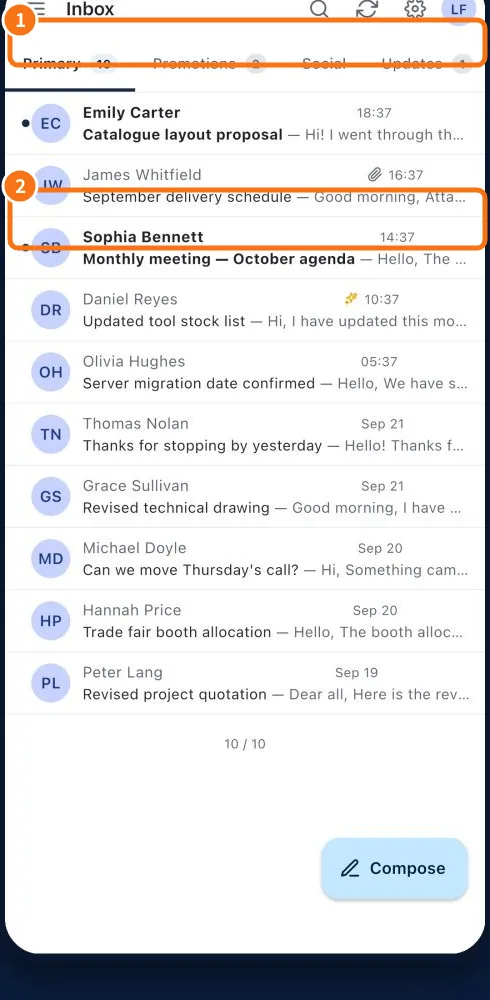
- Inbox tabs, stars and actions — Inbox organizes messages into tabs and folders and refreshes lists and counters as changes arrive.
- Read a thread, reply and forward — The reader groups a conversation. Check earlier messages and all recipients before replying.
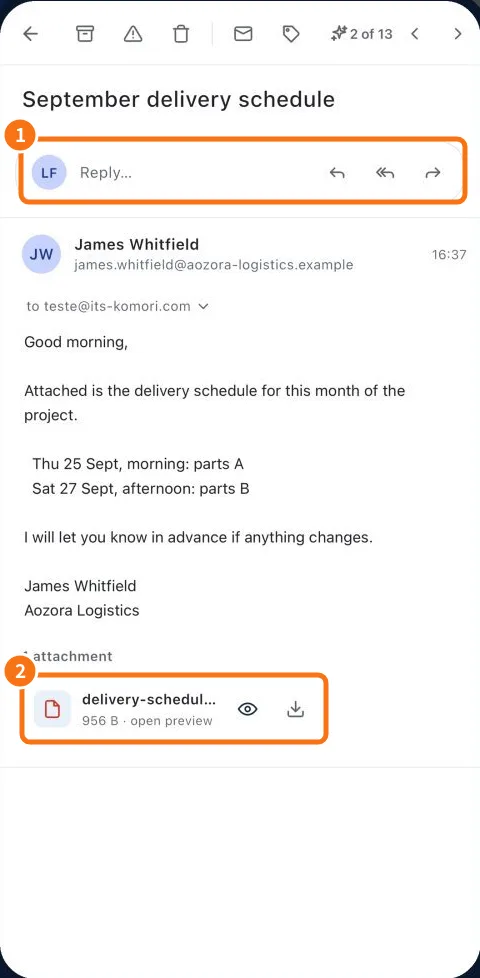
- Open attachments and understand scan badges — Each attachment shows a scan state. Its badge helps choose the next step and may block an unsafe preview.
- Compose, attach, save a draft and sign — Compose prepares a message; drafts let you resume and a signature provides your contact details.
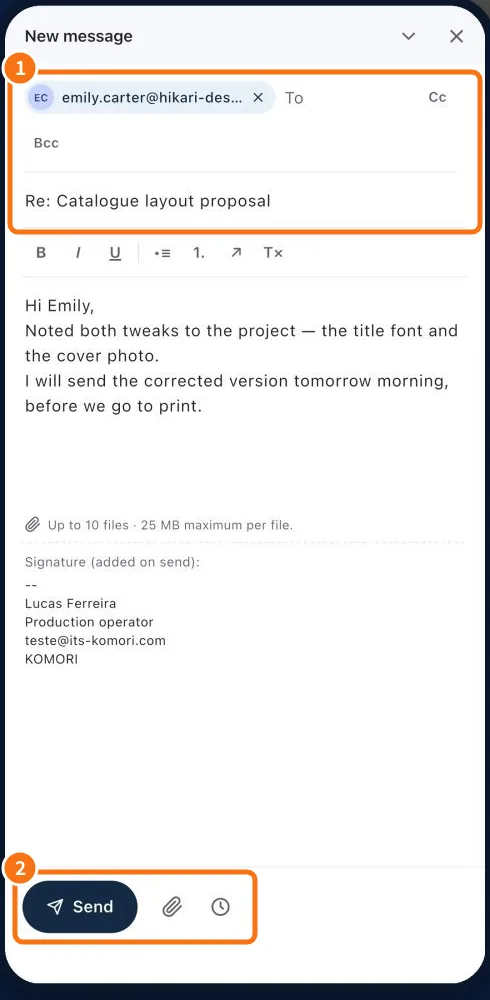
- Schedule, reschedule and cancel a message — Scheduling queues a message for later sending. It differs from a draft.
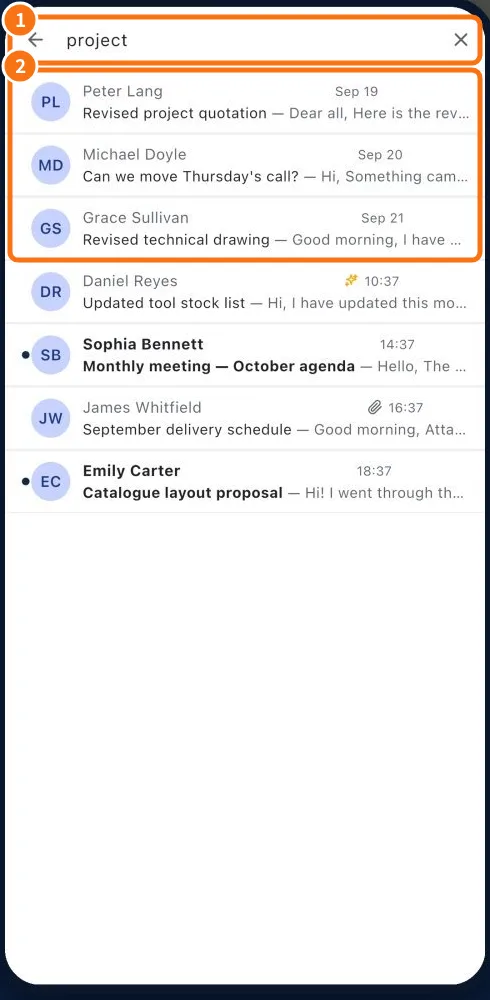
- Search messages and organize folders — Search finds messages by text; folder controls organize the active mailbox archive.