KOCHAT · Khắc phục sự cố
I do not get message notifications
Check the system permission, the messages channel and whether the conversation is muted.
Bài viết này chưa được dịch sang ngôn ngữ của bạn: đang hiển thị bản English.
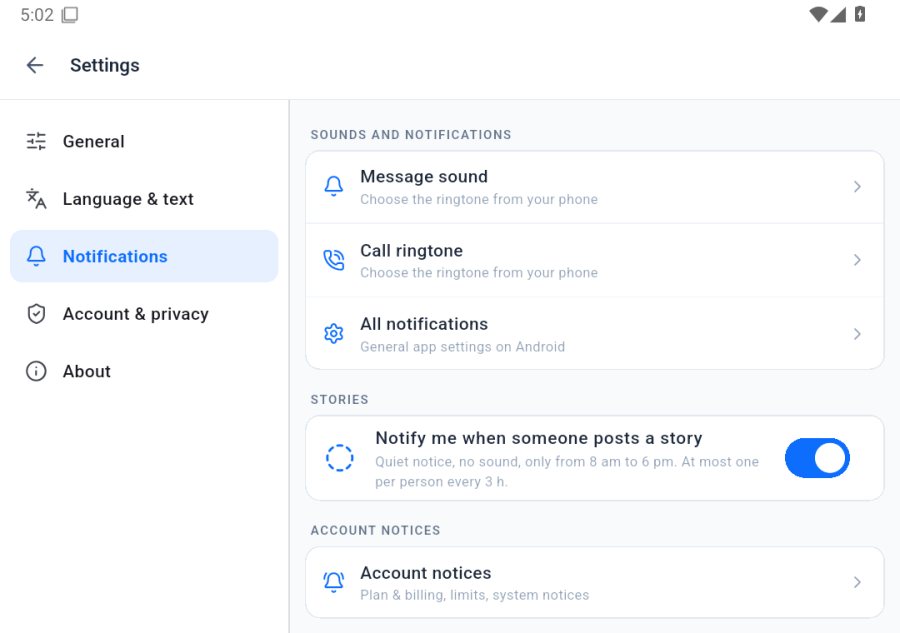
- ☰ menu › Settings › Notifications tab › tap All notifications (opens the phone settings). Keep KOCHAT notifications on.
- In the same tab, Message sound and Call ringtone open each kind of alert: make sure they are not turned off.
- Make sure the conversation is not muted (Settings › General › Muted conversations); tap Unmute if it is.
- Battery saver can delay alerts: exclude KOCHAT from battery optimization.
- Still nothing? Sign out and in again (Settings › Account & privacy).