











KOCHAT · Màn hình & chức năng
Send a message, photo, file or voice note
In the conversation: type and tap send; the paperclip 📎 sends a photo, video, document or location; the mic records a voice note.
Bài viết này chưa được dịch sang ngôn ngữ của bạn: đang hiển thị bản English.
Trong trang này
Text
Type in the Message field and tap the paper plane. To call someone in a group, type @ and the name.
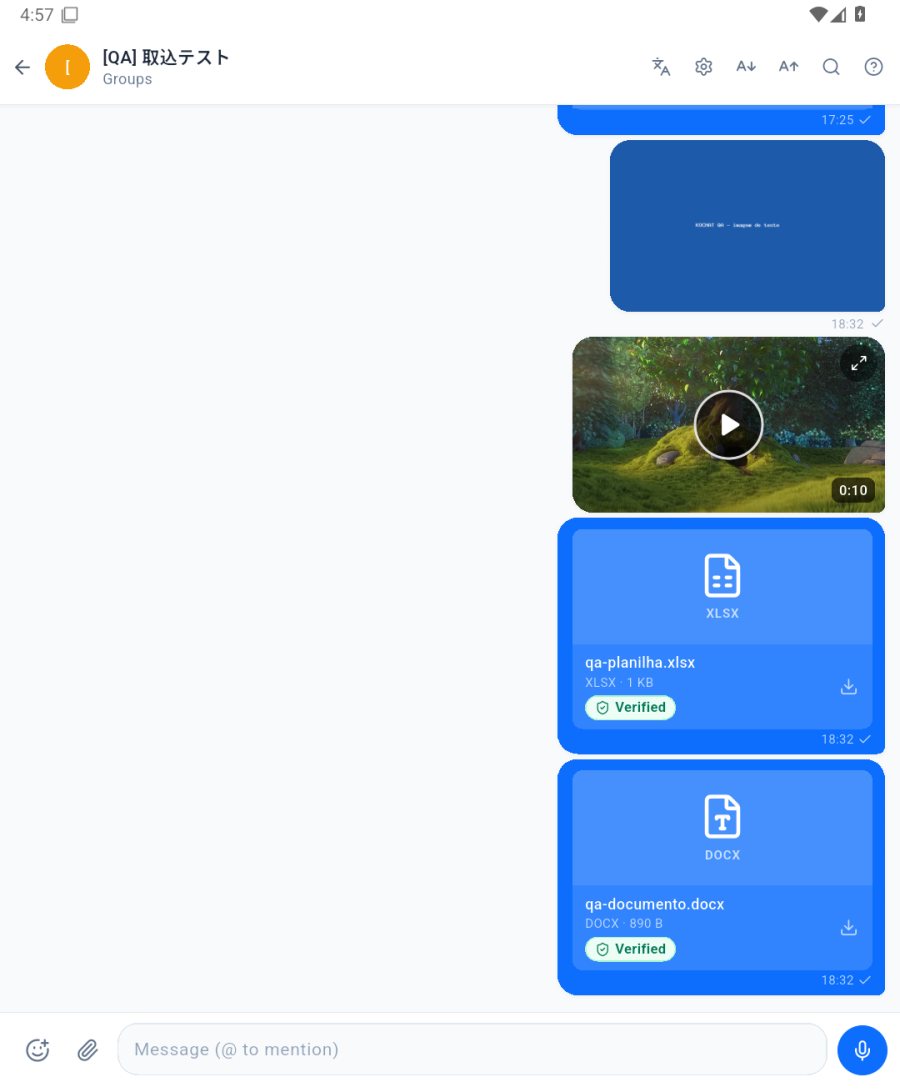
Photo, video and document
- Tap the paperclip 📎 next to the field.
- Pick Camera, Gallery, Record video (up to 100 MB), Document (PDF, spreadsheet…), Audio or Location.
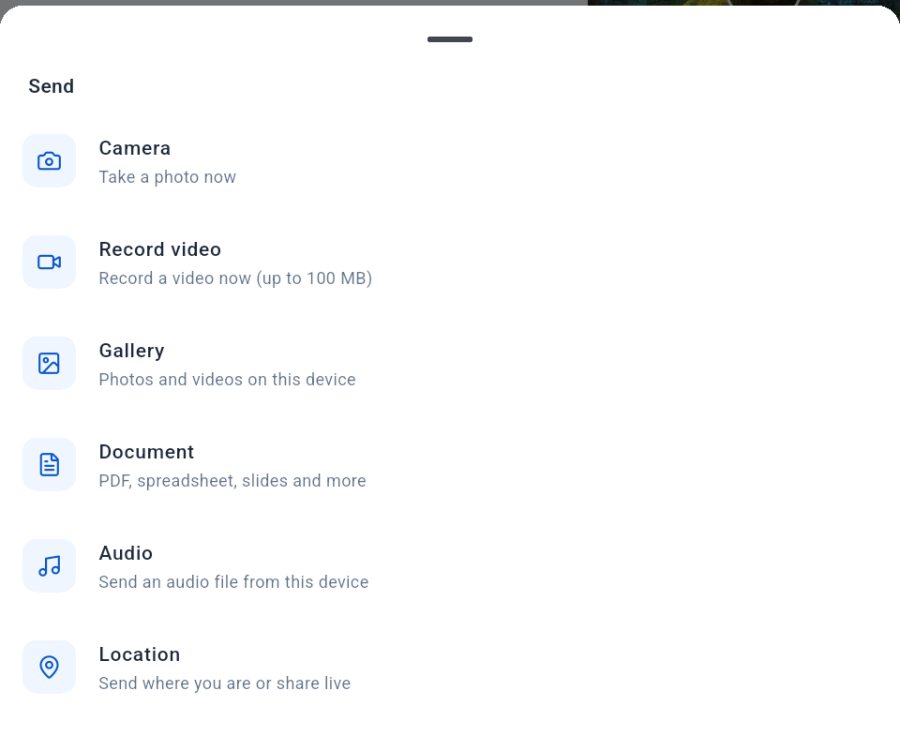
Voice note
With the field empty, tap the mic, speak and tap send. The bin discards the recording.
Emoji, GIFs and stickers
The face with a + opens emojis, GIFs and stickers. Long-press a GIF to keep it in favorites.