KoMail · Screens & features
Calendar, contacts and settings
Appointments and contacts next to your mail, and your account settings.
On this page
Calendar
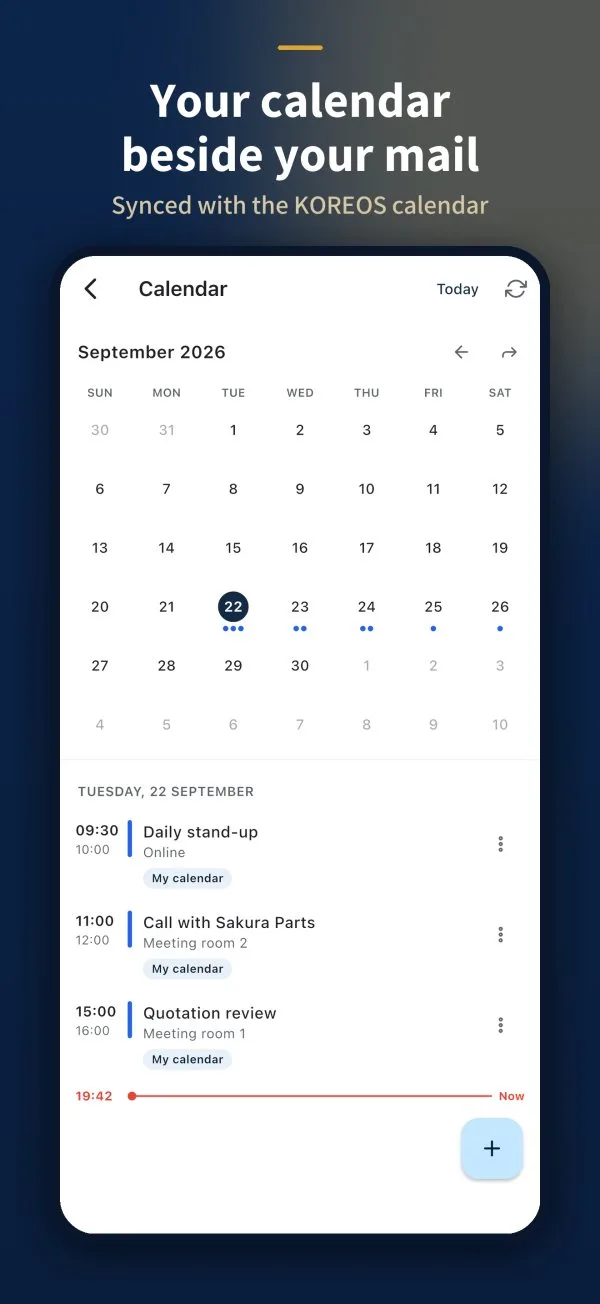
Open Calendar from the menu. The month is at the top; blue dots mark days with events. Tap a day to see its list.
- Tap + to create an event.
- Fill in the title, date and time (or All day) and save with Create.
- Tap Today to jump back to today.
Contacts
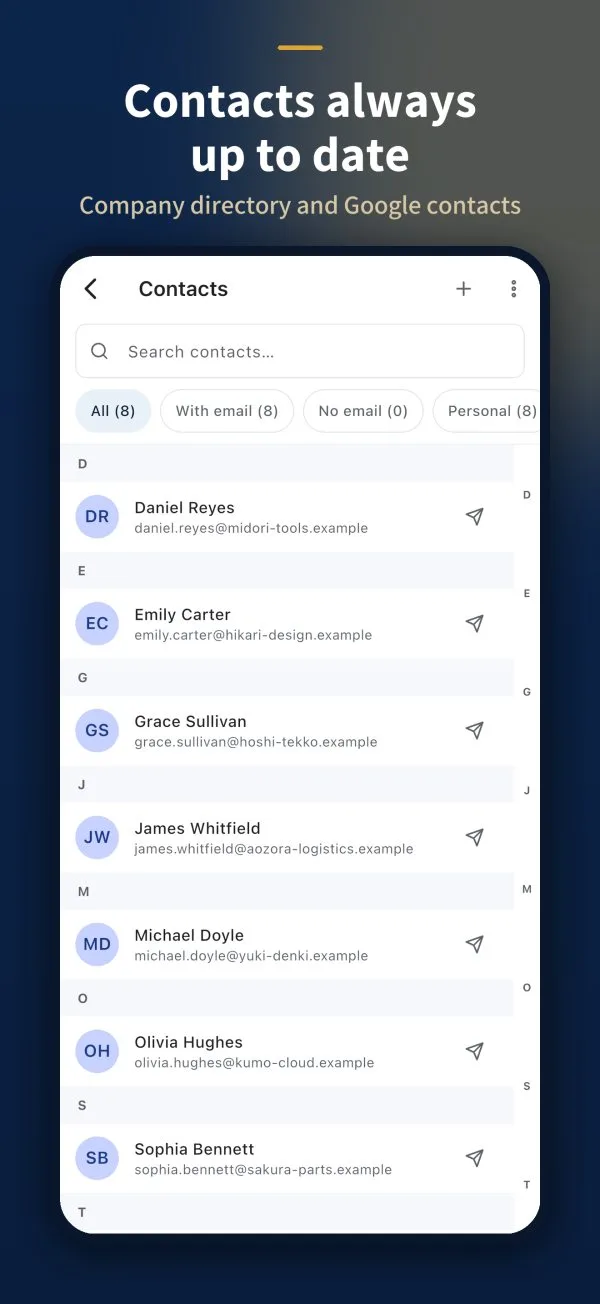
The list is in alphabetical order, with search (Search contacts…) and filters at the top.
- + adds a contact.
- The paper-plane icon opens a new email to that person.
Settings
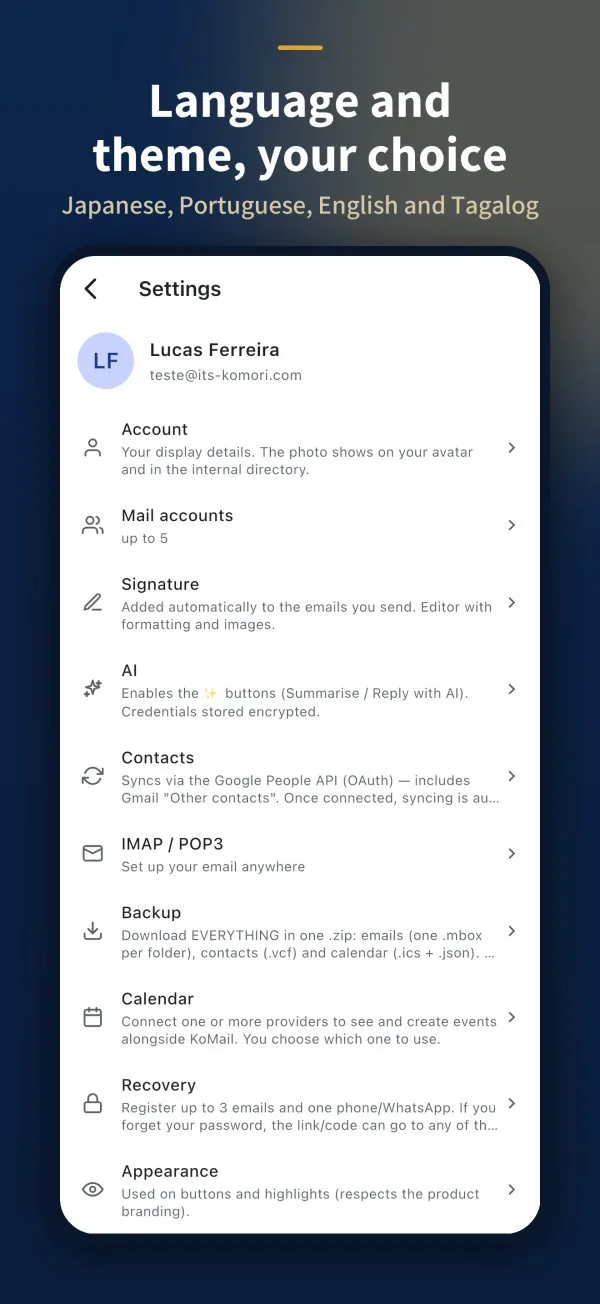
Tap the gear in the inbox.
- Account: display name and photo.
- Mail accounts: up to 5 mailboxes in one app.
- Signature: text with formatting and images.
- AI: turns on the summarise, translate and reply buttons.
- Contacts: sync with Google.
- IMAP / POP3: details to set up your email in another program.
- Backup: download everything in one .zip (emails, contacts and calendar).
- Recovery: up to 3 emails and one phone/WhatsApp to recover your password.
- Appearance: theme and colours.