











KoMail · Getting started
Getting started with KoMail
What KoMail is and how to sign in from the browser or the app.
On this page
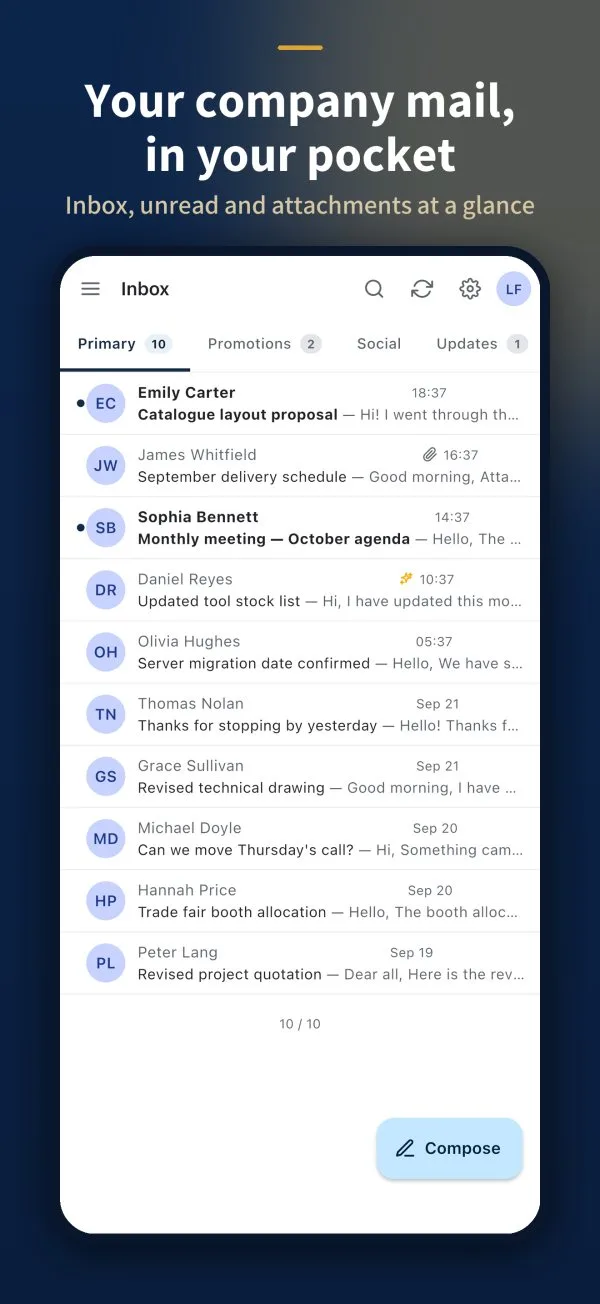
KoMail is KOMORI’s email service: inbox, attachments, search, folders, calendar and contacts in one place. It works in the browser and in the Android and iPhone apps, with the same content.
Where to use it
- Browser: open webmail.its-komori.com.
- Phone: install the KoMail app from Google Play or the App Store.
Sign in with your company account
If your company uses KoMail, it creates your mailbox on its own domain and gives you the email address and password.
- Open KoMail.
- Type your email and your mailbox password.
- If the device is only yours, tick Stay signed in for 30 days.
- Tap Sign in.
First task: read and reply to an email
- In the Inbox, tap a message. Unread messages are shown in bold.
- Read it and tap Reply.
- Write your text and tap Send.
No company account? See the article about the Free account to use the email you already have.