











KoChiken · 故障排除
Report a problem
Tell the KOMORI team what went wrong in the app, with a photo if you like. You get a report number when it is sent.
此文章暂无您的语言版本,以English显示。
本页目录
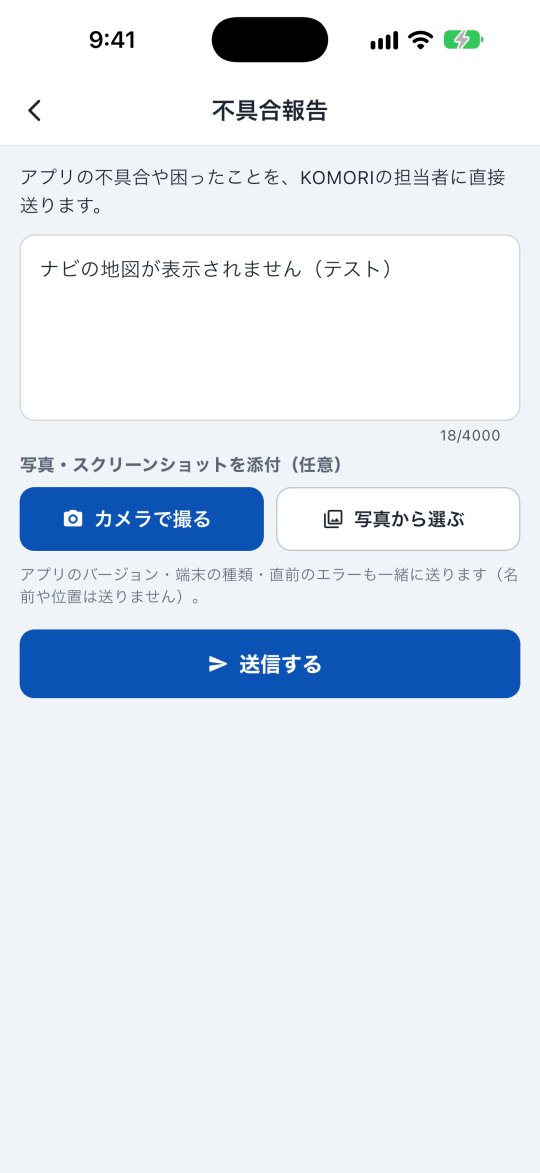
How to send
- Open More → Help → Report a problem.
- Write what happened (which screen, what time, what you tapped).
- Attach a photo or screenshot if you have one (optional): Take photo or Choose from gallery.
- Tap Send.
After sending
You see Received and the report number. Our team will check it and get back to you. Mention this number if you ask about it.
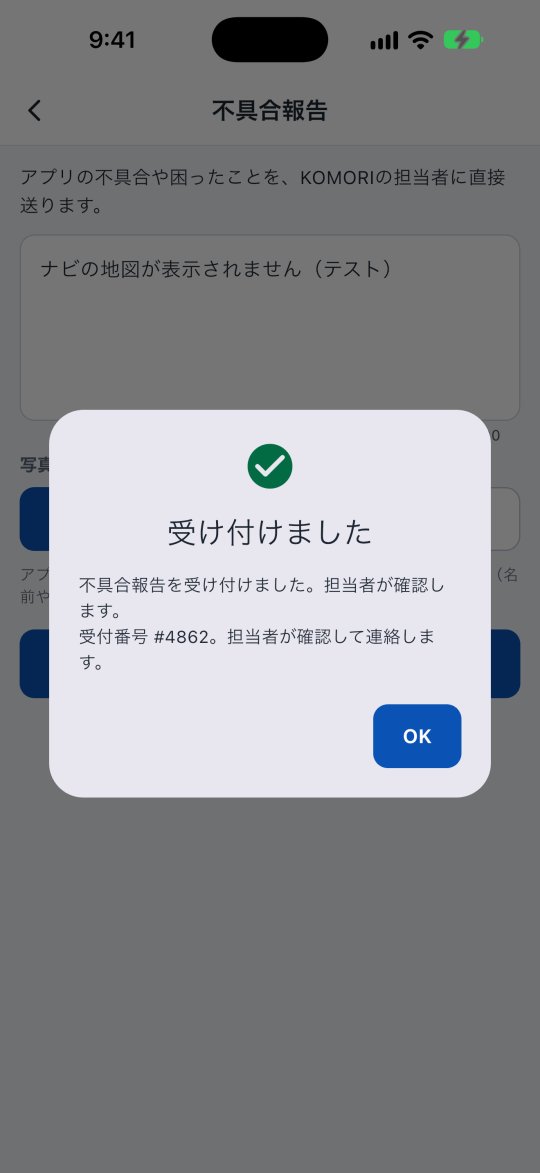
The app version, device type and last error are sent too. Your name and location are not sent.
If it will not send
With weak signal you see a message that it could not be sent. Try again where the signal is better, or tap Send by e-mail.