











KOCHAT · FAQ
KOCHAT FAQ
Who sees my status, was it read, can I use it on a computer, where is what's new.
On this page
Who sees my status?
Only people in your company. It disappears after 24 h.
How do I know my message was read?
Under your message you see ✓ (sent) and ✓✓ once the person has read it. In a group, ✓✓ shows when someone has read it.
Can I use it on a computer?
Yes: there is KOCHAT for Windows and Mac, and the web version inside KOREOS. Same account, same conversations everywhere.
Where do I see what changed in a new version?
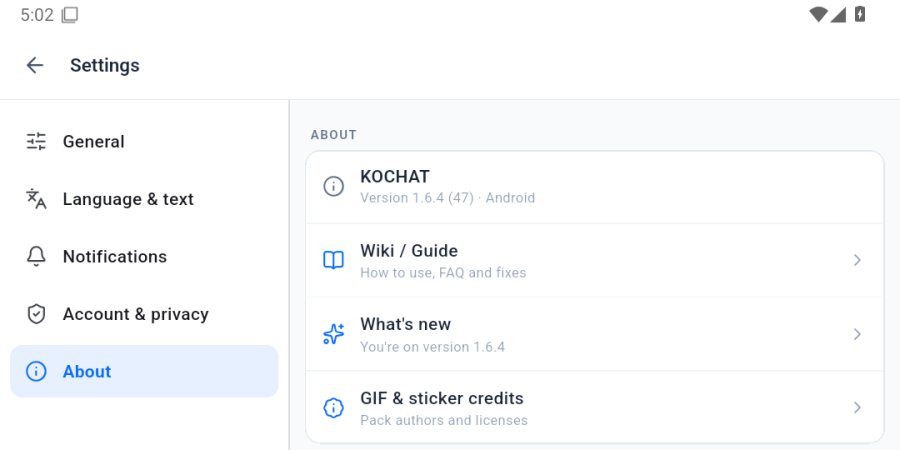
Settings › About › What's new, or the What's new tab of this Wiki.
How do I mute a conversation?
Long-press it in the list and choose mute. Muted ones are listed in Settings › General.