KOCHAT · Screens & features
Language, automatic translation and text size
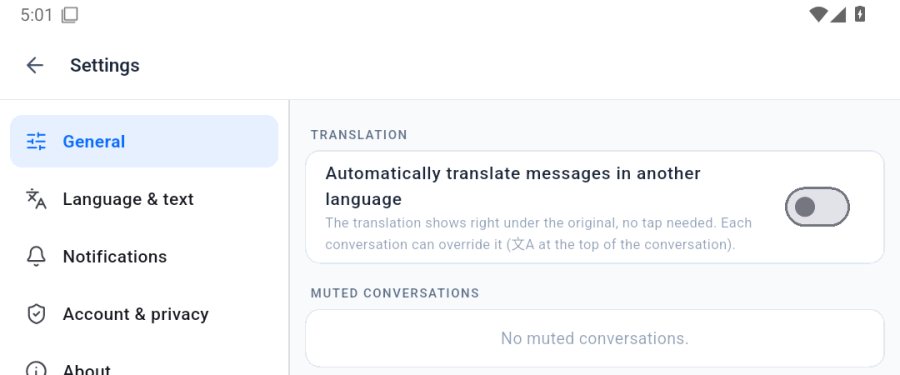
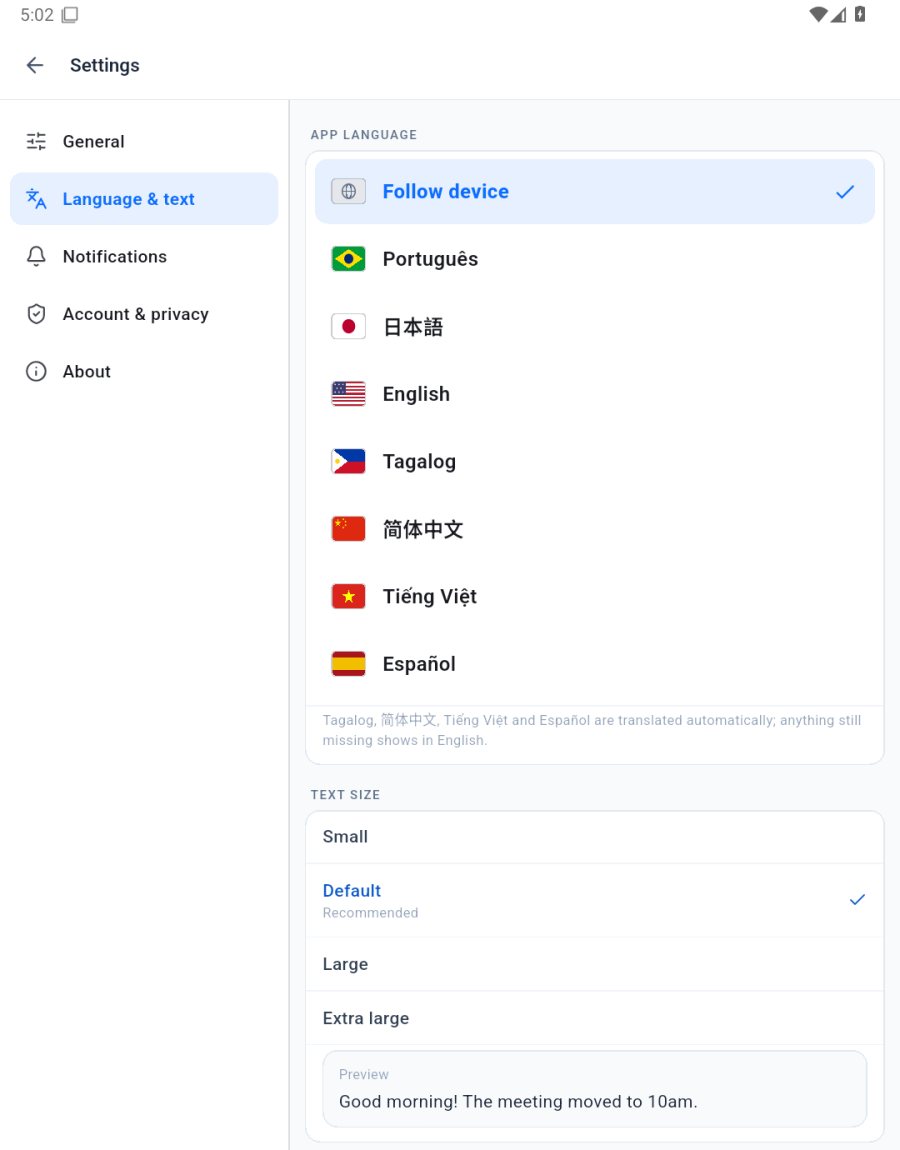
Settings: app language and bigger text (Language & text tab) and automatic translation (General tab).
On this page
Open
The ☰ menu at the top left › Settings.
App language and text size
In the Language & text tab, pick one of the 7 languages or Follow device. Further down, Text size shows a preview. Inside a conversation there are also the A− / A+ buttons.
Automatic translation
In the General tab, turn on Automatically translate messages in another language. The translation shows right under the original. In each conversation, the 文A button at the top turns it on or off just for it.