











KOCHAT · Screens & features
Chats: open, search and start a conversation
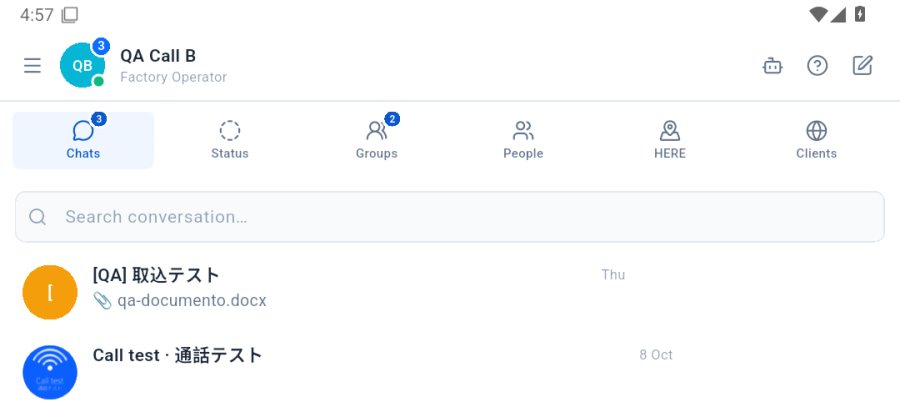
The Chats tab highlights conversations with new messages; search finds them by name and the pencil starts a new one.
On this page
Open a conversation
Tap it. The blue number is how many messages you have not read yet.
Search
Use the Search chat… field at the top of the list and type part of the person's or group's name.
New chat
- Tap the pencil at the top.
- Pick the person (or several, for a group).
- Write the first message.