











Karta · 界面与功能
Plans, card limits and user seats
The plan controls company card and user capacity. Always check the limits shown for your account.
此文章暂无您的语言版本,以English显示。
本页目录
What this is for
The plan controls company card and user capacity. Always check the limits shown for your account.
Step by step
- Open Settings and Plan in the app, or Plan and limits on the web.
- Check the current plan, card usage and included users.
- The standard catalog has Free with 50 cards and 1 user, Start with 200 cards and 1 user, and Lifetime with no card cap and 1 user.
- Only Start supports additional user seats; the owner reviews the web terms before confirming.
- Refresh after a change and verify the rights actually granted.
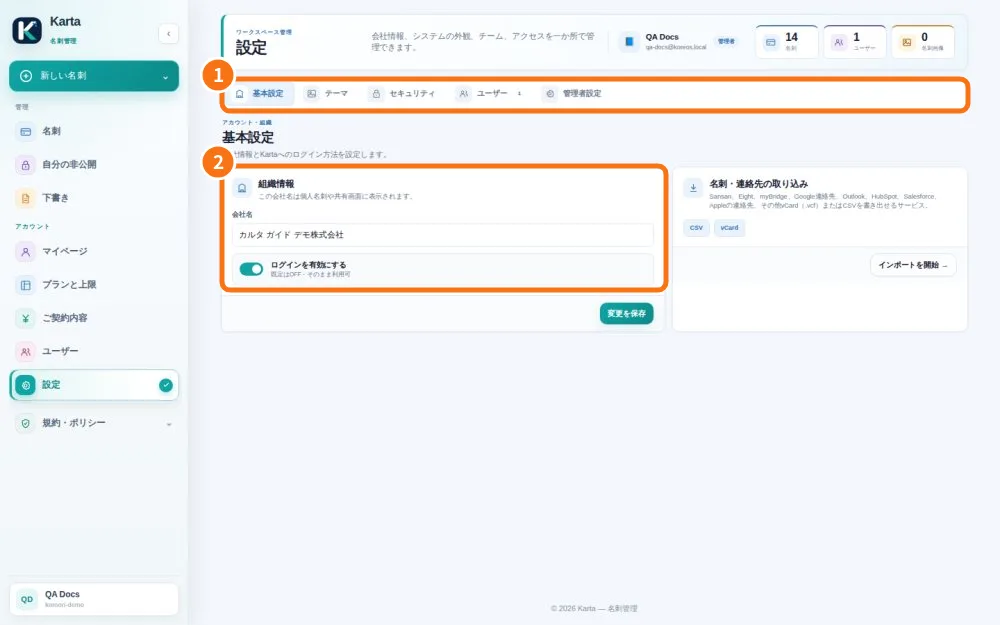
Demo screen. Numbered highlights mark the controls discussed; the image language may differ from yours.
Tip
If something goes wrong
At the cap, existing cards remain accessible but new entry may stop. Ask the owner to review capacity without deleting important contacts as a test.
Related articles
- FAQ: 20 answers