











Karta · 界面与功能
Email your card individually or in a batch
Introduction emails use your own card. After scanning or importing, you choose the recipients.
此文章暂无您的语言版本,以English显示。
本页目录
What this is for
Introduction emails use your own card. After scanning or importing, you choose the recipients.
Step by step
- Prepare My card and verify its details.
- Check the preview and message language in individual sending or the post-batch screen.
- Select only intended recipients; the list distinguishes missing email, duplicates and previous recipients.
- Read the count and confirm only when ready to send actual email.
- Follow results; use pause, resume or retry failed items when offered.
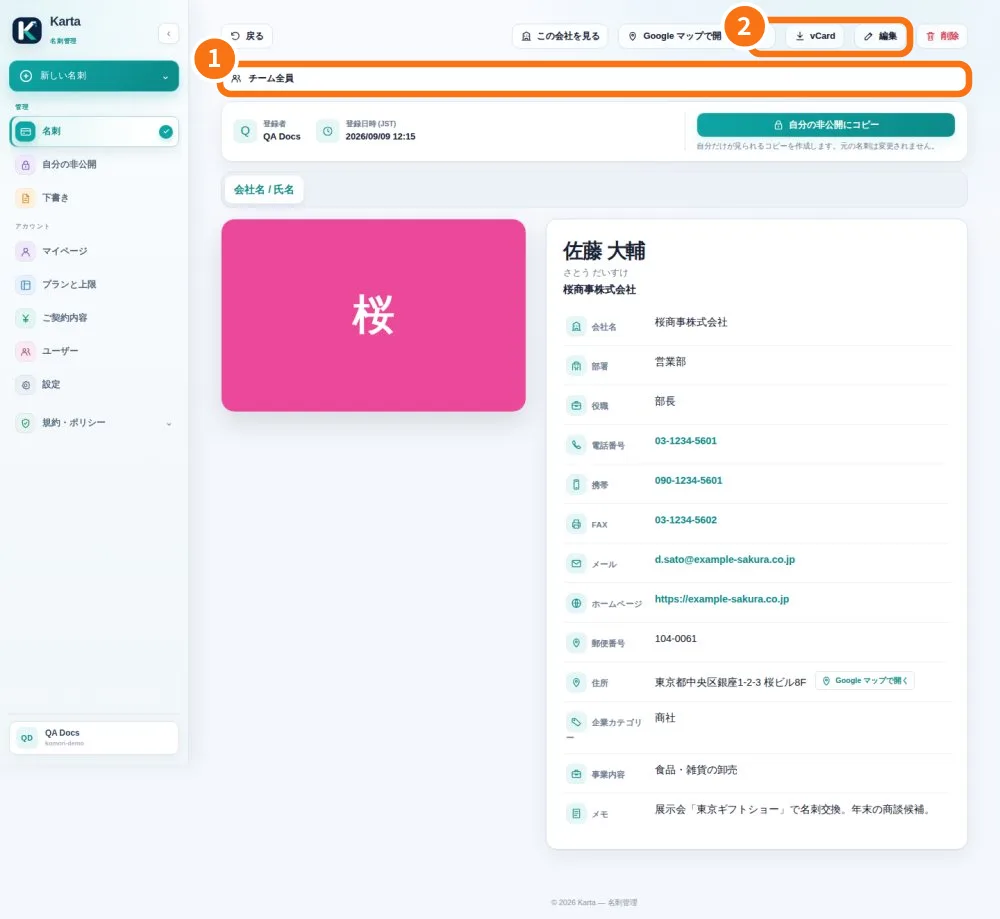
Demo screen. Numbered highlights mark the controls discussed; the image language may differ from yours.
Tip
If something goes wrong
If no recipient is eligible, fix email details or prepare your own card. Check results before retrying to avoid duplicate mail.
Related articles
- FAQ: 20 answers