











KOREOS QUALITY VISION · Pantallas y funciones
After the alert and the reference (good part)
How to resolve a PROBLEM and when the station judges again.
Este artículo aún no está traducido a su idioma: se muestra la versión en English.
En esta página
Reference (good part) first
For each part, place a GOOD part under the camera and tap “Register reference (good part)”. Without a reference the station would see even the background and bench as foreign objects — so it turns yellow, NO REFERENCE, and does not judge. Changed zoom, resolution or area? Register the reference again.
When PROBLEM appears
Pick the outcome (keys 1, 2 and 3 work too):
- Defect removed
- False positive
- Material removed
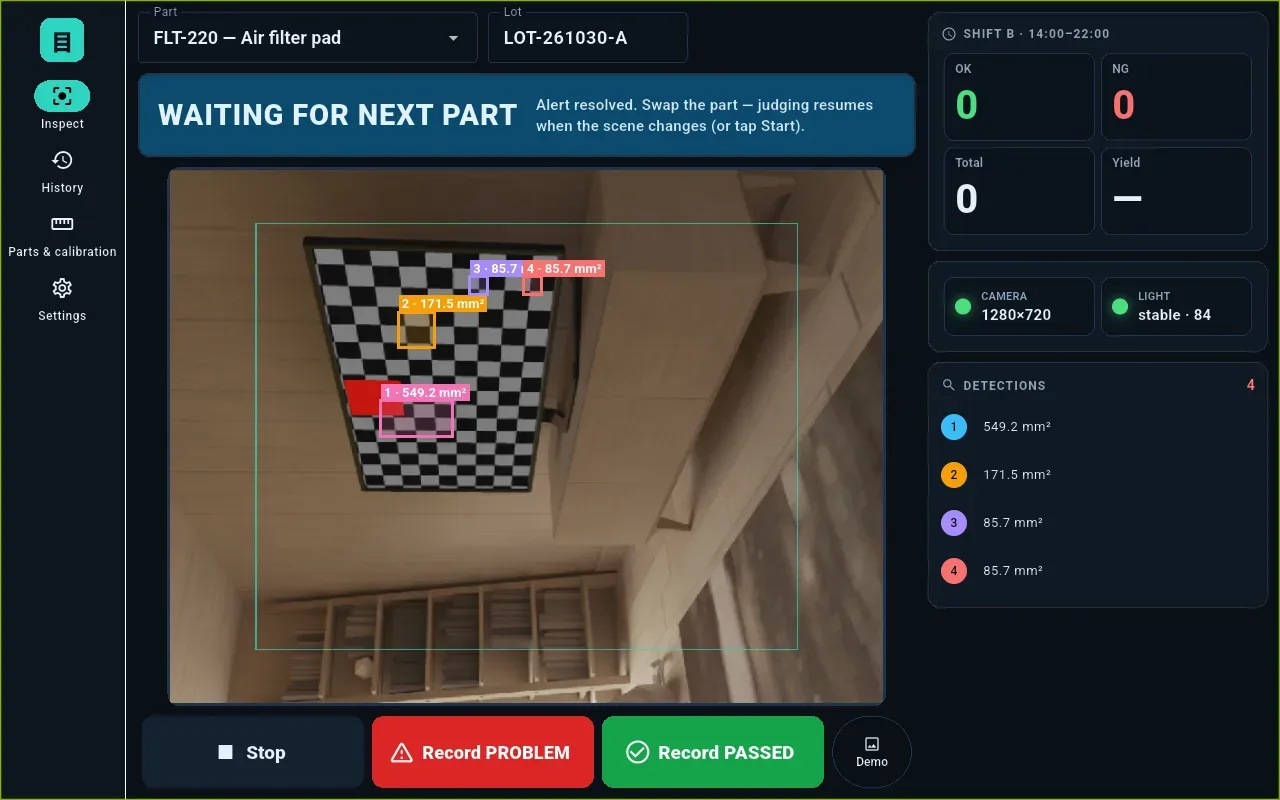
The alert clears and the station turns blue: WAITING FOR NEXT PART.
When it judges again
- when you swap the part (the scene changes and settles again);
- when the frame is clean, with no finding;
- when you press Start again.
On the same scene the same alert never re-opens. “False positive” counts as OK (the part was good) and shows separately as a false alarm in the shift, history and report.