










- BagoFree account: gamitin sa KoMail ang email na mayroon ka na — Gmail, Yahoo!, iCloud o mail server ng kompanya mo. Sa sign in, i-tap ang «Gumawa ng Free account», ilagay ang email at password ng mailbox (o app password): kusang hinahanap ng KoMail ang server at binubuksan ang inbox mo. Nananatili ang mga mensahe sa provider mo.
- BagoSettings › Free account: profile (pangalan, kana, telepono at opsyonal na larawan), hanggang 3 nakakonektang mailbox at «Burahin ang account», na agad bumubura sa lahat ng itinago ng KoMail. Naka-encrypt ang password sa server at laging naka-encrypt ang koneksyon.

Email at produktibidad
KoMail
Email sa negosyo na may AI para sa pagsasalin, buod at tugon.
Mga bago
- BagoNa-verify na attachment: may tatak ang bawat attachment. Berde «Na-verify» = nasuri at ligtas buksan. Dilaw «Hindi ma-verify» (hal. zip na may password) = magtatanong muna bago buksan. Pula «Posibleng mapanganib» (programa, macro, PDF na may script, virus) = naka-block ang preview at mada-download lang kapag nilagyan ng tsek ang «Naiintindihan ko ang panganib». I-tap ang tatak para makita ang dahilan.
Kamakailang na-update
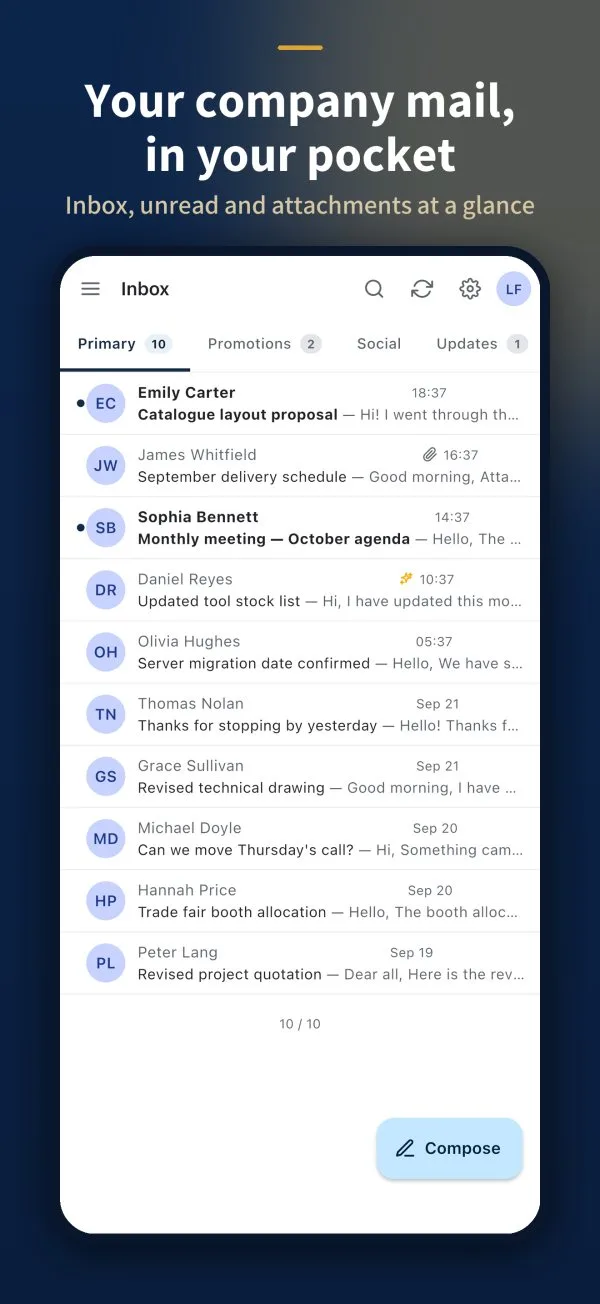 Getting started with KoMailWhat KoMail is and how to sign in from the browser or the app.English
- Use your own email with a Free accountConnect Gmail, Yahoo!, iCloud or your company mail server to the KoMail app for free.English
- Inbox, search and foldersOrganize messages, find old emails and create your own folders.English
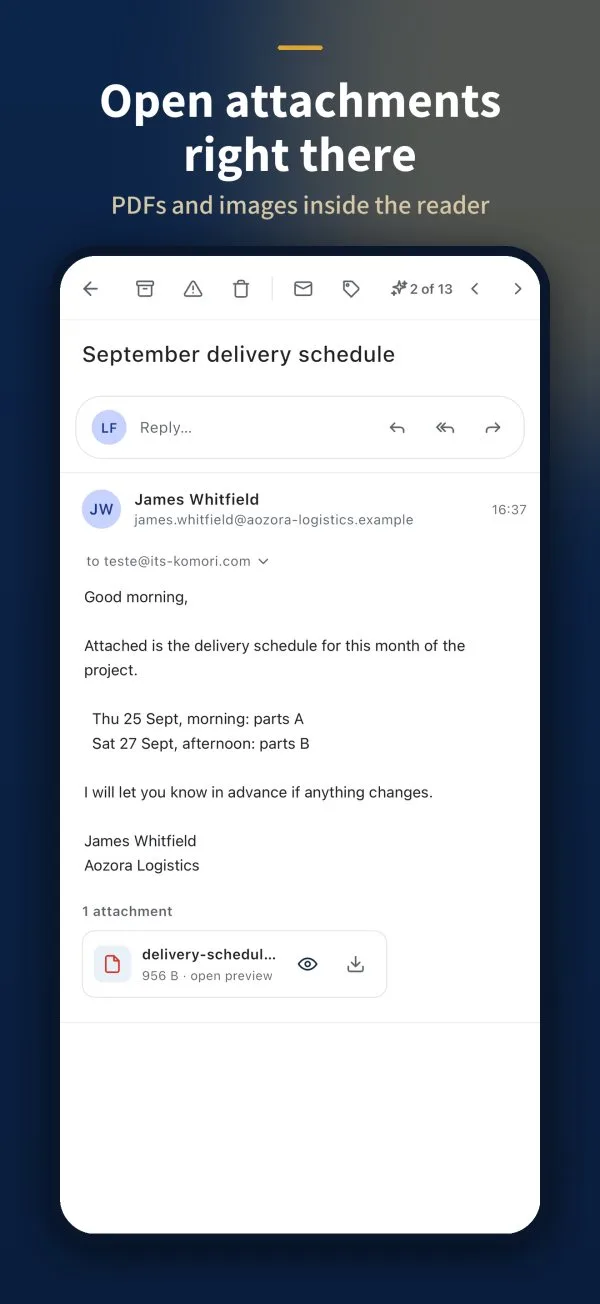 Read a message and open attachmentsReply, archive, open attachments safely and use AI while reading.English
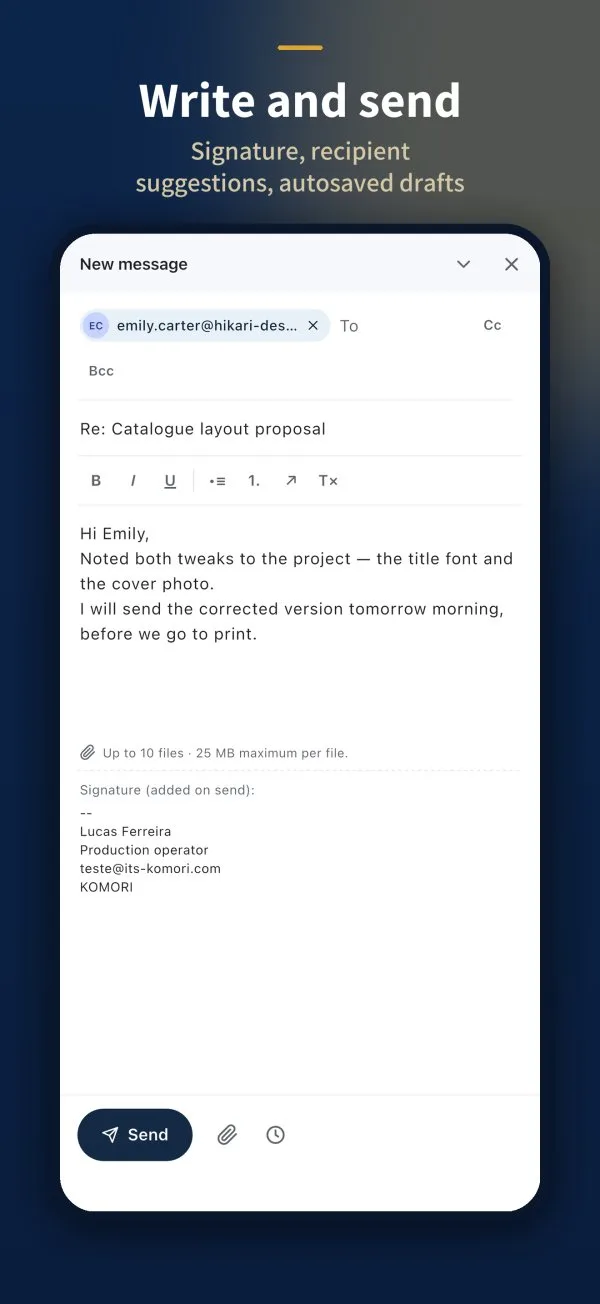 Write and send an emailRecipients, attachments, signature and scheduled sending.English
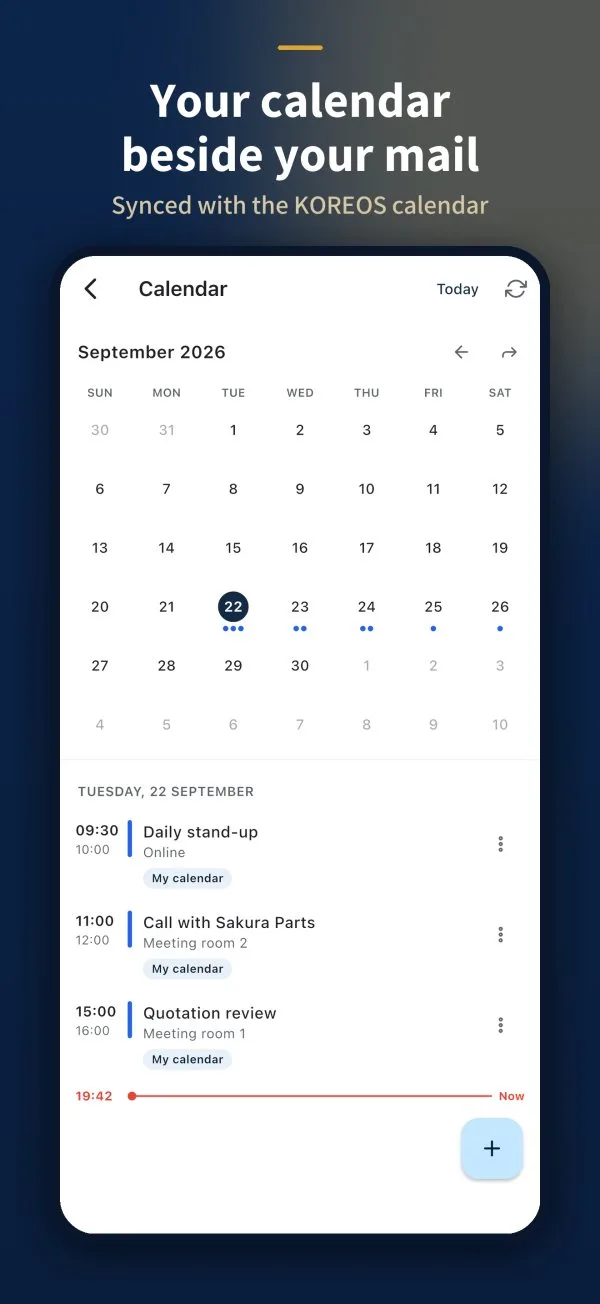 Calendar, contacts and settingsAppointments and contacts next to your mail, and your account settings.English