










- NewFree account: use the email you already have — Gmail, Yahoo!, iCloud or your company's mail server — in KoMail. On the sign-in screen tap «Create a Free account», type the email and the mailbox password (or app password): KoMail finds the server by itself and opens your inbox. Your messages stay at your provider.
- NewSettings › Free account: profile (name, kana reading, phone and optional photo), up to 3 connected mailboxes and «Delete account», which immediately erases everything KoMail stored. The mailbox password is stored encrypted on the server and the connection is always encrypted.

Email and productivity
KoMail
Business email with AI support for translation, summaries and replies.
What’s new
- NewVerified attachments: every attachment gets a badge. Green «Verified» = checked and safe to open. Yellow «Can't verify» (e.g. a password-protected zip) = asks before opening. Red «Possibly dangerous» (program, macro, PDF with script, virus) = preview is blocked and you can only download after ticking «I understand the risk». Tap the badge to see why.
Recently updated
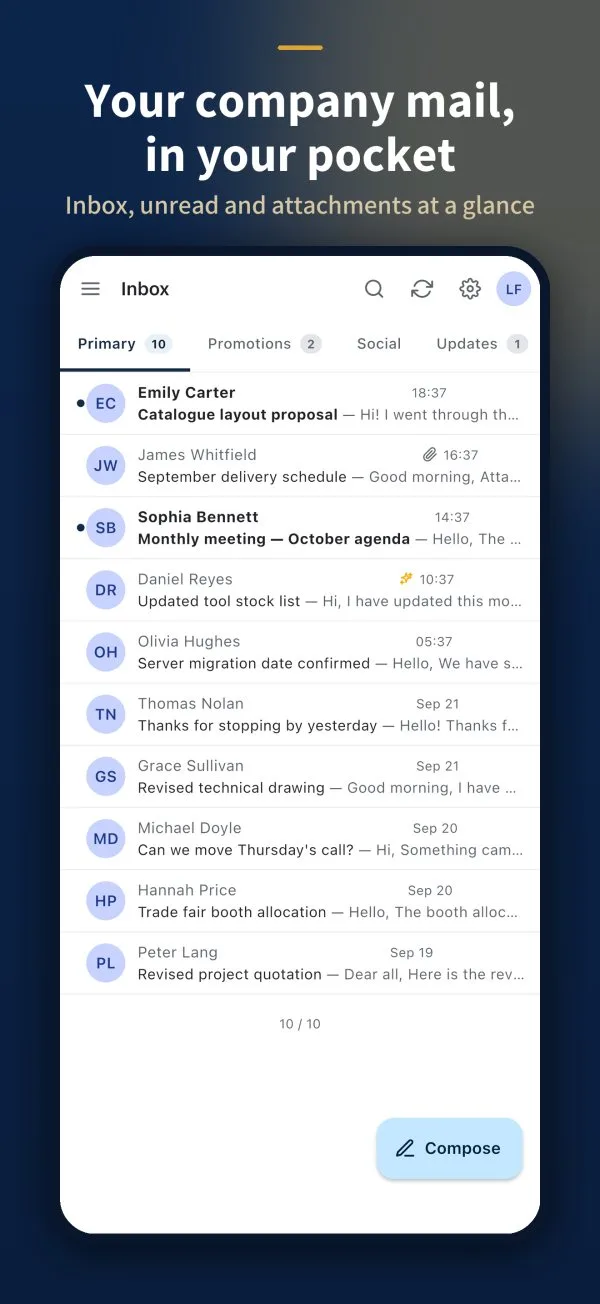 Getting started with KoMailWhat KoMail is and how to sign in from the browser or the app.
- Use your own email with a Free accountConnect Gmail, Yahoo!, iCloud or your company mail server to the KoMail app for free.
- Inbox, search and foldersOrganize messages, find old emails and create your own folders.
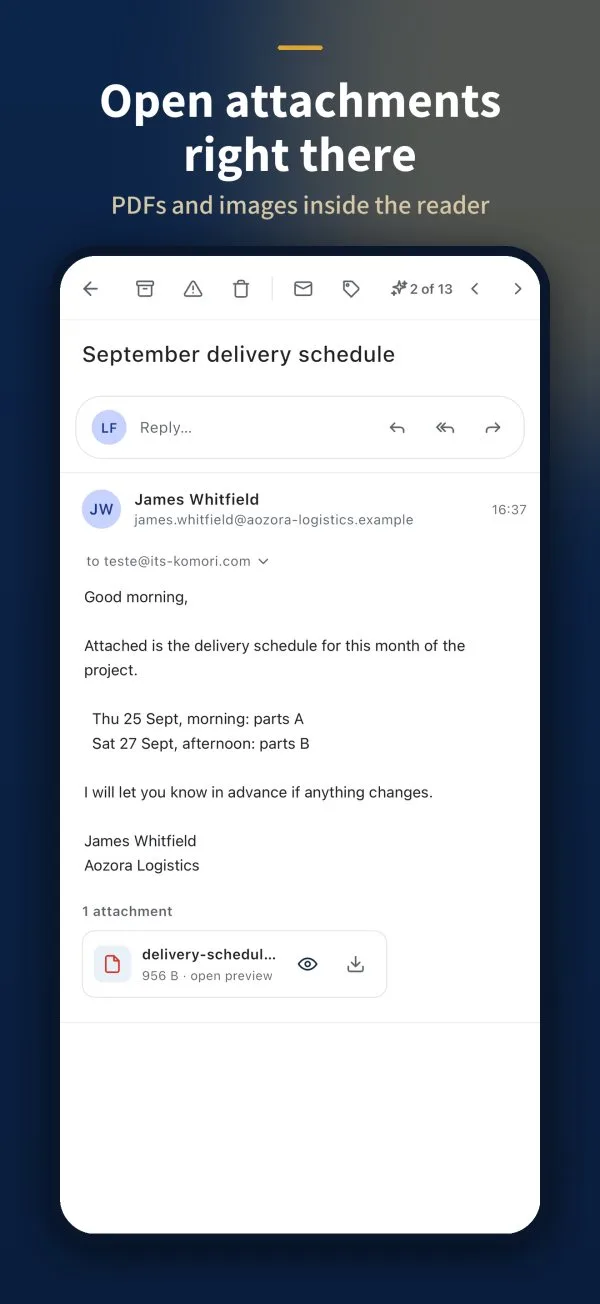 Read a message and open attachmentsReply, archive, open attachments safely and use AI while reading.
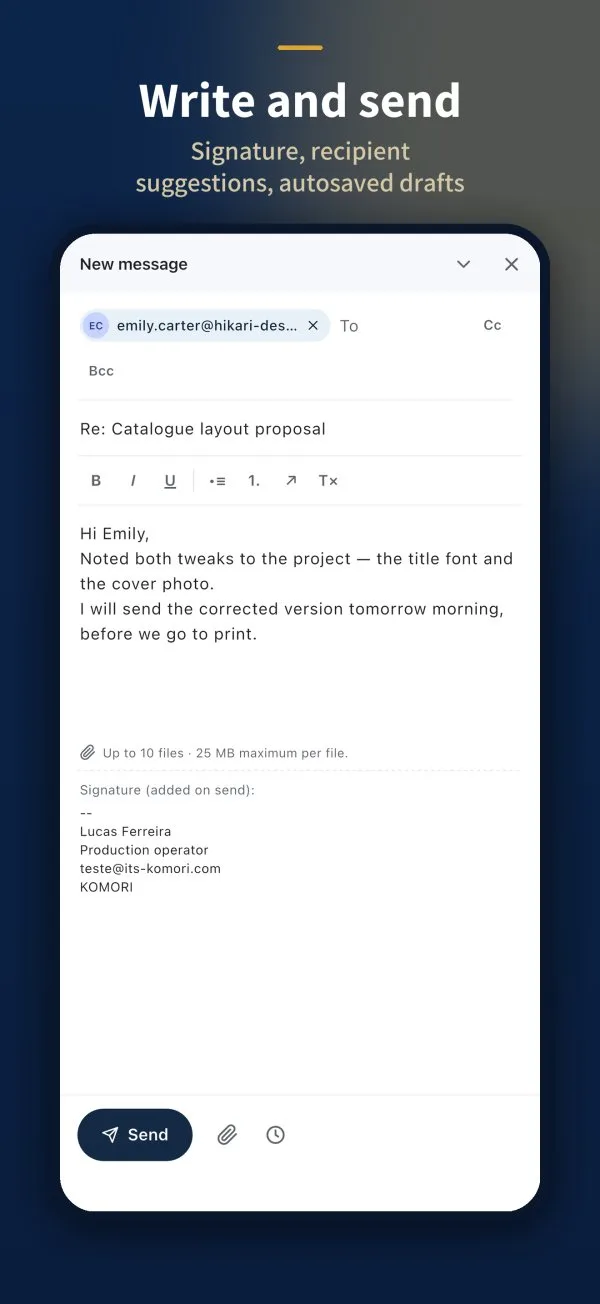 Write and send an emailRecipients, attachments, signature and scheduled sending.
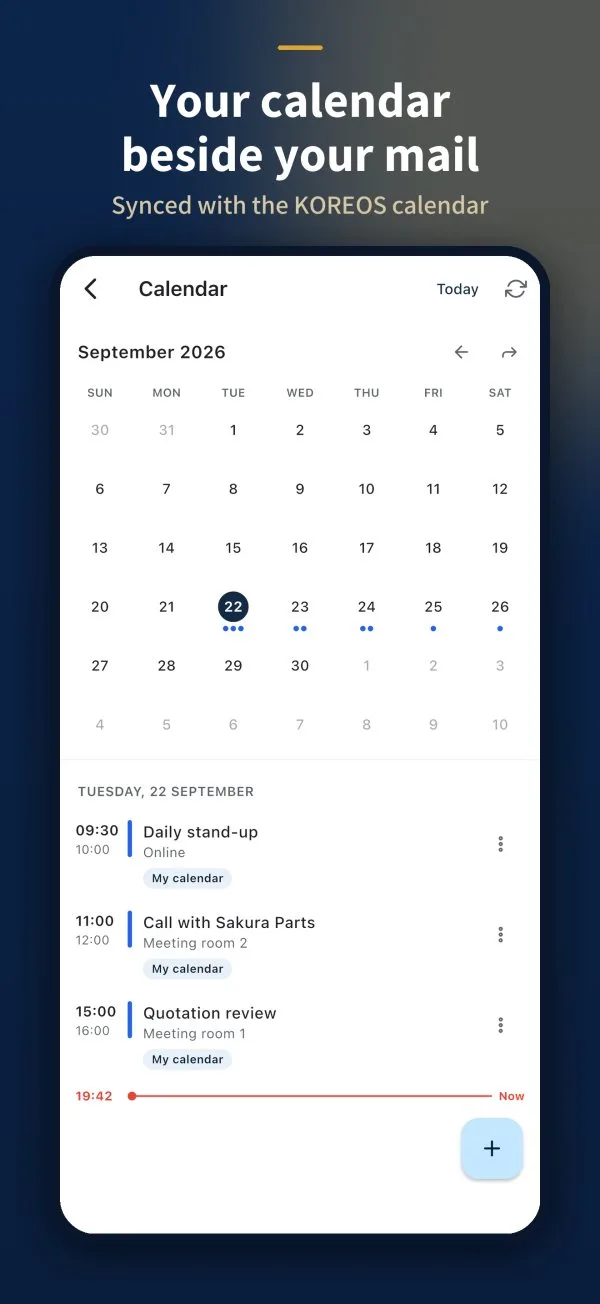 Calendar, contacts and settingsAppointments and contacts next to your mail, and your account settings.