










- NewExternal images: choose «Always show images», or always show them only from trusted senders (address or @domain). Tap «Always from this sender» on the email's banner. Settings › External images.
- NewSignature per mailbox: each mailbox can use the default signature, have its own, or send without one. Settings › Signature › «Signature for».
- ImprovedAttachments: «Download» now opens «Save as» so you choose the name and folder (on iPhone, the «Save to Files» sheet). Japanese and accented file names are kept.

Email and productivity
KoMail
Business email with AI support for translation, summaries and replies.
Start here
 Start here: learn KoMailA path for each person, with the right articles in the right order.
- Path — User: everyday emailThe articles for who reads and replies to emails, in the right order.
- Path — Account and company: inboxes, devices, and planThe articles for who manages the account, in the right order.
- KoMail simple glossaryThe words you see in the app, explained in one line.
- Sign in with a mailbox, Free or company accountKoMail opens your mailbox. Its password may differ from your KOREOS account password.
Screens & features
See all (15) →- Connect and switch external mailboxesFree connects up to three existing mailboxes; messages remain at the original provider.
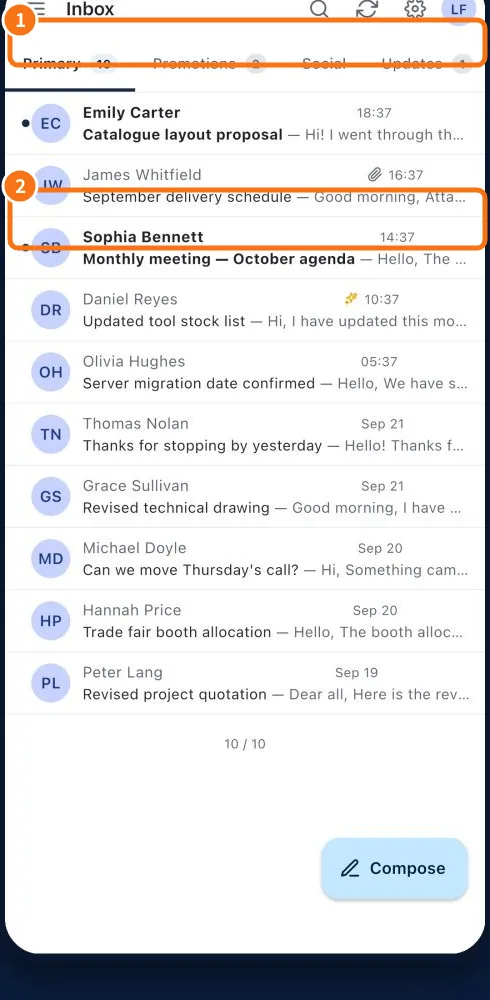
- Inbox tabs, stars and actionsInbox organizes messages into tabs and folders and refreshes lists and counters as changes arrive.
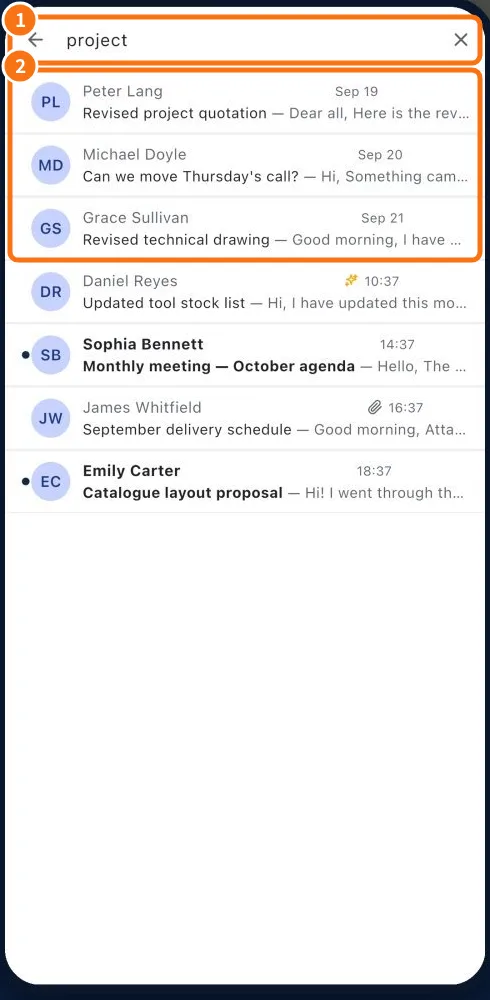 Search messages and organize foldersSearch finds messages by text; folder controls organize the active mailbox archive.
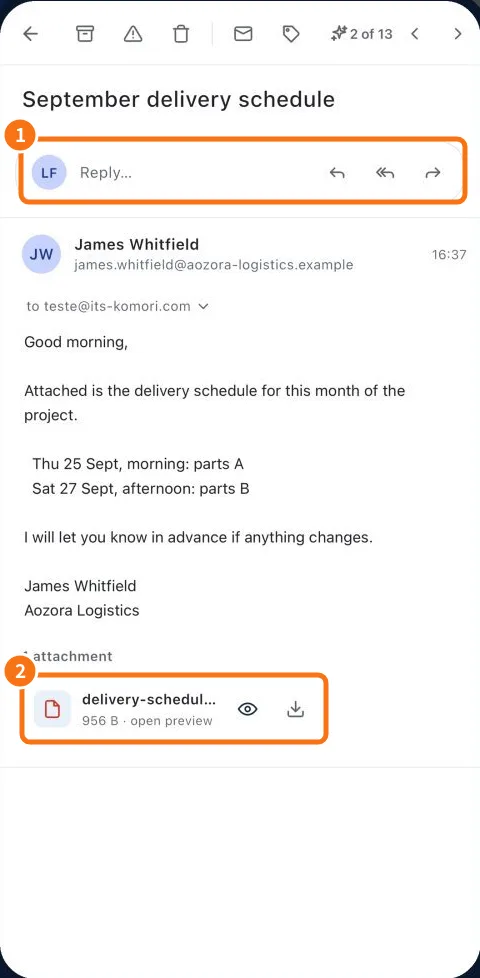 Read a thread, reply and forwardThe reader groups a conversation. Check earlier messages and all recipients before replying.
- Open attachments and understand scan badgesEach attachment shows a scan state. Its badge helps choose the next step and may block an unsafe preview.
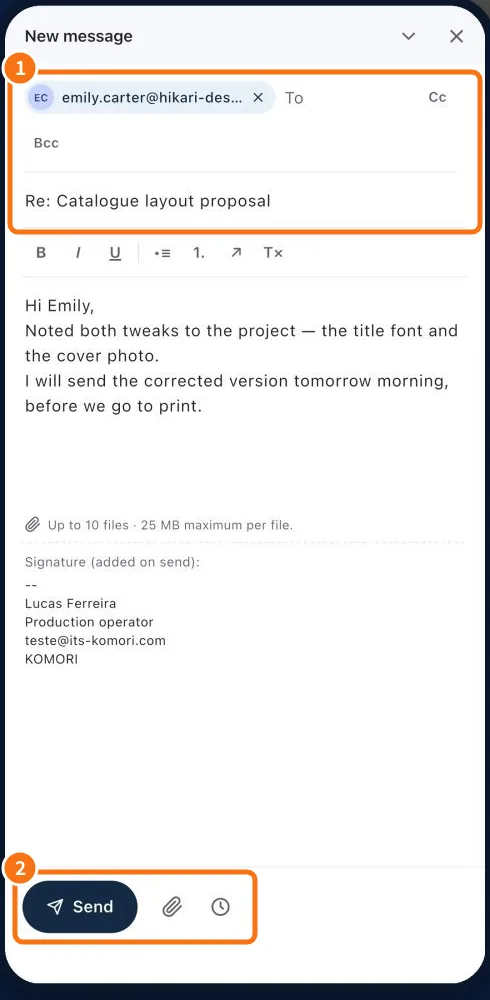 Compose, attach, save a draft and signCompose prepares a message; drafts let you resume and a signature provides your contact details.