











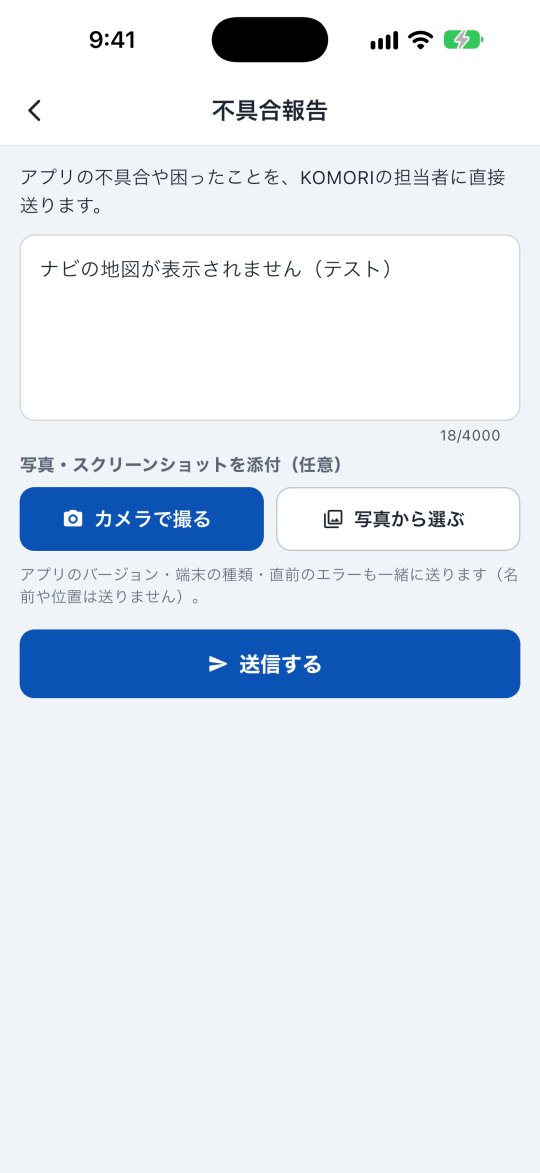
- Bago「その他」→「アカウント」→「免許証」で表面・裏面の写真と有効期限を登録できます。期限間近・期限切れも確認できます。
K
KoChiken
Paano gamitin ang KoChiken
Magsimula dito
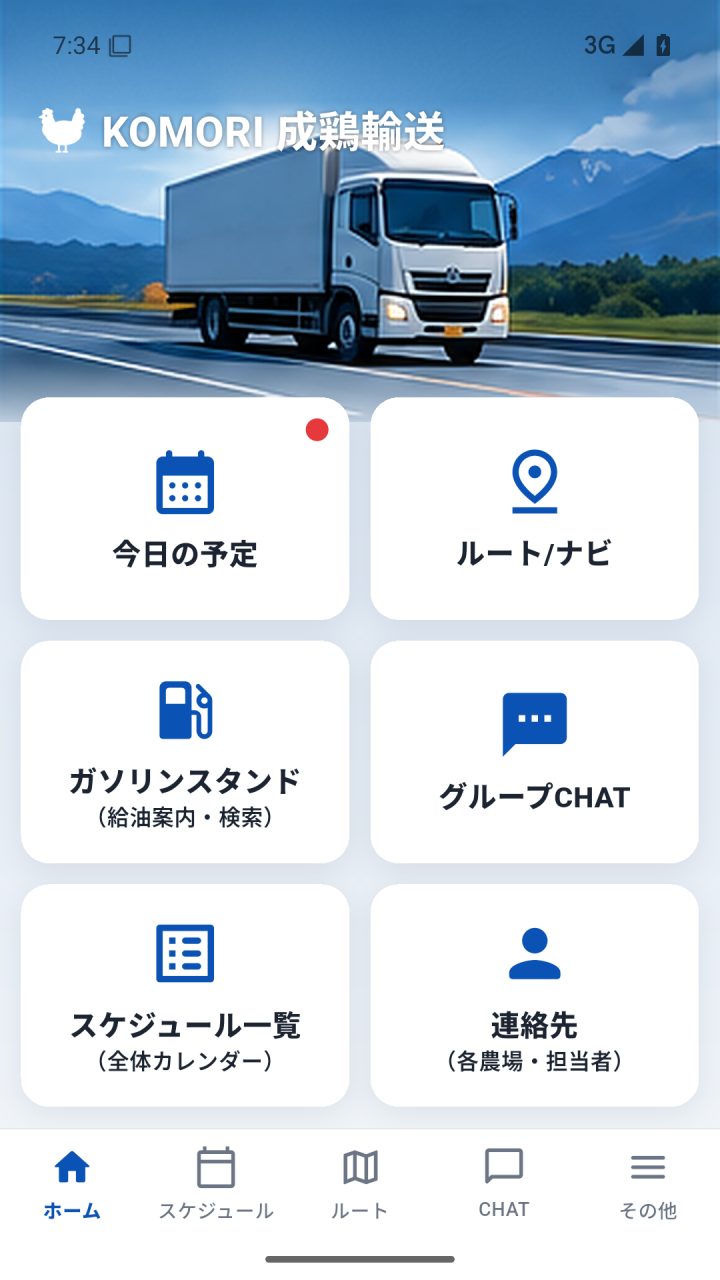 Driver app manual (complete, with pictures)Every screen and button of the driver app, step by step: sign-in, profile, the 6 home buttons, departure, navigation, refuelling, receipts, arrival, chat and FAQ.
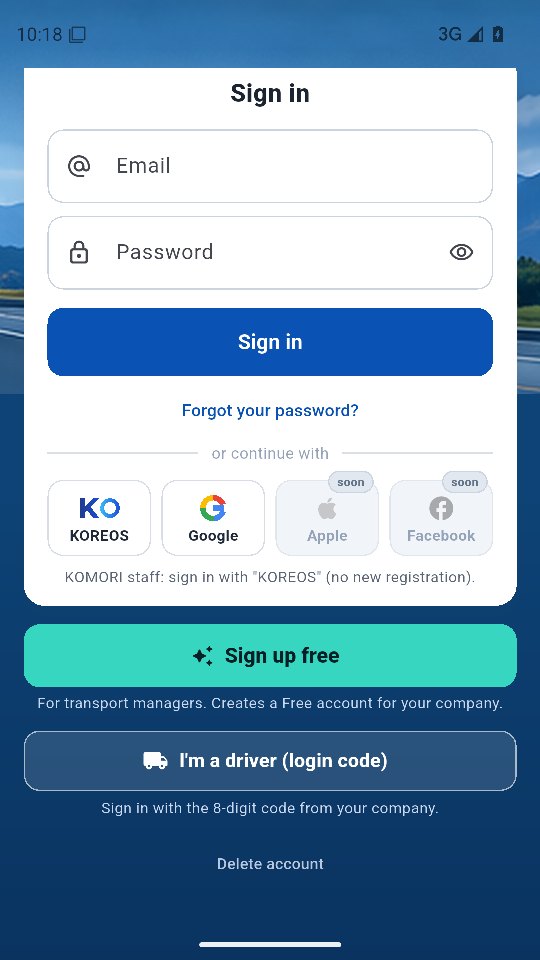 Sign inDrivers: 8-digit code. Managers: e-mail, KOREOS or Google.
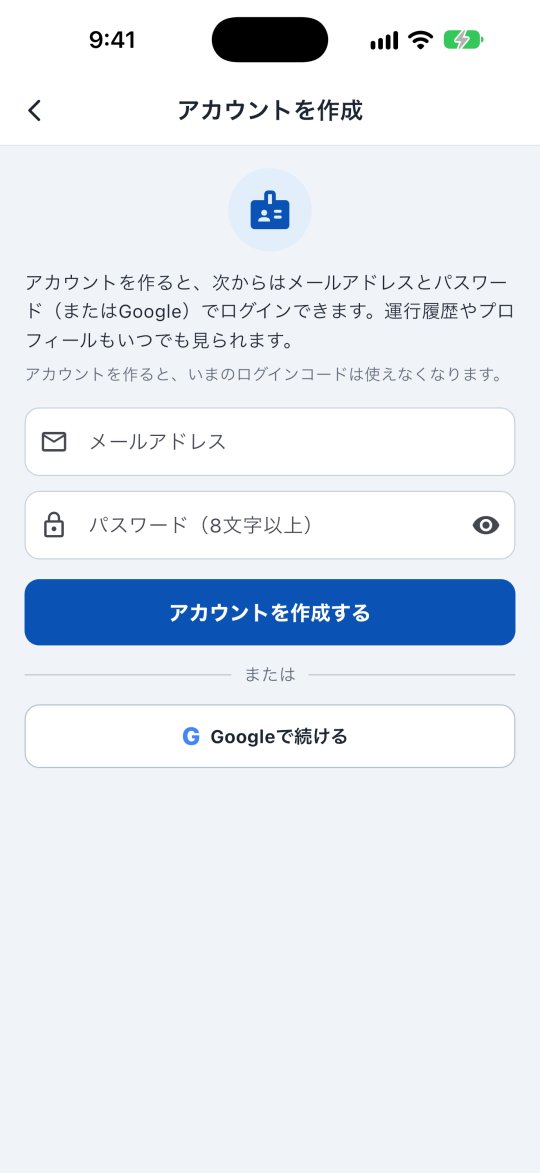 Driver account (create, history, delete)Sign in with your code once and create an account; then use e-mail/Google. See your trip history, receipts and profile, and delete the account.
Mga screen at feature
Tingnan lahat (7) →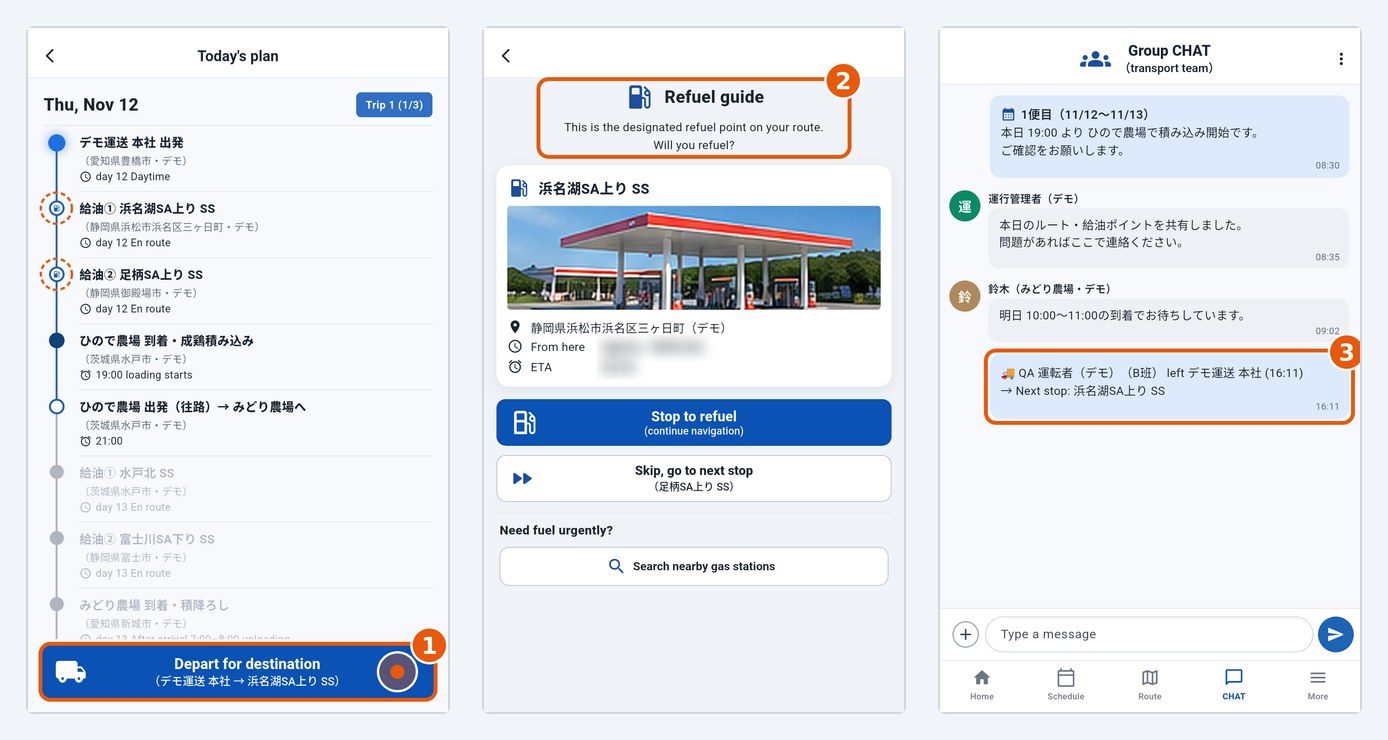 Today's plan and departureCheck stops in Today's plan and tap Depart for destination to leave; the office and the group (CHAT) are notified automatically.
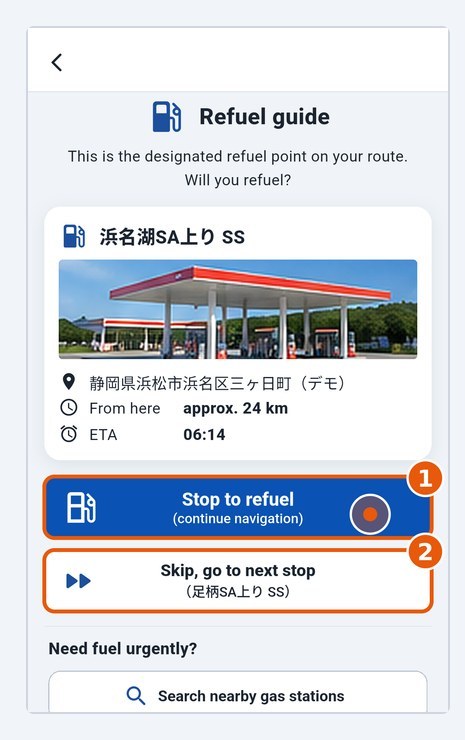 Fuel stop: stop or skipAt a planned fuel stop, choose whether to stop; after refuelling, tap I refuelled.
- Find nearby gas stationsLists stations near you when you need fuel urgently.
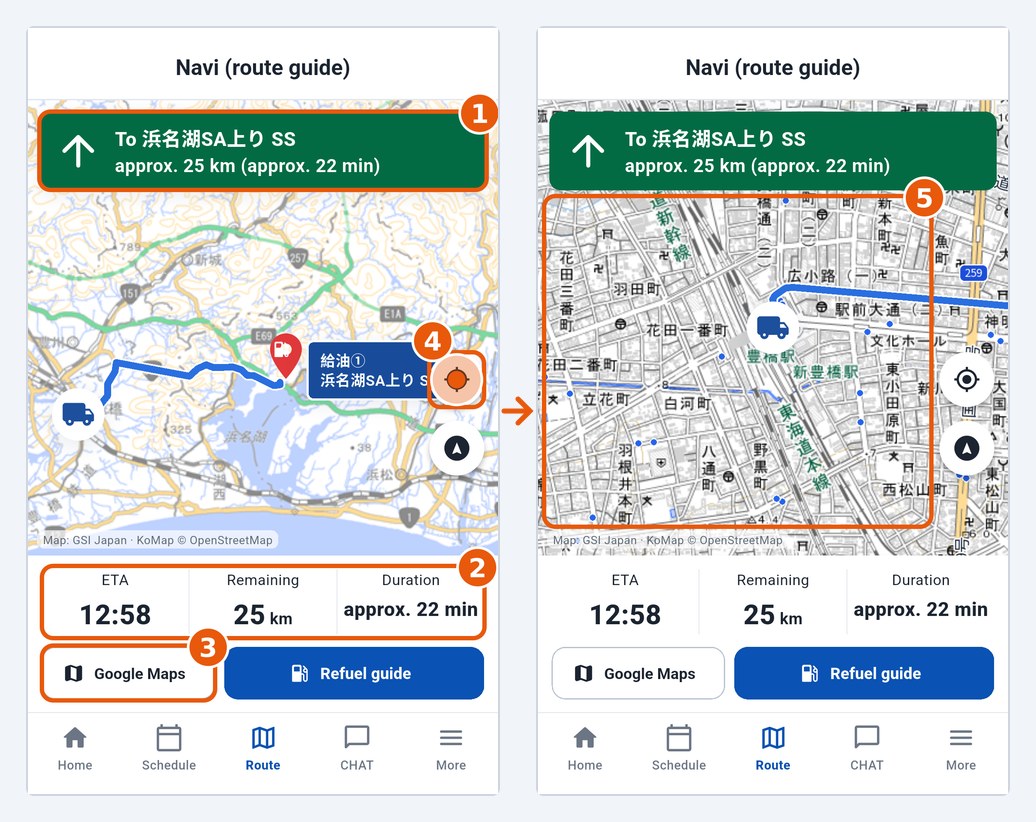 Route and navigationMap with the KoMap layer on top, distance and ETA to the next destination; voice navigation with Google/Apple Maps.
- Group chat and contactsTalk with the office and farms; phone numbers of farms and lodging.
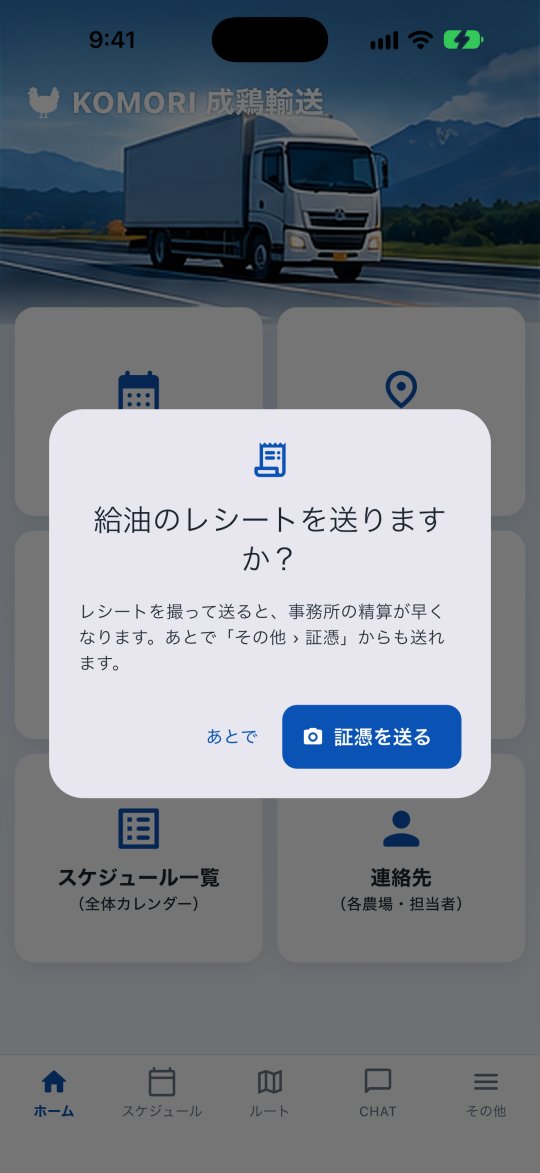 Send receiptsPhotograph a receipt (fuel, toll, parking…) and send it to the office. See the status of each one: waiting, approved or returned.