KOCHAT · 界面与功能
Voice and video calls
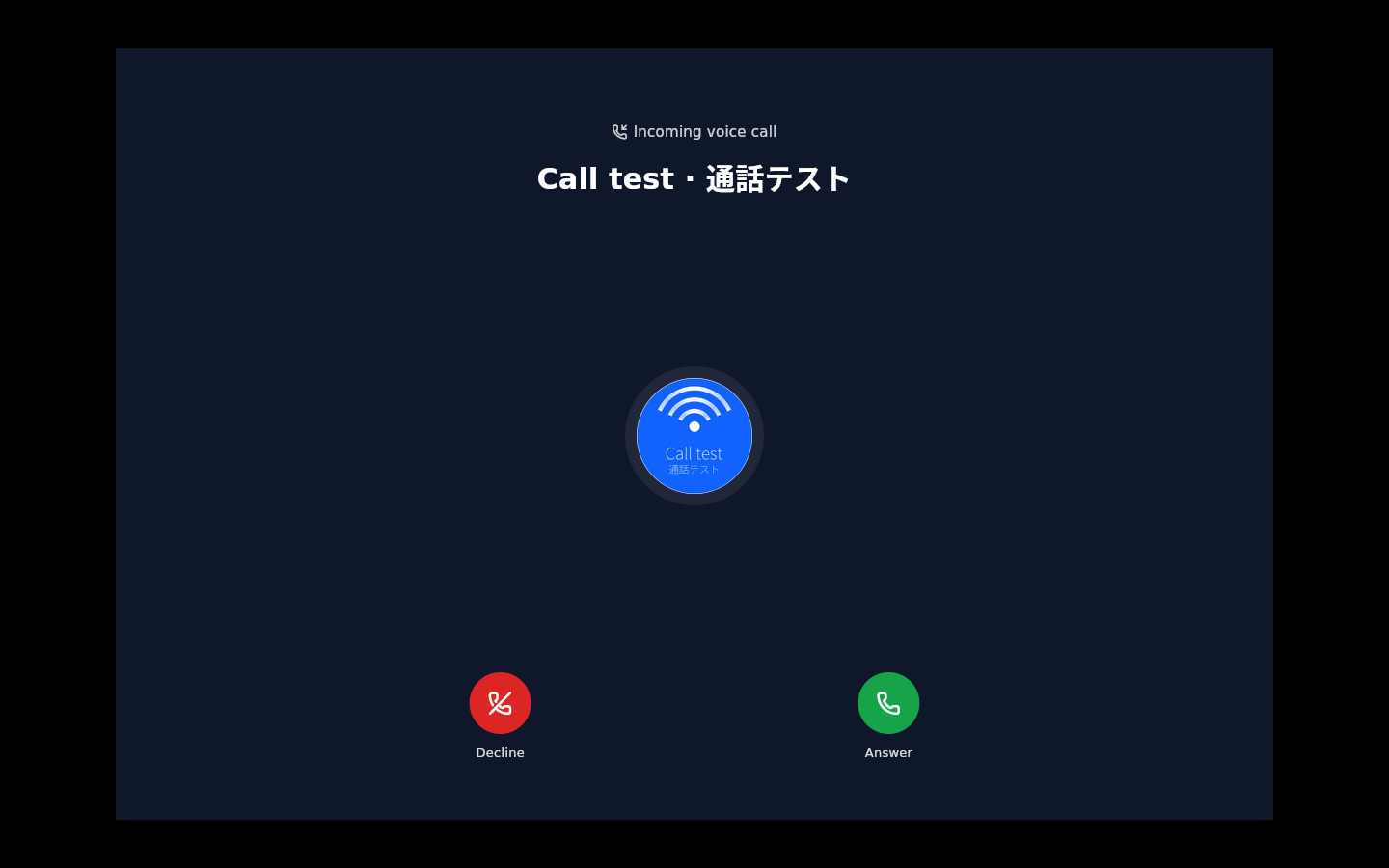
Inside the conversation, the phone icon starts a voice call and the camera a video call. Answer/Decline show on screen.
此文章暂无您的语言版本,以English显示。
本页目录
Call
- Open the one-to-one conversation with the person (group chats have no call buttons).
- Tap the phone (voice) or the camera (video) at the top.
- Wait: Calling… then Connecting….
- Tap End to hang up.

Receive
Tap Answer or Decline. Missed calls are logged in the conversation.
Desktop and browser calls
Update desktop KOCHAT to 1.8.30 (87) and stay signed in. In a browser, open Messenger or the KOREOS chat dock. Click Answer when a call arrives and allow the microphone if prompted. The microphone opens when you answer. Answering on one client stops ringing on the others. Clients also recover pending invitations if a notification is missed. Use dedicated QA accounts and the Call test bot for testing.