Đến nội dung
0532-35-9001
[email protected]
Tiếng Việt
— Ngôn ngữ
日本語
Português
English
Tagalog
简体中文
Tiếng Việt
Español
Hướng dẫn
Giới thiệu công ty
Các bộ phận
Sản phẩm và ứng dụng
Dịch vụ đám mây (SaaS) & ứng dụng
KoLite
Karta
Kenten
KŌLOGY
KMR
KOCHAT
KoMail
KOREOS HOME
k-TV
KOREOS Family · KOMORI Software
KoCAD
KU
K-Units
KM
KOREOS MENT
KS
KOLOGY Software Lite
KS
KOLOGY Software Pro
Sản phẩm và ứng dụng · its-komori.com ↗
Liên hệ ↗
Menu
Tìm trong mọi hướng dẫn
Dịch vụ đám mây (SaaS) & ứng dụng
KoLite
Karta
Kenten
KŌLOGY
KMR
KOCHAT
KoMail
KOREOS HOME
k-TV
KOREOS Family · KOMORI Software
KoCAD
KU
K-Units
KM
KOREOS MENT
KS
KOLOGY Software Lite
KS
KOLOGY Software Pro
Tính năng mới
Thuật ngữ
Giới thiệu công ty ↗
Các bộ phận ↗
Sản phẩm và ứng dụng ↗
Liên hệ ↗
Hướng dẫn
k-TV
Màn hình & chức năng
Thông tin trên màn hình
k-TV
Cách dùng k-TV
7 bài viết
Phiên bản hiện tại
1.24.1
Trang sản phẩm ↗
Tìm trong hướng dẫn k-TV
Tìm
Màn hình & chức năng
Tất cả
Choosing the screen
1
Language
1
Remote control
1
Device and updates
1
Choosing the screen
Choose and change the TV screen
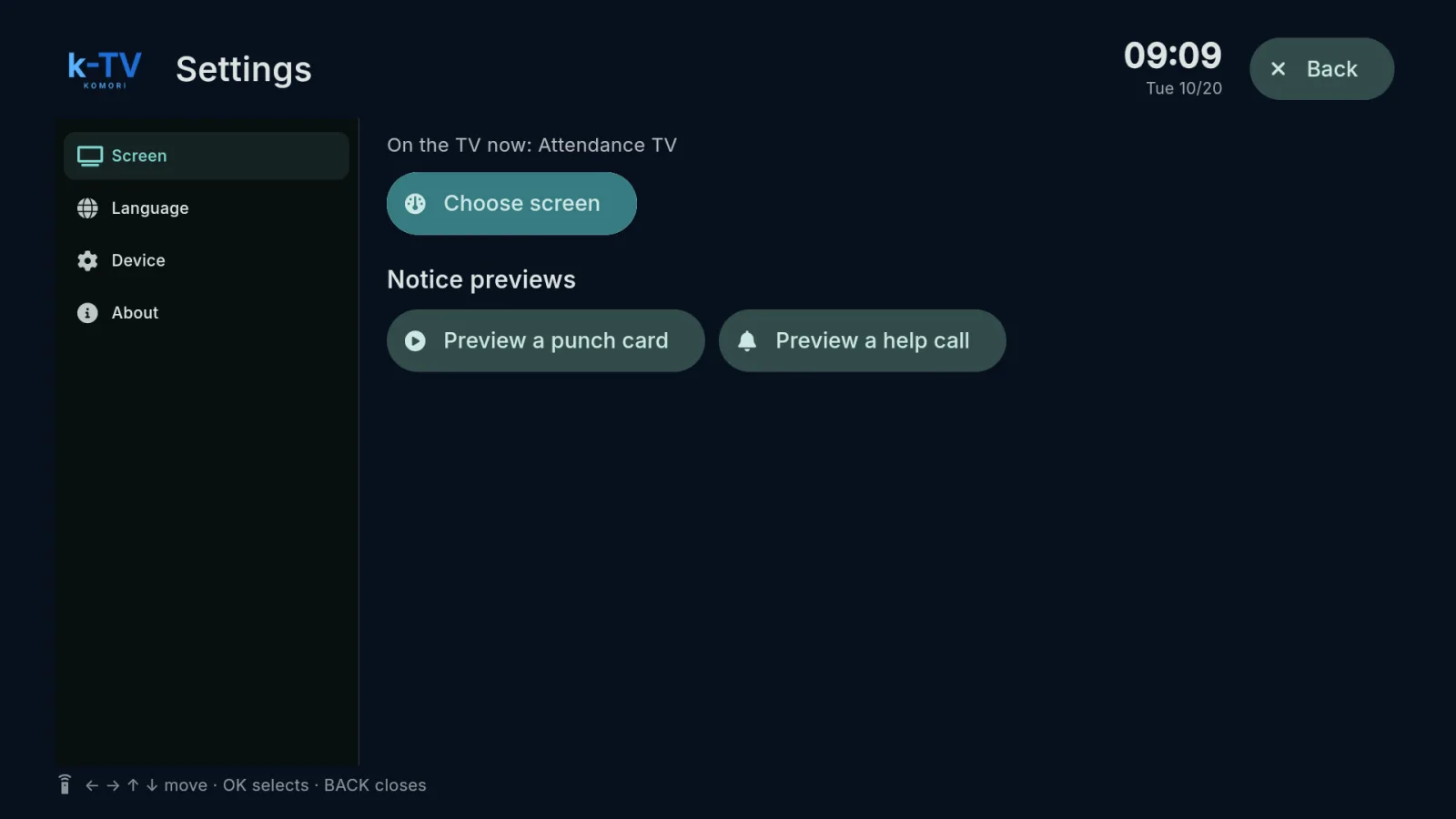
Settings → Screen: what is on the TV now, the screen picker, 1–9 shortcuts and light or dark theme.
English
Language
Change the TV language
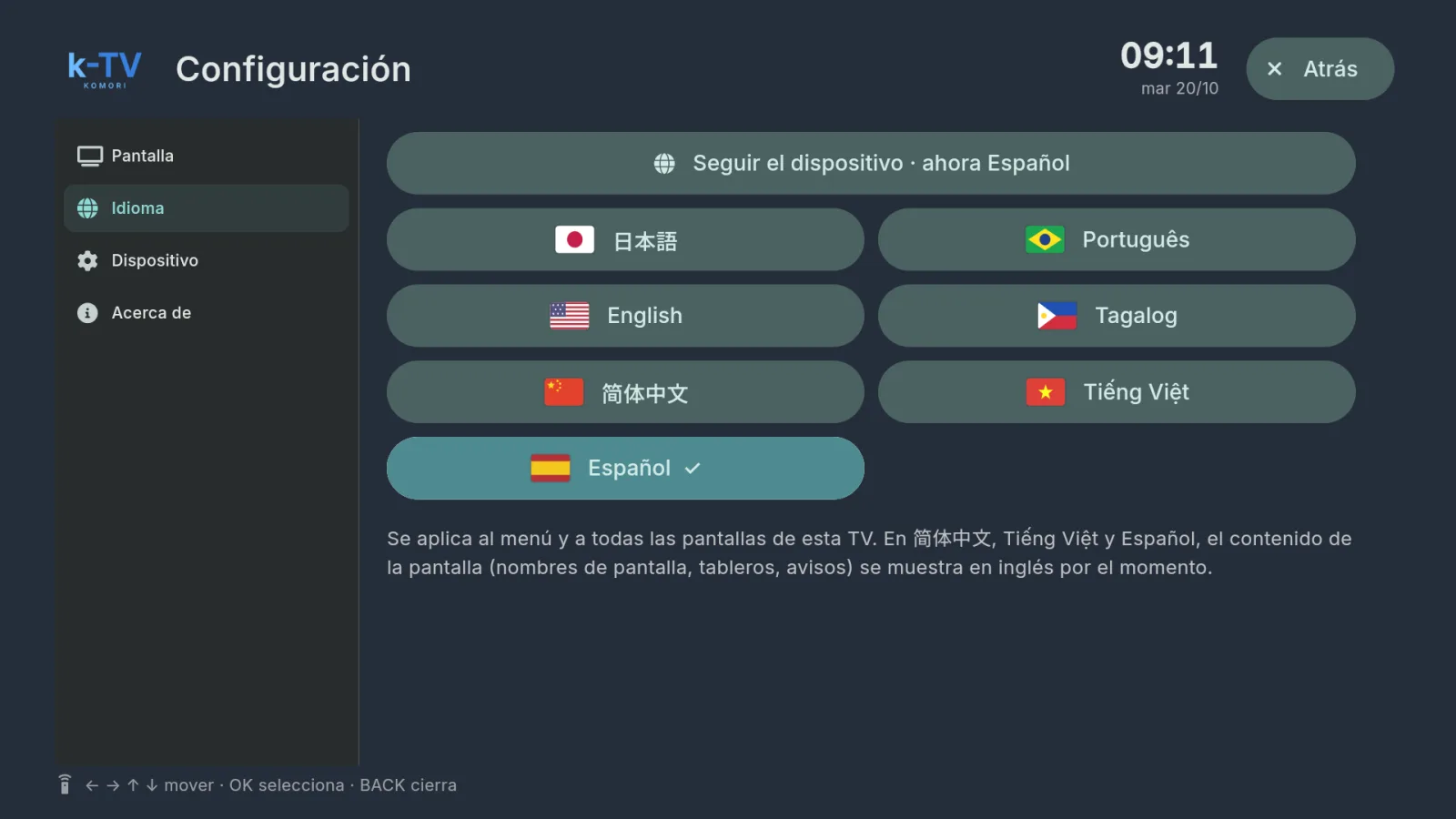
Settings → Language: 7 languages, or follow the device language.
English
Remote control
Using the remote control
What each key does in k-TV: MENU, BACK, arrows, OK and the numbers 1–9.
English
Device and updates
Device, updates and working without internet
Device and About tabs, sync, app updates and what the TV shows when the internet drops.
English