Pumunta sa nilalaman
0532-35-9001
[email protected]
Tagalog
— Wika
日本語
Português
English
Tagalog
简体中文
Tiếng Việt
Español
Mga manwal
Tungkol sa Amin
Mga departamento
Mga produkto at app
Cloud services (SaaS) at apps
KoLite
Karta
Kenten
KŌLOGY
KMR
KOCHAT
KoMail
KOREOS HOME
k-TV
KOREOS Family · KOMORI Software
KoCAD
KU
K-Units
KM
KOREOS MENT
KS
KOLOGY Software Lite
KS
KOLOGY Software Pro
Mga produkto at app · its-komori.com ↗
Makipag-ugnayan sa Amin ↗
Menu
Maghanap sa lahat ng manwal
Cloud services (SaaS) at apps
KoLite
Karta
Kenten
KŌLOGY
KMR
KOCHAT
KoMail
KOREOS HOME
k-TV
KOREOS Family · KOMORI Software
KoCAD
KU
K-Units
KM
KOREOS MENT
KS
KOLOGY Software Lite
KS
KOLOGY Software Pro
Mga bago
Glosaryo
Tungkol sa Amin ↗
Mga departamento ↗
Mga produkto at app ↗
Makipag-ugnayan sa Amin ↗
Mga manwal
k-TV
Mga screen at feature
Impormasyon sa mga screen
k-TV
Paano gamitin ang k-TV
7 artikulo
Kasalukuyang bersyon
1.24.1
Pahina ng produkto ↗
Maghanap sa manwal ng k-TV
Hanapin
Mga screen at feature
Lahat
Choosing the screen
1
Language
1
Remote control
1
Device and updates
1
Choosing the screen
Choose and change the TV screen
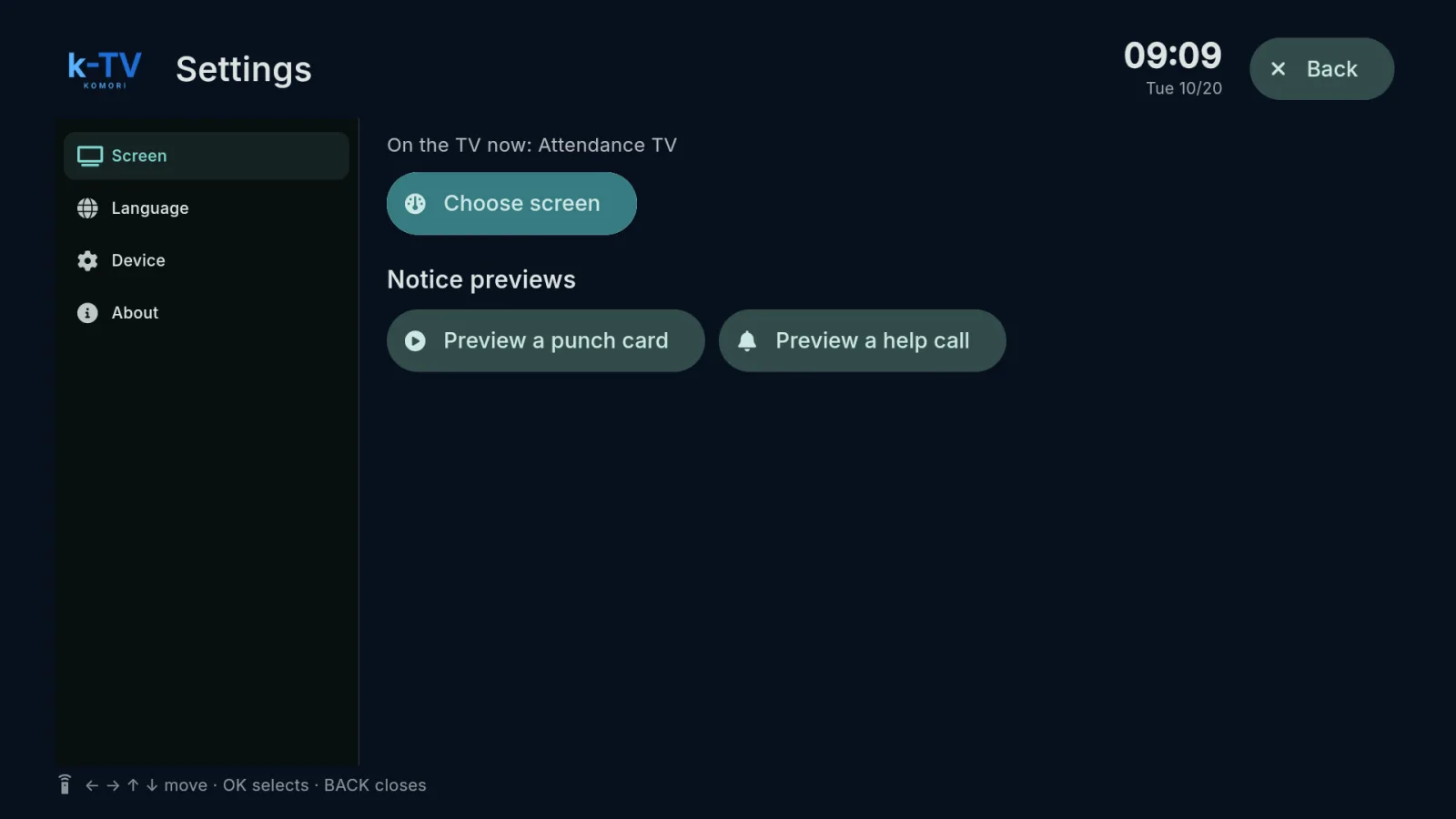
Settings → Screen: what is on the TV now, the screen picker, 1–9 shortcuts and light or dark theme.
English
Language
Change the TV language
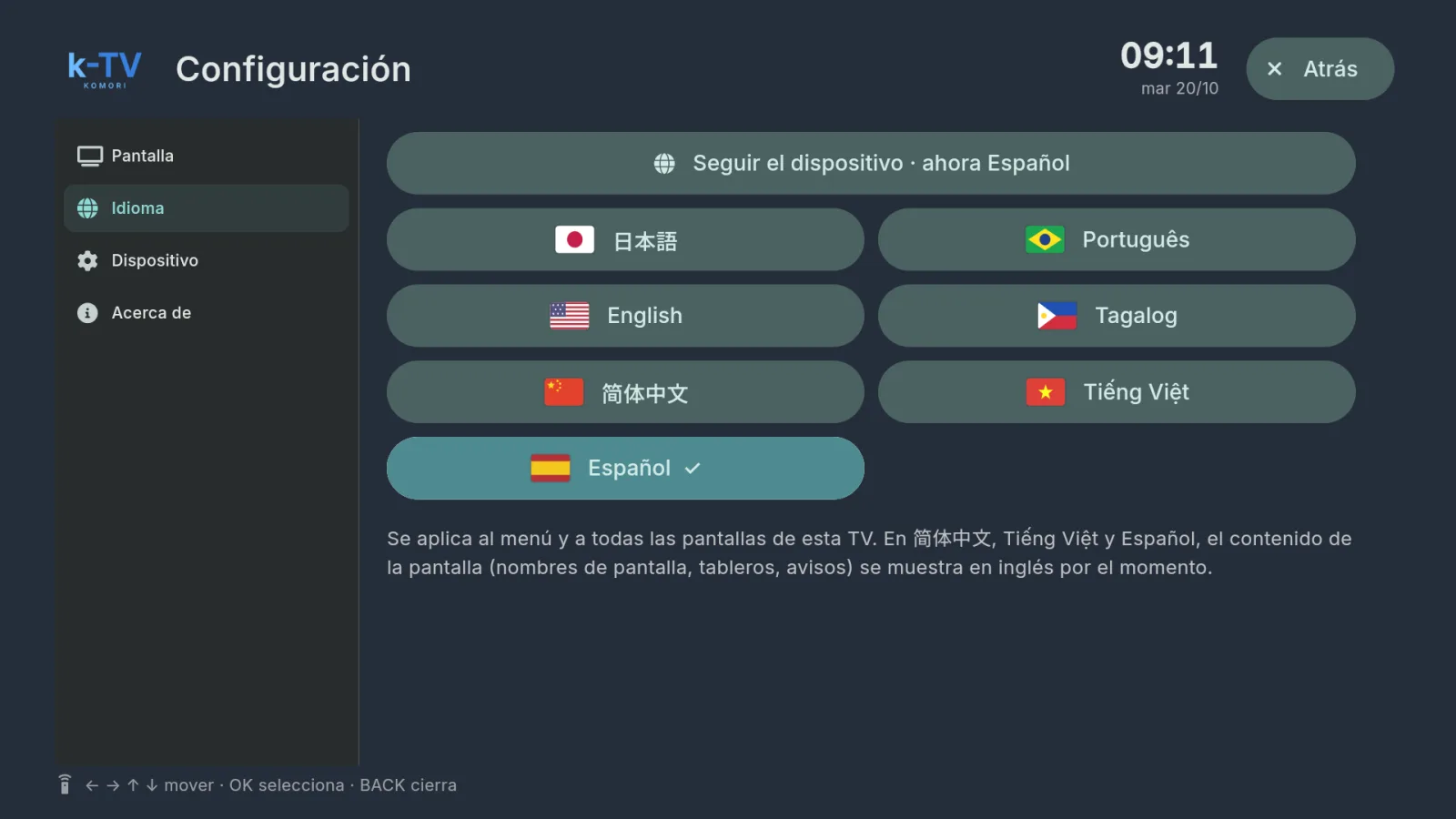
Settings → Language: 7 languages, or follow the device language.
English
Remote control
Using the remote control
What each key does in k-TV: MENU, BACK, arrows, OK and the numbers 1–9.
English
Device and updates
Device, updates and working without internet
Device and About tabs, sync, app updates and what the TV shows when the internet drops.
English