Ir al contenido
0532-35-9001
[email protected]
Español
— Idioma
日本語
Português
English
Tagalog
简体中文
Tiếng Việt
Español
Manuales
Sobre nosotros
Departamentos
Productos y aplicaciones
Servicios en la nube (SaaS) y apps
KoLite
Karta
Kenten
KŌLOGY
KMR
KOCHAT
KoMail
KOREOS HOME
k-TV
Familia KOREOS · KOMORI Software
KoCAD
KU
K-Units
KM
KOREOS MENT
KS
KOLOGY Software Lite
KS
KOLOGY Software Pro
Productos y aplicaciones · its-komori.com ↗
Contactar ↗
Menú
Buscar en todos los manuales
Servicios en la nube (SaaS) y apps
KoLite
Karta
Kenten
KŌLOGY
KMR
KOCHAT
KoMail
KOREOS HOME
k-TV
Familia KOREOS · KOMORI Software
KoCAD
KU
K-Units
KM
KOREOS MENT
KS
KOLOGY Software Lite
KS
KOLOGY Software Pro
Novedades
Glosario
Sobre nosotros ↗
Departamentos ↗
Productos y aplicaciones ↗
Contactar ↗
Manuales
k-TV
Pantallas y funciones
Información en pantallas
k-TV
Cómo usar k-TV
7 artículos
Versión actual
1.24.1
Página del producto ↗
Buscar en el manual de k-TV
Buscar
Pantallas y funciones
Todos
Choosing the screen
1
Language
1
Remote control
1
Device and updates
1
Choosing the screen
Choose and change the TV screen
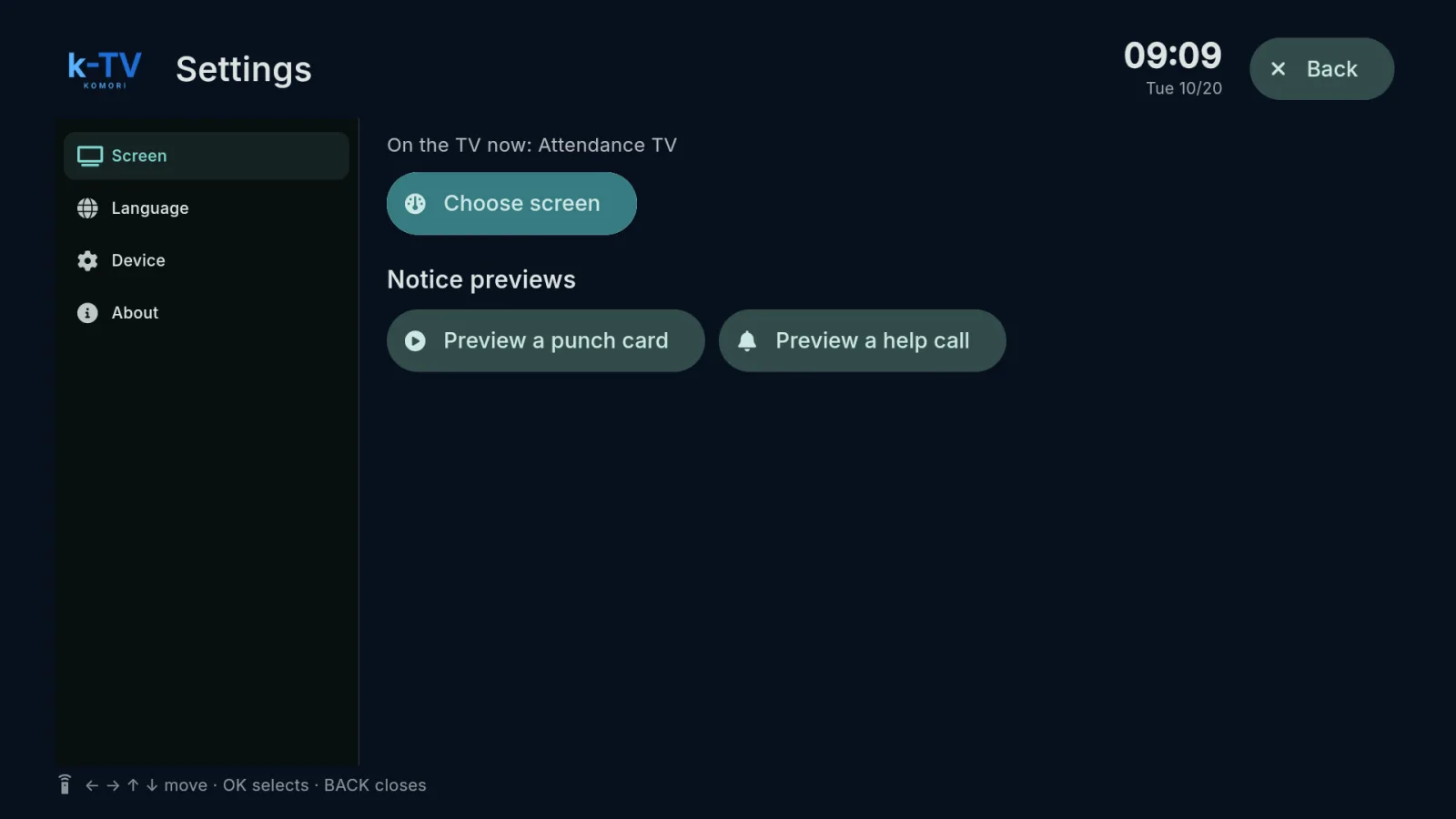
Settings → Screen: what is on the TV now, the screen picker, 1–9 shortcuts and light or dark theme.
English
Language
Change the TV language
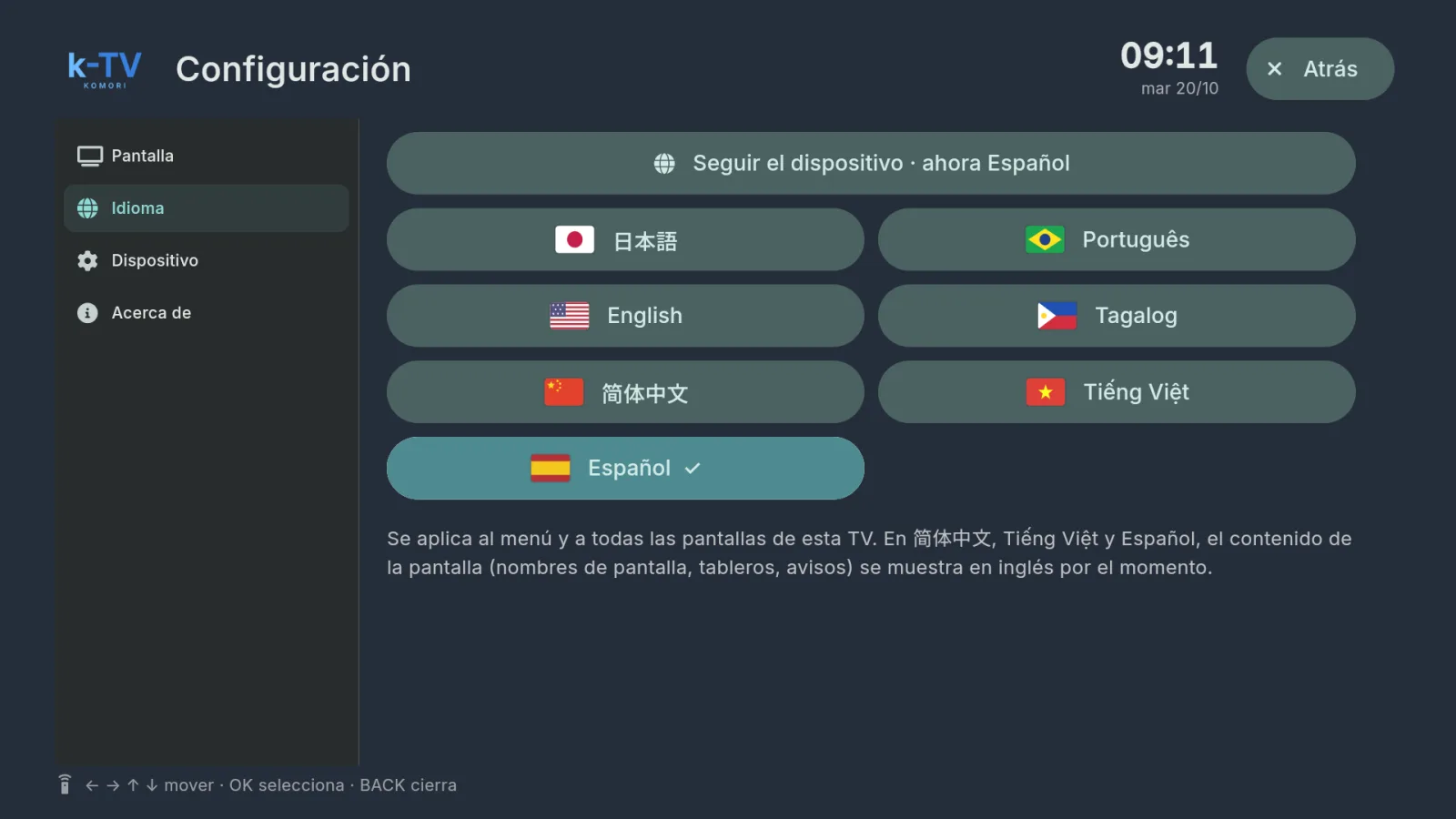
Settings → Language: 7 languages, or follow the device language.
English
Remote control
Using the remote control
What each key does in k-TV: MENU, BACK, arrows, OK and the numbers 1–9.
English
Device and updates
Device, updates and working without internet
Device and About tabs, sync, app updates and what the TV shows when the internet drops.
English