











KOREOS HOME · Screens & features
Money: actual, planned, budget and privacy
Money separates actual records from planned payments and tracks the month’s available amount.
On this page
What this is for
Money separates actual records from planned payments and tracks the month’s available amount.
Step by step
- Open Money and check the period.
- Record the purpose and amount in yen.
- Mark planned payment if unpaid, and Only me for private entries.
- For an item cost, record from its context to keep the link.
- Set the available monthly amount and review actual and planned totals separately.
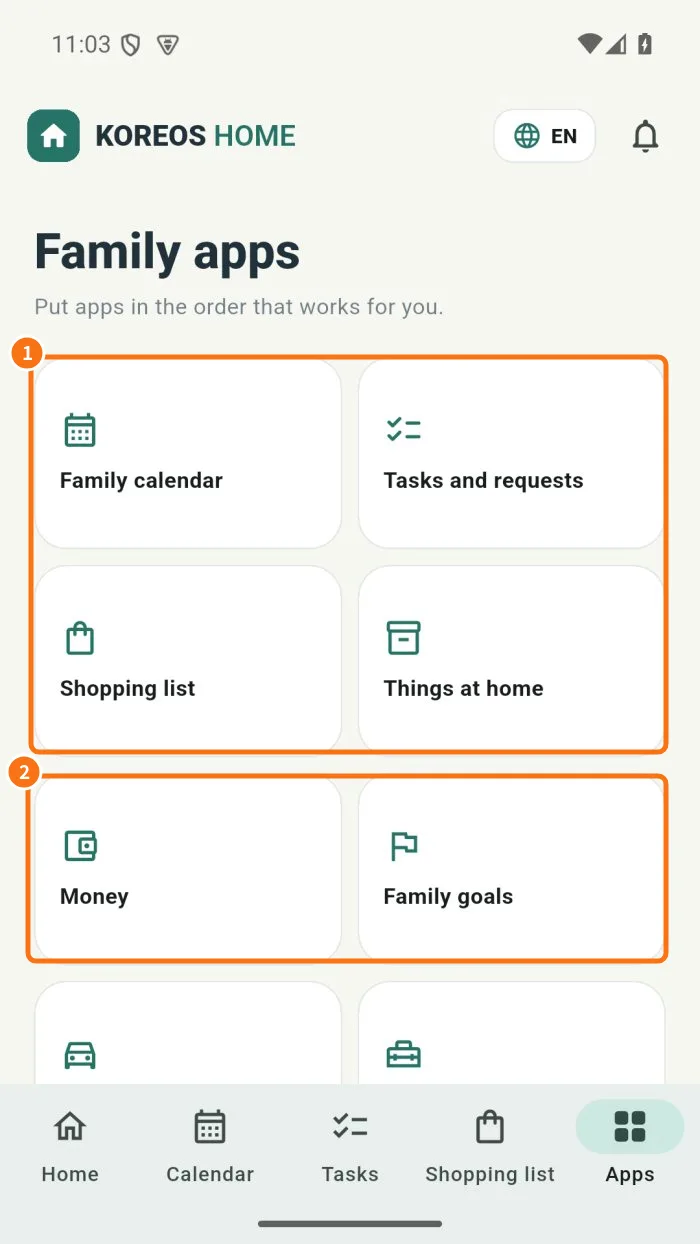
Demo screen. Numbered highlights mark the controls discussed; the image language may differ from yours.
Tip
If something goes wrong
If an amount is rejected, check numeric and positive value. For a differing total, check period, privacy and actual/planned view.
Related articles
- FAQ: 20 answers