Skip to content
0532-35-9001
[email protected]
English
— Language
日本語
Português
English
Tagalog
简体中文
Tiếng Việt
Español
Manuals
About Us
Departments
Products & apps
Cloud services (SaaS) & apps
KoLite
Karta
Kenten
KŌLOGY
KMR
KOCHAT
KoMail
KOREOS HOME
k-TV
KOREOS Family · KOMORI Software
KoCAD
KU
K-Units
KM
KOREOS MENT
KS
KOLOGY Software Lite
KS
KOLOGY Software Pro
Products & apps · its-komori.com ↗
Contact Us ↗
Menu
Search every manual
Cloud services (SaaS) & apps
KoLite
Karta
Kenten
KŌLOGY
KMR
KOCHAT
KoMail
KOREOS HOME
k-TV
KOREOS Family · KOMORI Software
KoCAD
KU
K-Units
KM
KOREOS MENT
KS
KOLOGY Software Lite
KS
KOLOGY Software Pro
What’s new
Glossary
About Us ↗
Departments ↗
Products & apps ↗
Contact Us ↗
Manuals
k-TV
Screens & features
Information on screens
k-TV
How to use k-TV
7 articles
Current version
1.24.1
Product page ↗
Search the k-TV manual
Search
Screens & features
All
Choosing the screen
1
Language
1
Remote control
1
Device and updates
1
Choosing the screen
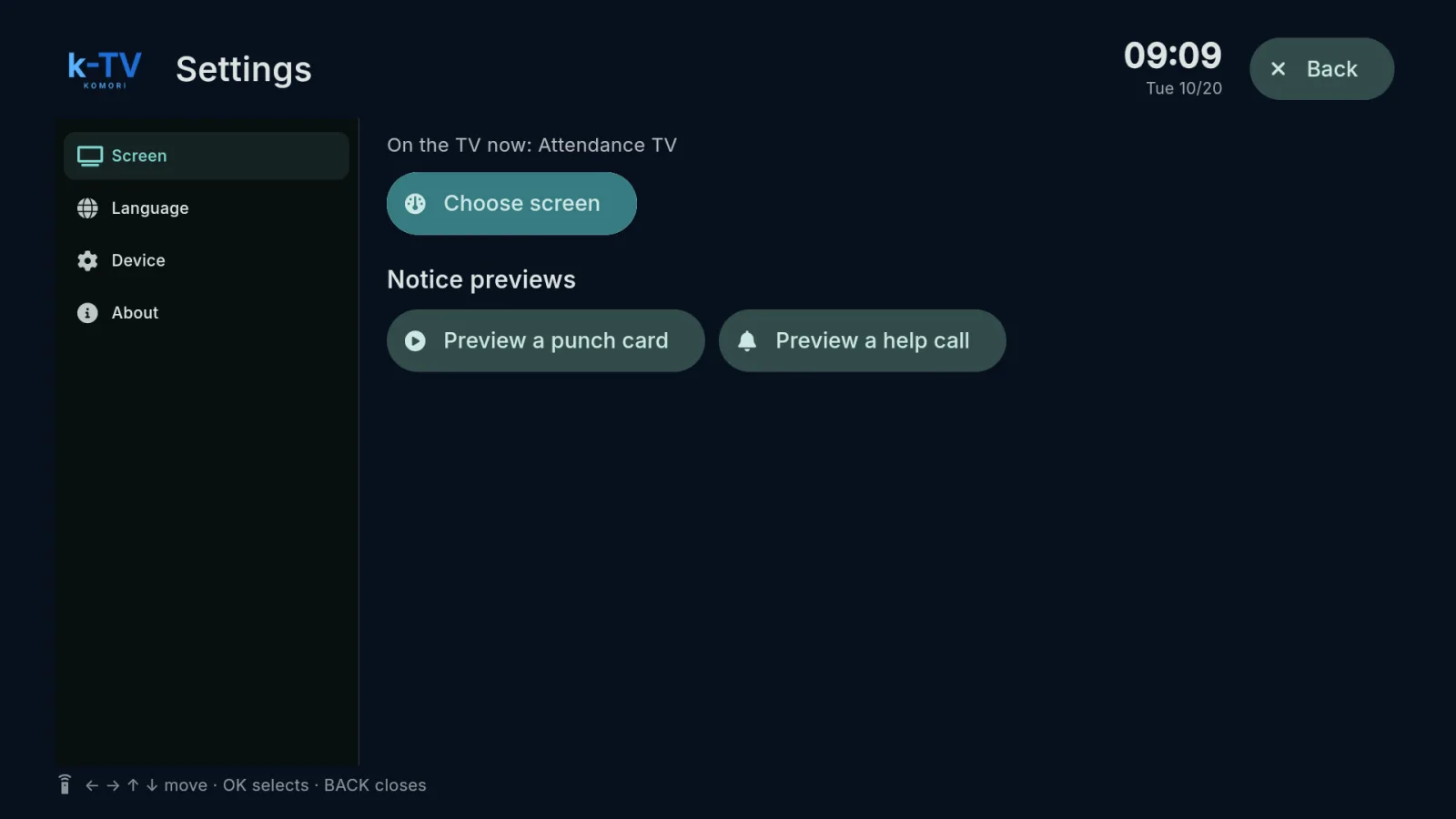
Choose and change the TV screen
Settings → Screen: what is on the TV now, the screen picker, 1–9 shortcuts and light or dark theme.