k-TV · Screens & features
Change the TV language
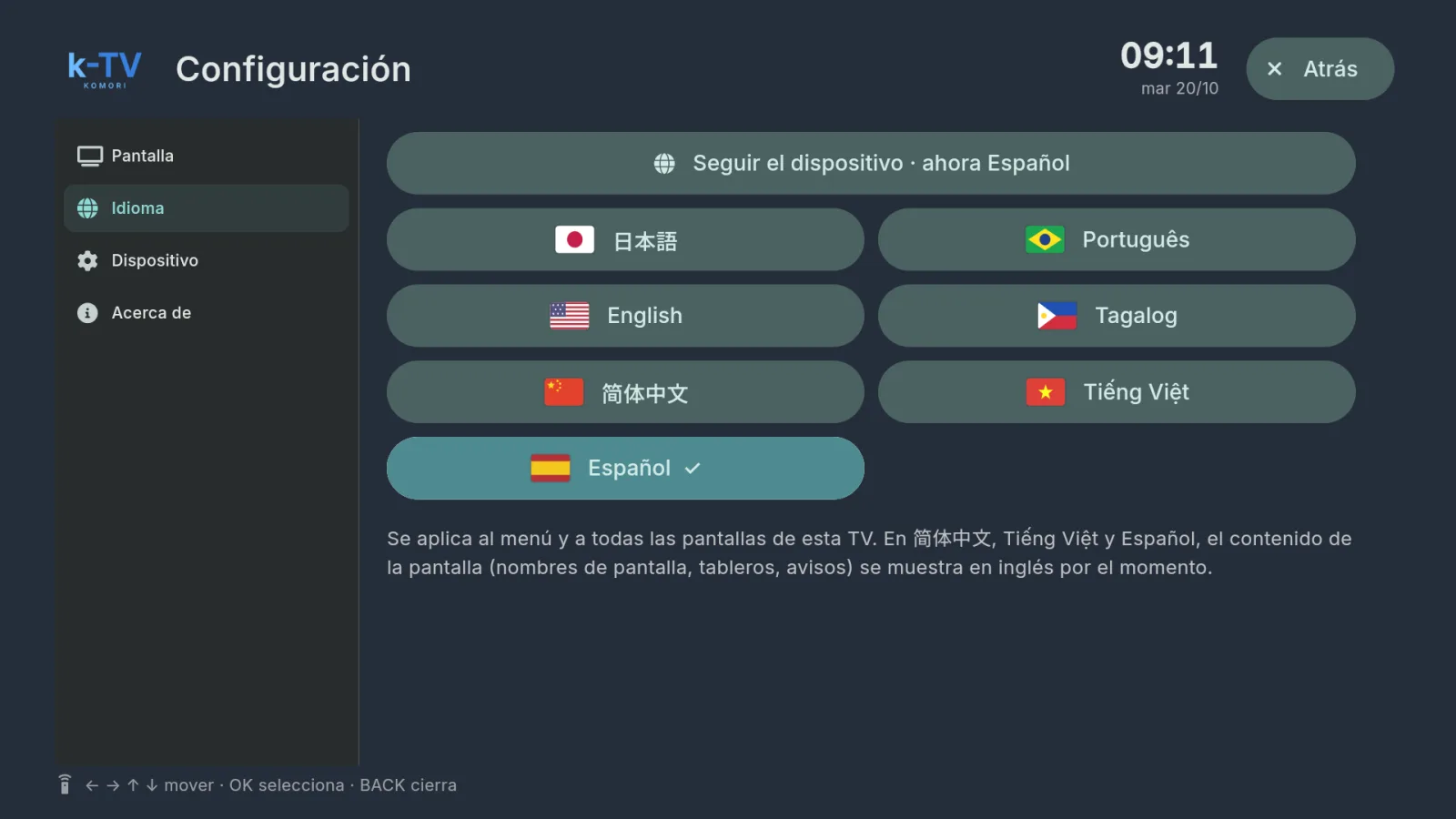
Settings → Language: 7 languages, or follow the device language.
The language applies to the menu and to every screen on this TV. Each device keeps its own.
- Press MENU and go to the Language tab.
- Choose 日本語, Português, English, Tagalog, 简体中文, Tiếng Việt or Español.
- Or choose Follow the device to use the language set in Android.
- Press OK. The change is immediate.