KoLite · 入门
Getting started: subscribe to a system
What KoLite is and how to subscribe to your first system online.
此文章暂无您的语言版本,以English显示。
本页目录
KoLite offers ready-to-use management systems for each type of business (clinic, car rental, restaurant, construction, salon, staffing agency and more). KOMORI hosts and updates them; you use them in the browser, with nothing to install.
Subscribe, step by step
- Open kolite.its-komori.com and tap Browse systems.
- Pick the system closest to your routine and tap Subscribe.
- Fill in the form: Registration type (individual or company), contact person, company (companies only), address and Account access (email and a password of at least 8 characters).
- Type the postal code and tap Look up address to fill the address automatically.
- Read the documents and tick I have read and accept all the documents above (required).
- Tap Go to payment and pay by card through Stripe.
- On the Payment confirmed! screen, tap Go to my dashboard.
First task: open your system
- In the dashboard, the system card shows Preparing… for a moment.
- When it changes to Live, tap Open.
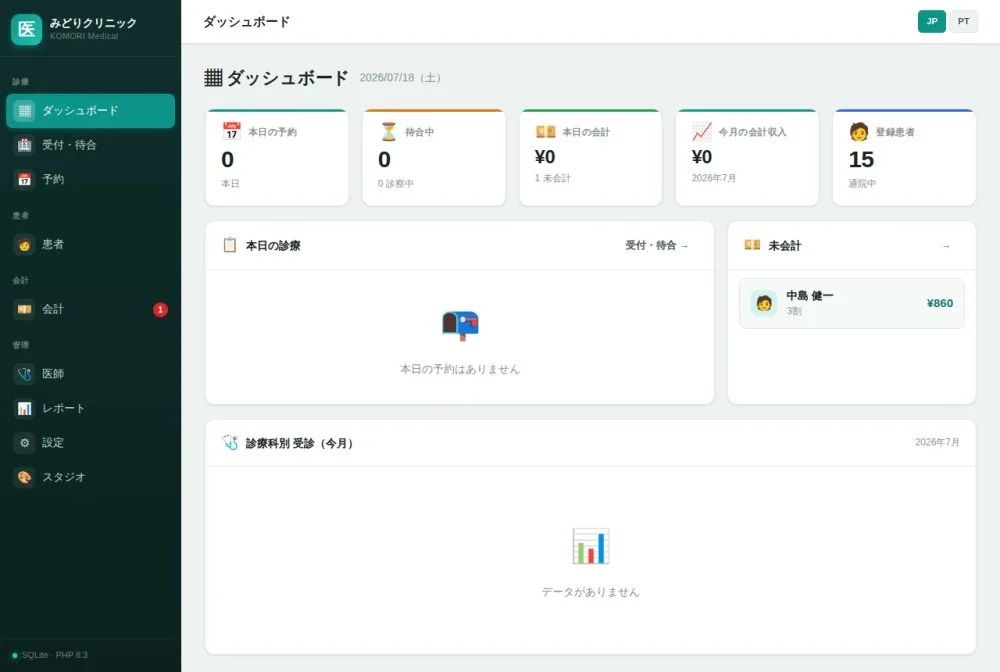
- The system opens on its home screen (management dashboard). Use the left menu to move around.