跳到正文
0532-35-9001
[email protected]
简体中文
— 语言
日本語
Português
English
Tagalog
简体中文
Tiếng Việt
Español
手册
公司概况
事业部
产品与应用
云服务(SaaS)与应用
KoLite
Karta
Kenten
KŌLOGY
KMR
KOCHAT
KoMail
KOREOS HOME
k-TV
KOREOS 系列 · KOMORI Software
KoCAD
KU
K-Units
KM
KOREOS MENT
KS
KOLOGY Software Lite
KS
KOLOGY Software Pro
产品与应用 · its-komori.com ↗
联系我们 ↗
菜单
搜索全部手册
云服务(SaaS)与应用
KoLite
Karta
Kenten
KŌLOGY
KMR
KOCHAT
KoMail
KOREOS HOME
k-TV
KOREOS 系列 · KOMORI Software
KoCAD
KU
K-Units
KM
KOREOS MENT
KS
KOLOGY Software Lite
KS
KOLOGY Software Pro
新功能
术语表
公司概况 ↗
事业部 ↗
产品与应用 ↗
联系我们 ↗
手册
k-TV
界面与功能
现场信息看板
k-TV
k-TV 使用方法
7 篇文章
当前版本
1.24.1
产品页面 ↗
搜索 k-TV 手册
搜索
界面与功能
全部
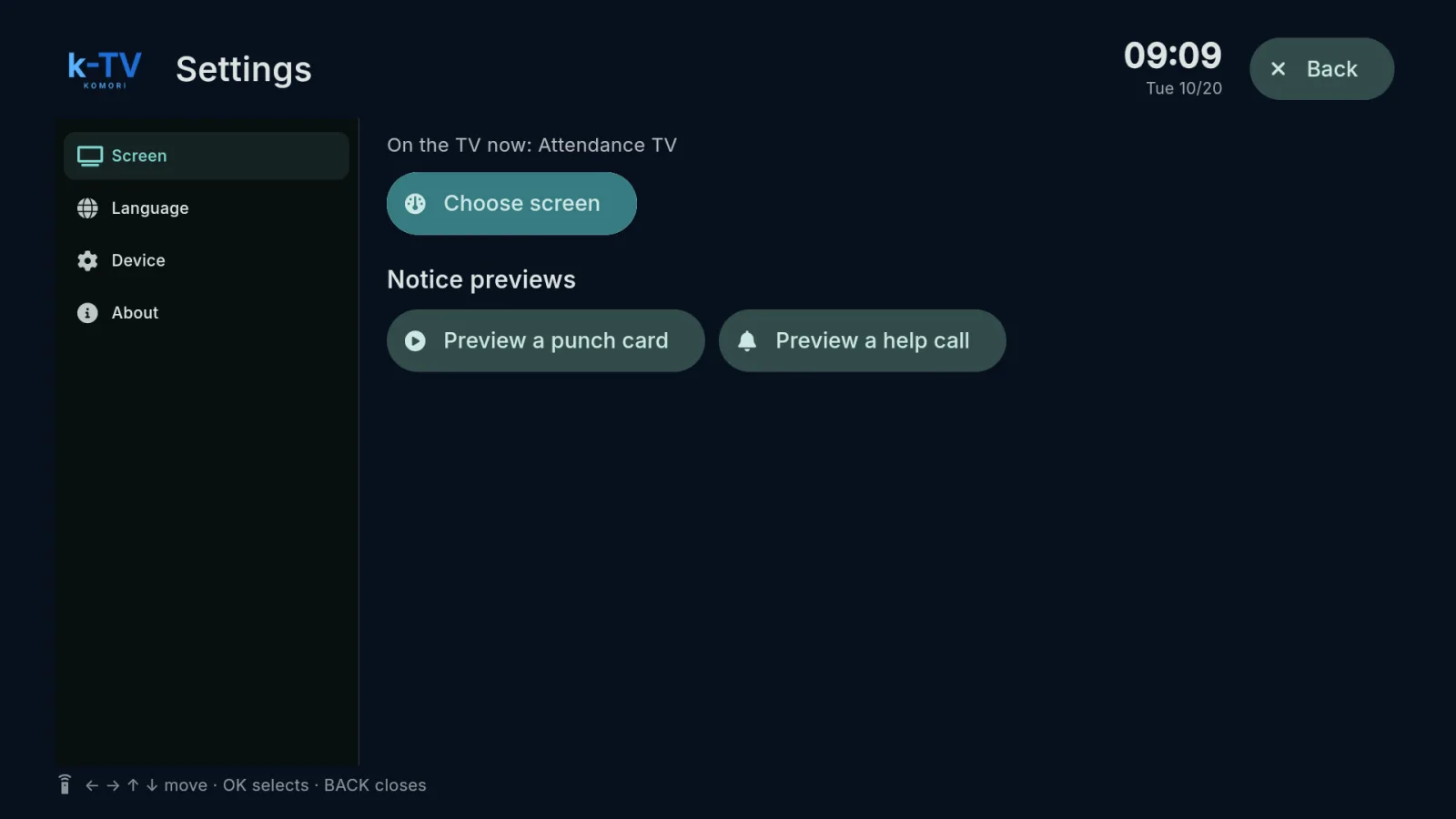
Choosing the screen
1
Language
1
Remote control
1
Device and updates
1
Choosing the screen
Choose and change the TV screen
Settings → Screen: what is on the TV now, the screen picker, 1–9 shortcuts and light or dark theme.
English